129
5.7.4 Storage
5.7.4.1 Schedule
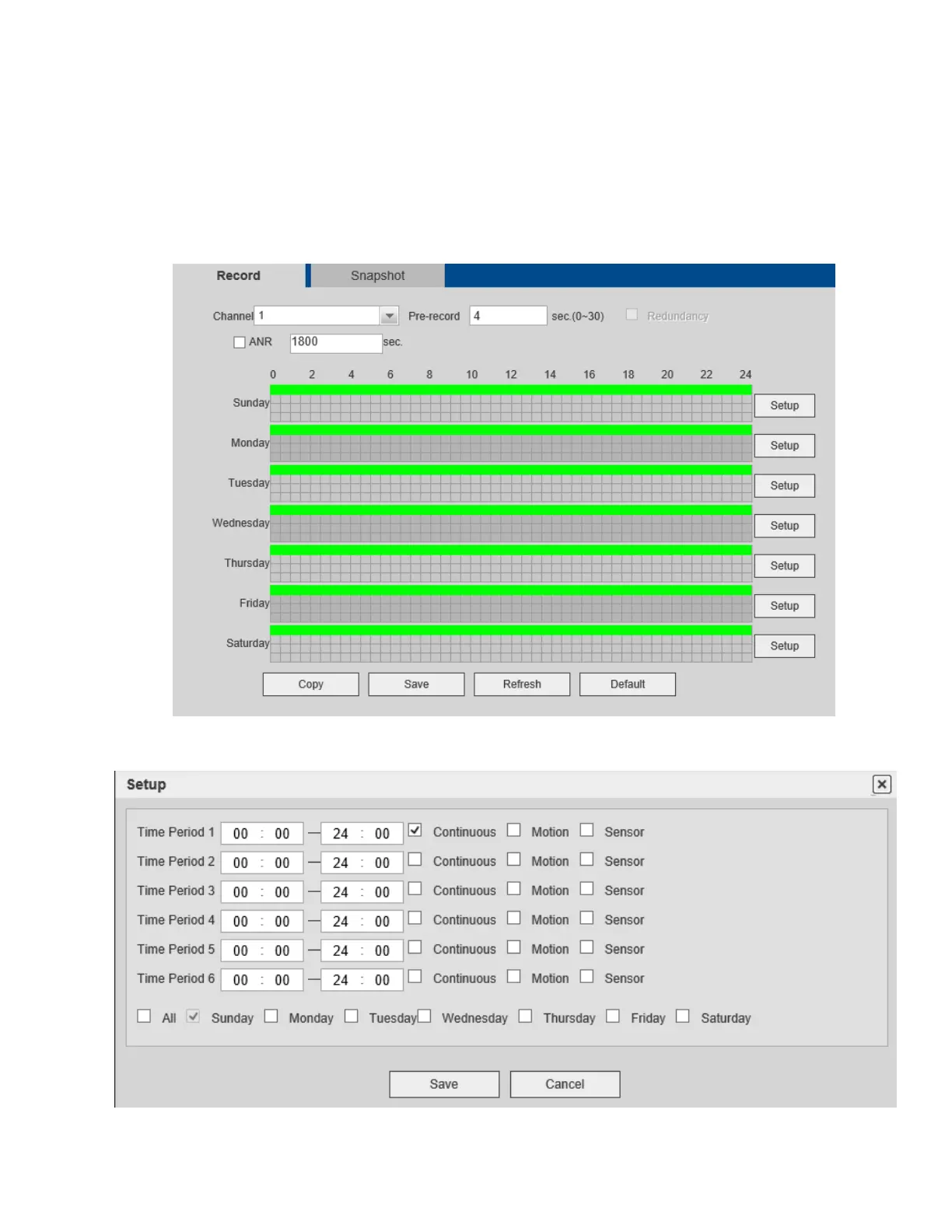
Schedules for recording can be set in this section. See Figure 5-46.
There are four record modes: continuous (default), motion detection, sensor, and motion+sensor. Up to 6
separate periods can be set for a day.
The current schedule can be seen on the color bar. Note that the web schedule interface does not support
dragging the color bar to set the schedule. Schedule must be set by clicking on Setup next to the color bar.
Figure 5-46
Figure 5-47



 To Next Page