33
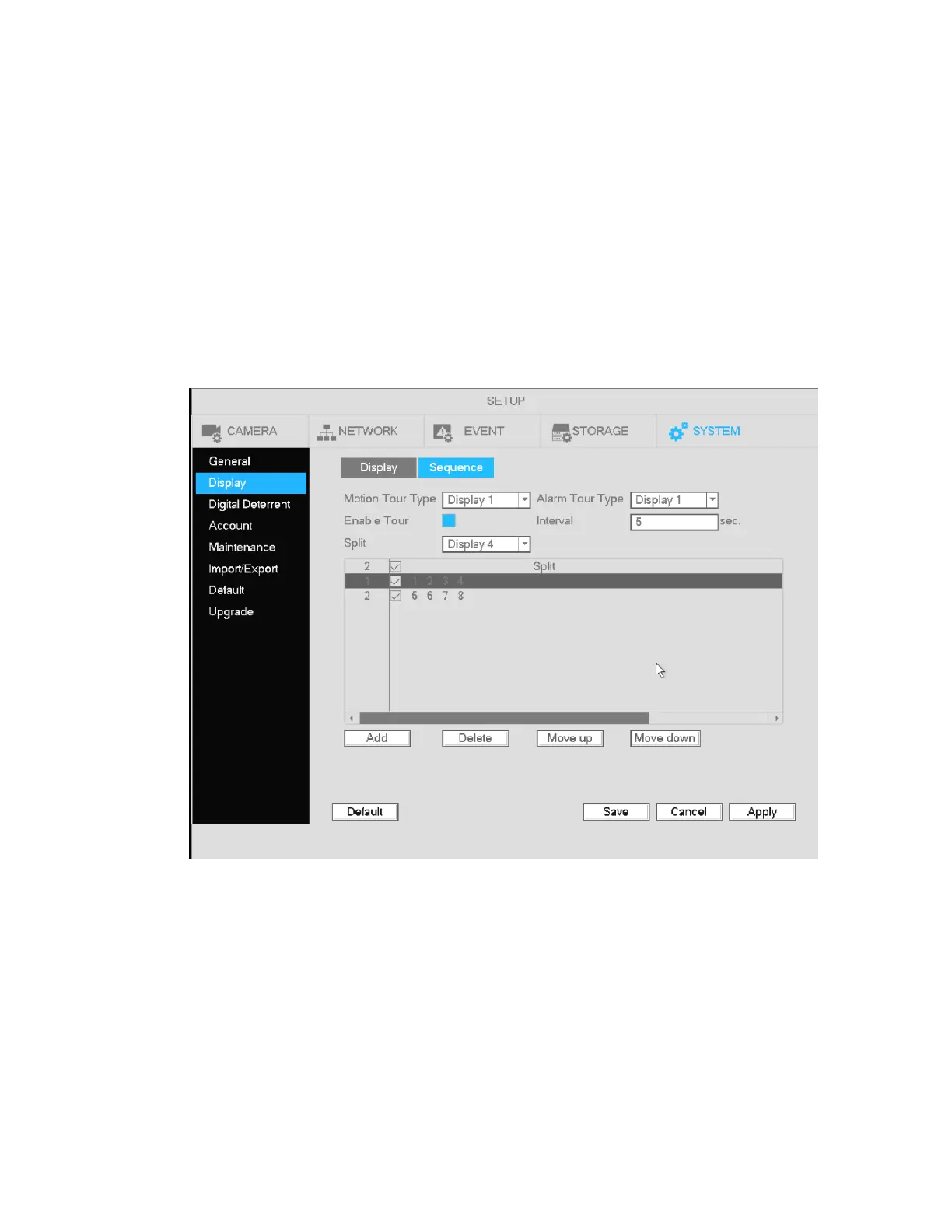
4.5.7 Sequence
Enable tour: Check the box here to enable the sequence function.
Interval: Enter the desired time for how long the display will stay on the current screen. The range is from
1-120 seconds.
Motion tour type: Single channel and 8-channel views are supported. For a channel to be displayed
under this function, make sure to enable the Sequence option under Main
Menu->Setup->Event->Video->Motion.
Alarm tour type: Single channel and 8-channel views are supported. For a channel to be displayed under
this function, make sure to enable the Sequence option under Main
Menu->Setup->Event->Video->Alarm.
Figure 4-17
.



 To Next Page