110
5.5 Image/Alarm-out
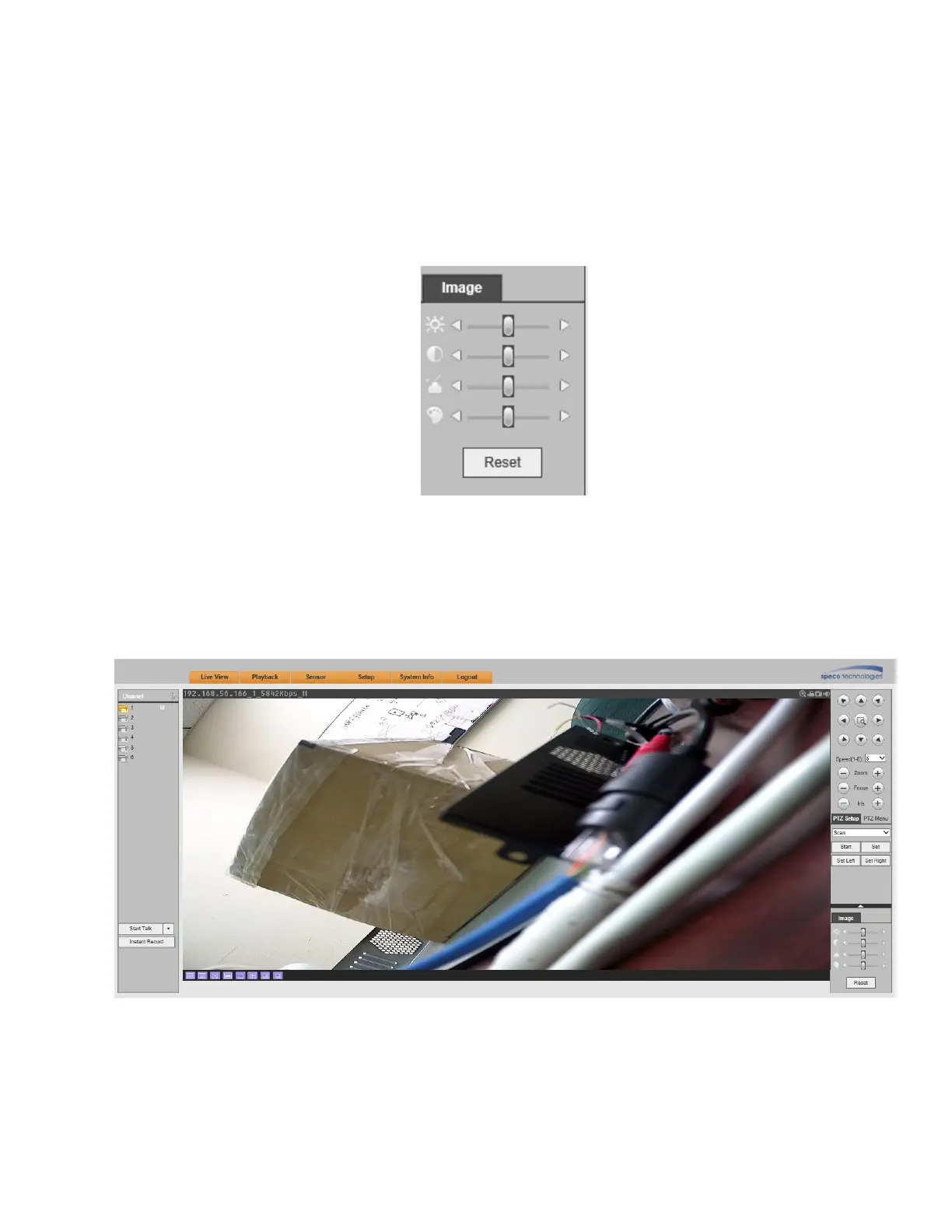
Select a channel and click on Image as shown in Figure 5-13.
5.5.1 Image
For supported camera, brightness, contrast, hue and saturation can be adjusted.
Click on the Reset button to restore system default setup.
Figure 5-13
5.6 WAN mode
In WAN mode, after you logged in, the interface is shown as below. See Figure 5-14.
Figure 5-14



 To Next Page