109
Select Scan from the dropdown list.
Click Set to set the scan left and right limits.
Use direction buttons to move the camera to the desired location
and then click the left limit button. Move the camera again and
then click the right limit button.
Select Preset from the dropdown list.
Move the camera to the desired location and enter the preset
value. Click Add to add the preset.
Select Tour from the dropdown list.
Enter a preset value in the column. Click Add to add one preset
to the tour.
Repeat the above procedure to add more presets to the tour.
Click Start to star the tour.
Select Pattern from the dropdown list.
Enter a pattern value and then click Start button to begin
recording the PTZ movement pattern. Then click Add to set the
pattern.
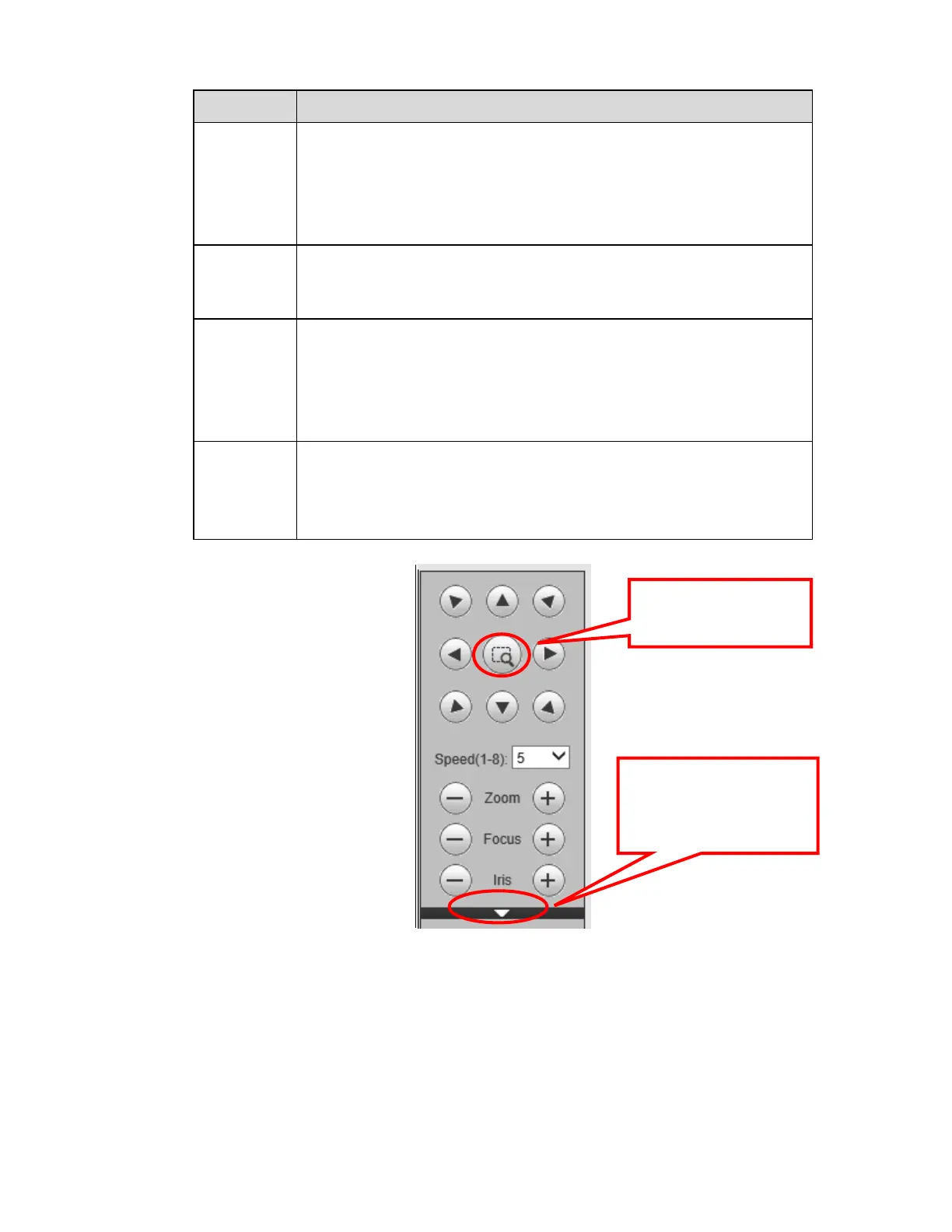
Figure 5-12
Click this icon to display or
hide the PTZ control
platform.
3D Intelligent Positioning
Key



 To Next Page