81
4.11 HDD Setup
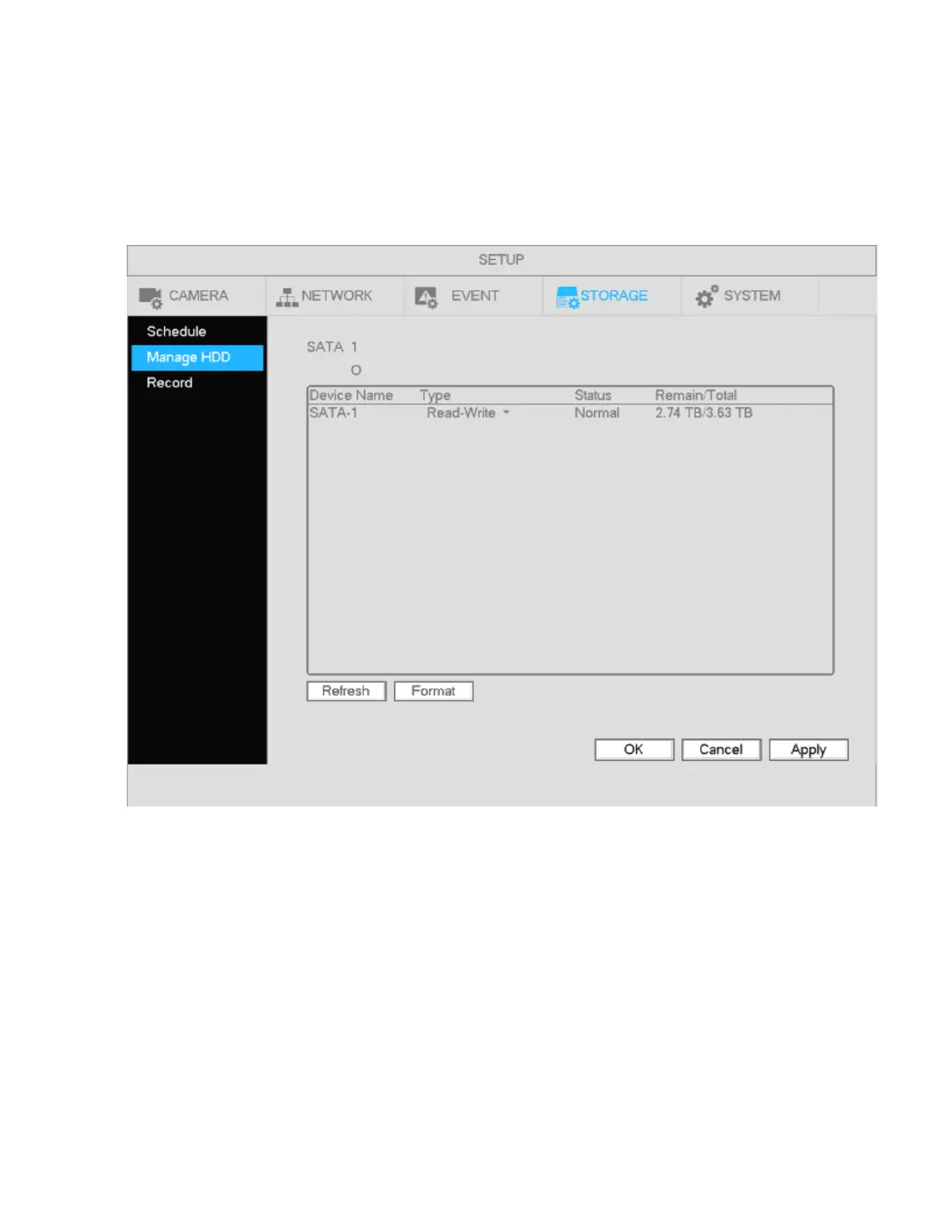
View HDD information such as type, status, total capacity, record time, etc.
4.11.1 Format
a) Go to Main menu->Setup->Storage->Manage HDD shown in Figure 4-76.
Figure 4-76
b) Select the HDD and then select Format.
c) Click the OK button to complete the format. The system will need to restart.
Important: This will erase all recorded data on the system. This option will not reset any system settings.



 To Next Page