21
4.3 EZ Setup
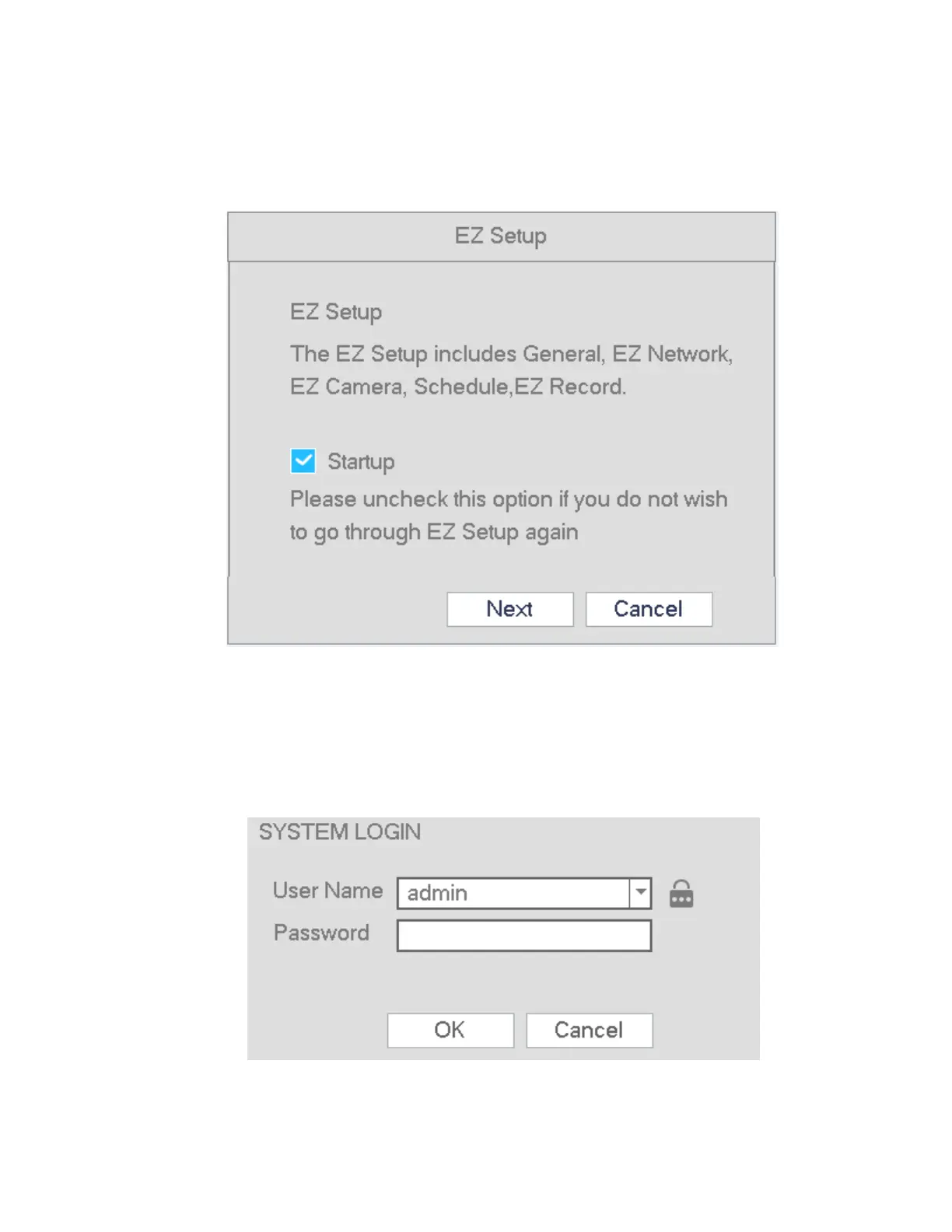
EZ Setup is a wizard designed to assist with setting up the unit initially. After the NVR successfully boots up,
the prompt for EZ Setup will pop up. To prevent EZ Setup from running again on the next reboot, uncheck the
Startup box before selecting Next or Cancel.
Figure 4-4
Click Next or Cancel button. See Figure 4-4
The system consists of two accounts:
Username: admin (administrator, local and network)
Username: default. Password: default (hidden user). Hidden user “default” is for system interior use
only and can not be deleted. When there are no users, hidden user “default” will automatically login.
Figure 4-5



 To Next Page