18
4 Unit Local Operation
4.1 Startup and Shutdown
4.1.1 Startup
Caution
Before powering up the unit, please make sure:
Connect the NVR to the power cord first and then connect the power cord to the power outlet.
Please follow the steps listed below to start the device.
Connect the device to the monitor and then connect a mouse.
Connect power.
The system will be in split screen mode by default upon startup.
4.1.2 Shutdown
Note
Do not unplug the power cord when the device is running (especially when it is recording).
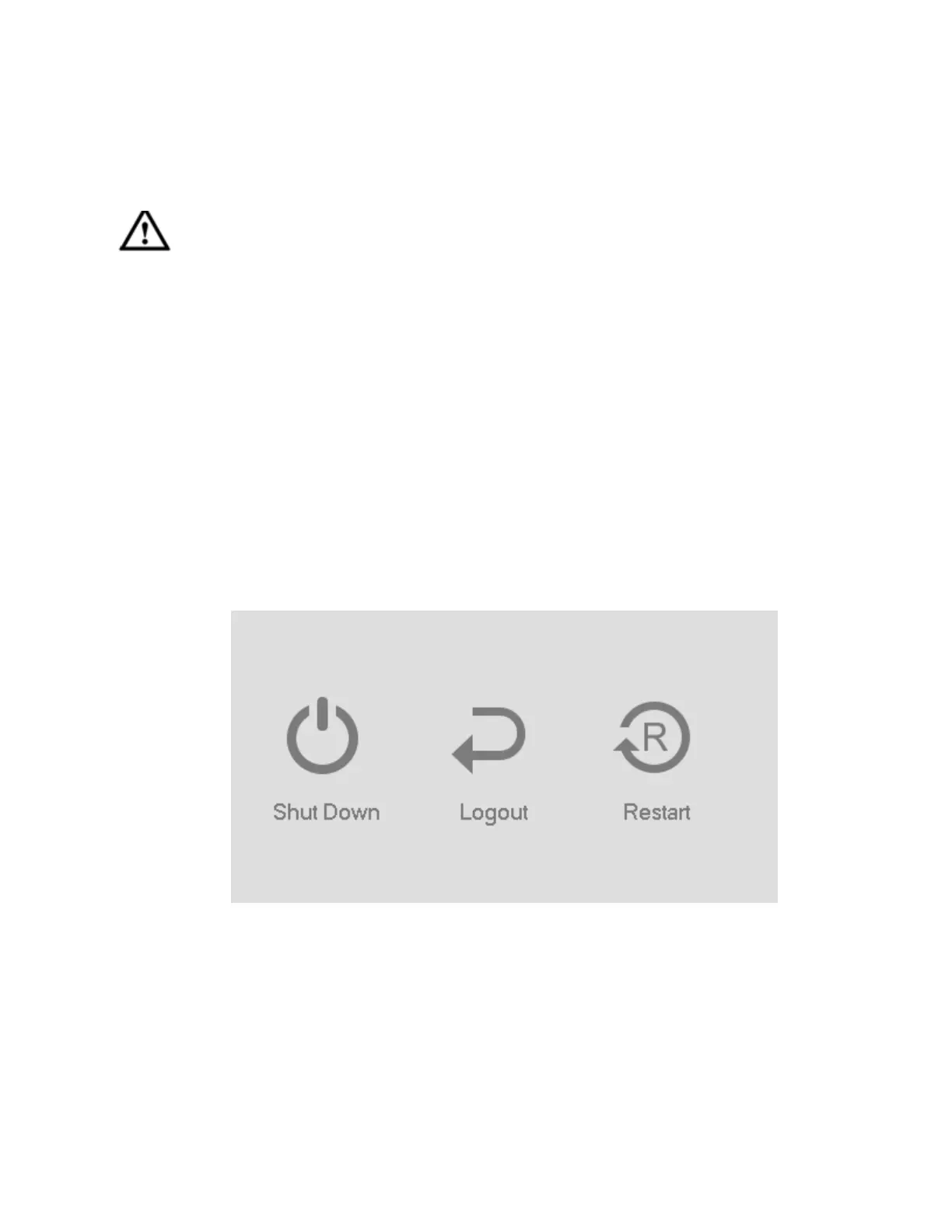
The proper way to shut down the unit is:
Main Menu->Shutdown
Click OK.



 To Next Page