59
4.8 Export
4.8.1 File Backup
In this interface, you can backup to a USB device.
a) Connect a USB flash drive or an external HDD to a USB port on the unit.
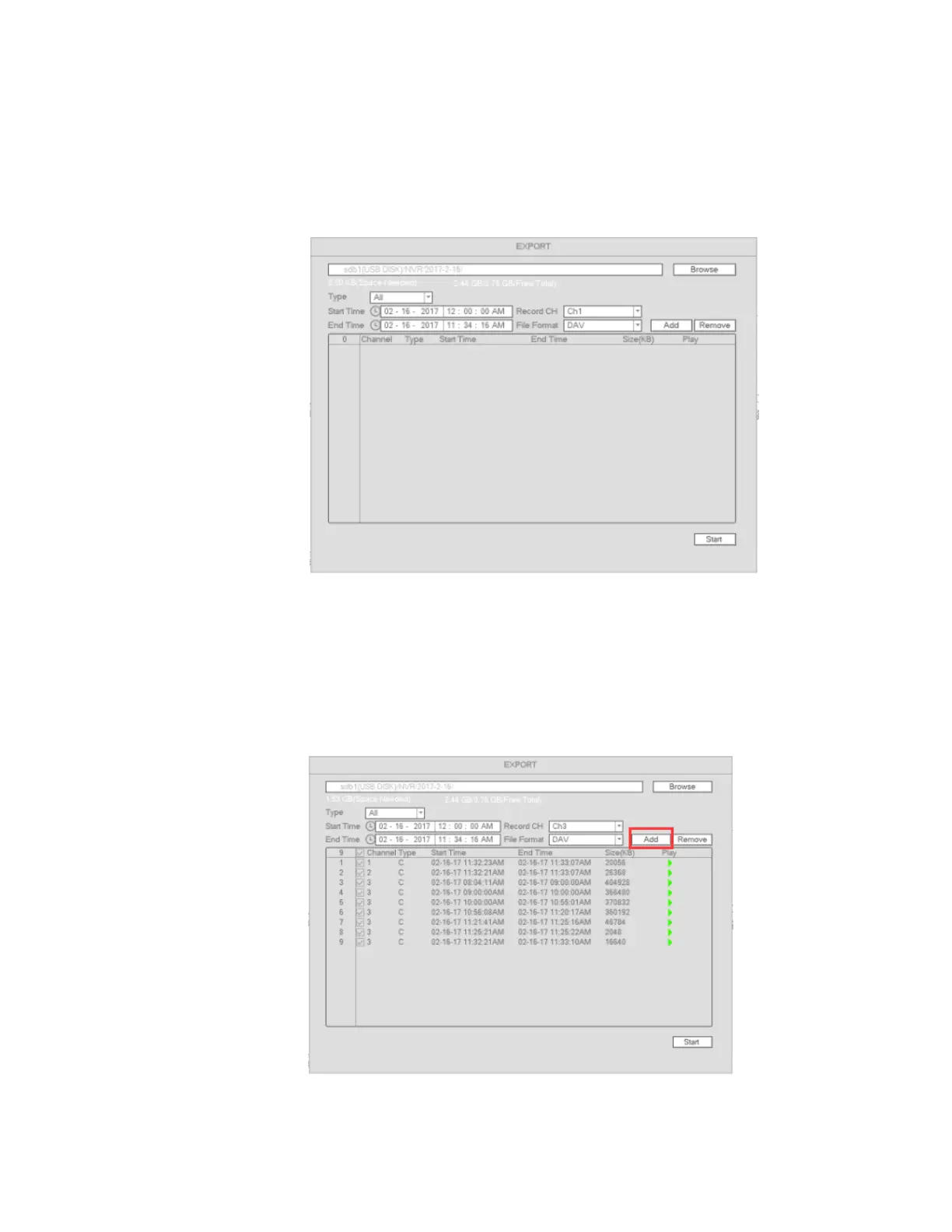
b) Go to Main menu->Export as shown in Figure 4-49
Figure 4-49
c) Select the backup device and then select the channel along with the file start time and end time.
d) Click Add and the system will begin the search. All matched files will be listed. System automatically
calculates the required and remaining capacity. See Figure 4-50.
e) System will only backup files with the checkbox enabled before the channel name.
f) When the system completes backup, there will be a prompt indicating successful operation.
Figure 4-50



 To Next Page