Troubleshooting & Maintenance
OXY5500 Operator’s Manual B
–9
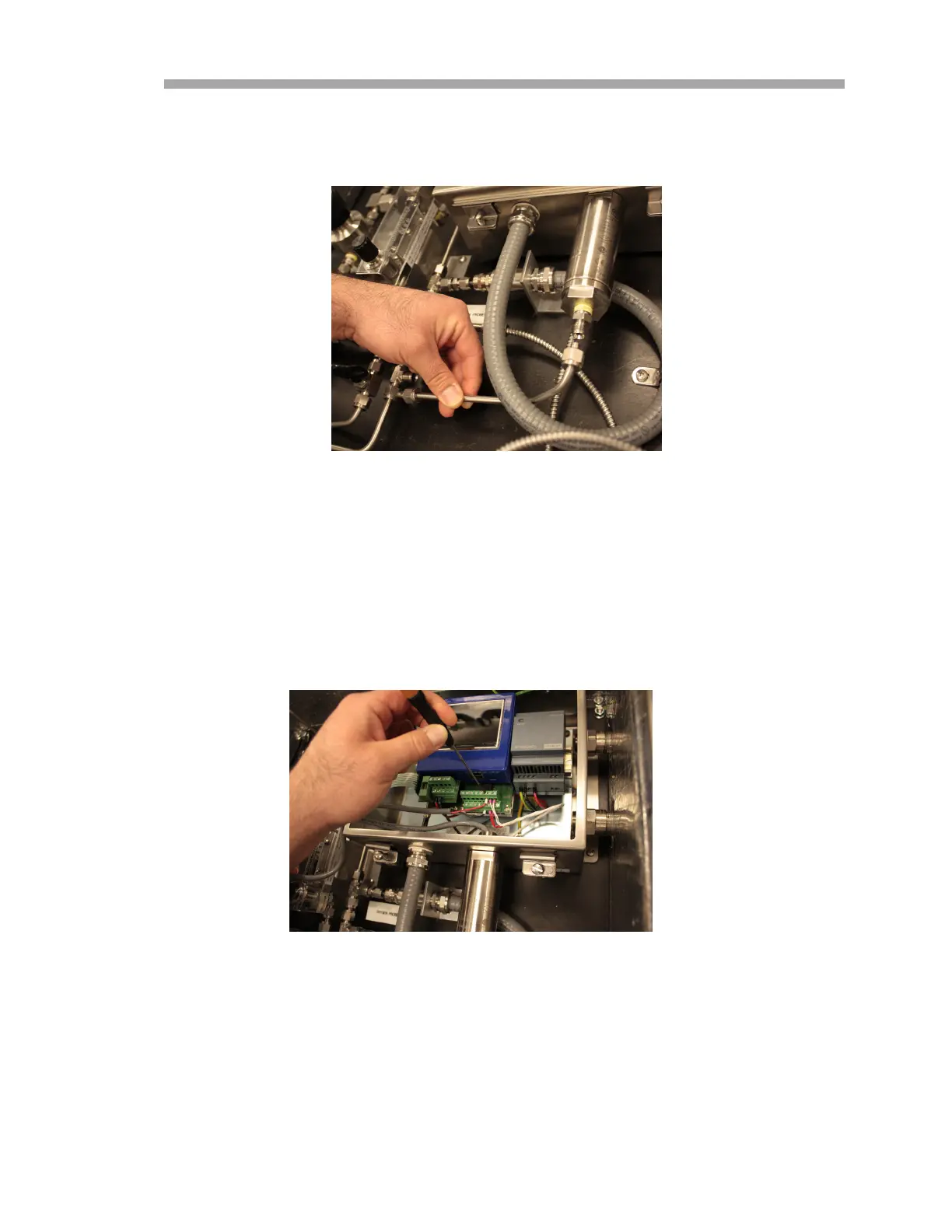
4. Remove the tubing between the pressure sensor and T-fitting. Refer
to Figure B–7.
5. Loosen both hinge screws from the OXY5500 analyzer enclosure and
open the door.
6. Disconnect the red and black wires labeled “psens-” and “psens+”
from terminal block TB2 using the mini screwdriver as shown in
Figure B–8.
7. Hold the pressure sensor using the crescent wrench to secure the
hex nut on the external end.
Figure B–7 Removing the tubing
Figure B–8 Removing the wiring


 To Next Page
 Loading...