Oxygen Analyzer
B–10 4900002239 rev. G 7-11-17
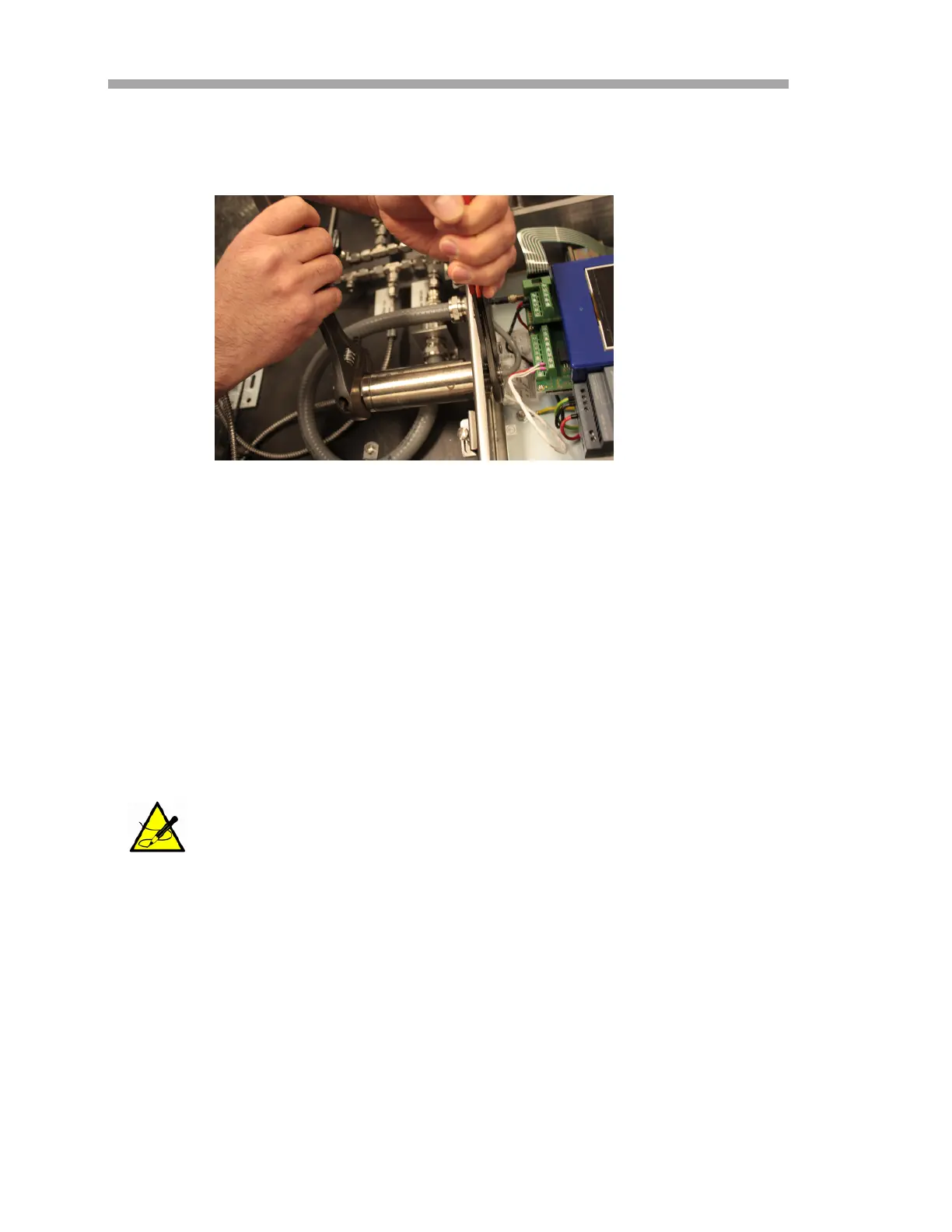
8. Loosen the panel mount nut from the pressure sensor on the inside
of the enclosure with the adjustable wrench. Refer to Figure B–9.
9. Remove the panel nut with fingers and extract the pressure sensor
from the enclosure. Leave the green sealing washer in place.
To install the pressure sensor:
1. Remove the new pressure sensor from the bag and insert into the
opening with the green sealing washer with the same orientation as
the one removed.
2. Secure the panel nut to the top of the pressure sensor inside the
OXY5500 enclosure.
3. Connect the pressure sensor wiring as shown in Figure A–2 or Figure
A–3.
4. Close the OXY5500 enclosure door and secure with the hinge screws.
5. Connect the pressure sensor tubing to the pressure sensor using the
Swagelok nut.
6. Connect the tubing to the T-fitting using the Swagelok nut.
7. Tighten the Swagelok nuts at both ends of the tubing until tubing is
secure.
8. Close the SCS enclosure cover.
Tighten the panel nut sufficiently to avoid possible leaks from
entering the analyzer enclosure.
Figure B–9 Removing the pressure sensor


 To Next Page
 Loading...