Oxygen Analyzer
B–16 4900002239 rev. G 7-11-17
3. Insert the probe tip into the SMA connector and tighten the
connector nut. Refer to Figure B–16.
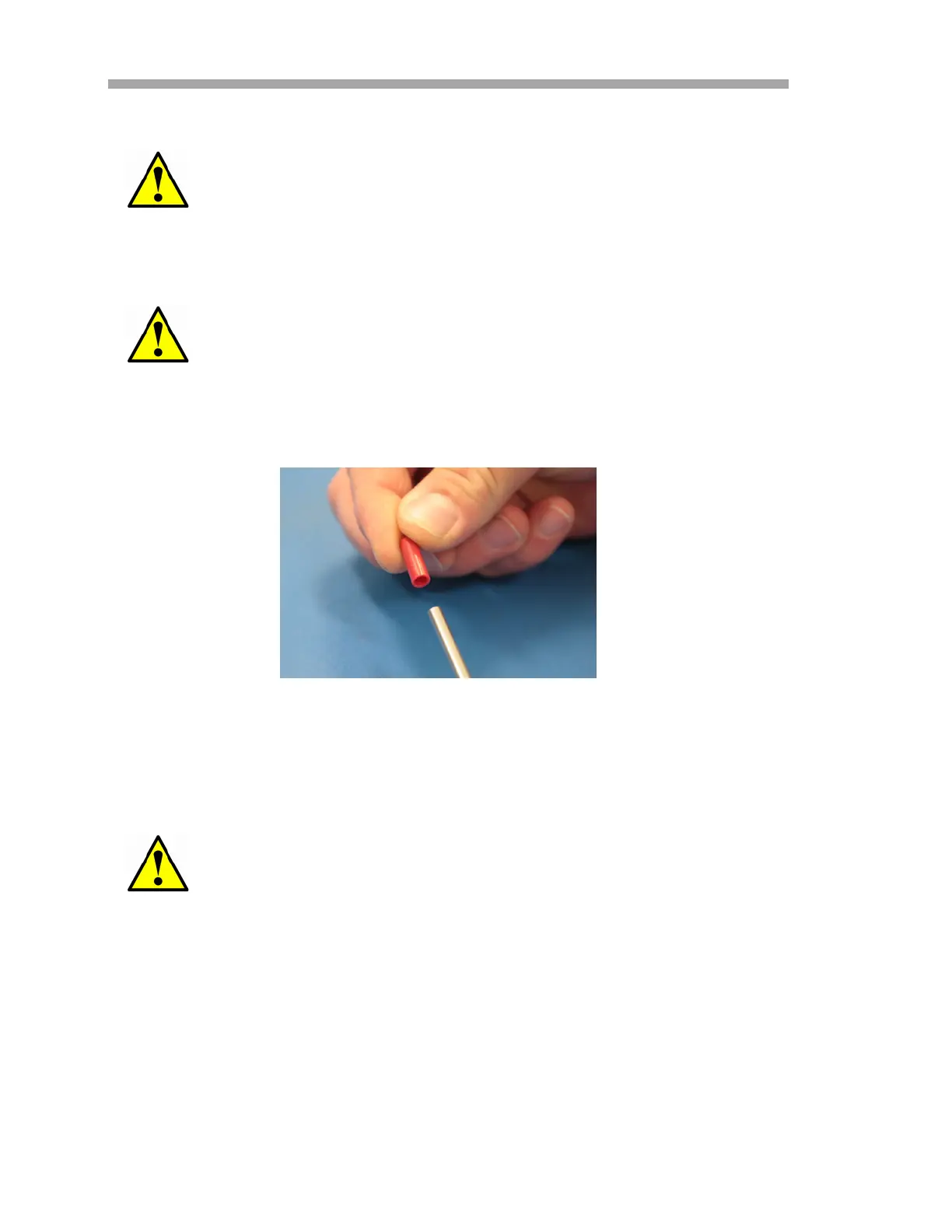
4. Remove the red safety cap from the probe tip (panel side). Refer to
Figure B–18.
5. Re-install fittings onto probe tip (panel side) as shown in Figure
B–15.
6. Route conduit so that probe end (panel side) is aligned with the Tee
union.
7. Insert the probe tip (panel side) into the Tee union.
8. Connect the conduit bracket with screws (x2) using a 5/32” Hex
driver. Refer to Figure B–12.
9. Connect the conduit clamp with screw using a Phillips screwdriver.
Refer to Figure B–13.
Touching the optical fiber tip will cause damage to the probe.
Take care not to bump the probe tip against the sides of the
opening or damage will occur.
Ensure plastic ferrules are properly installed.
Figure B–18 Remove probe safety cap (analyzer side)


 To Next Page
 Loading...