20 3006-209-001 REV B www.stryker.com
Operation
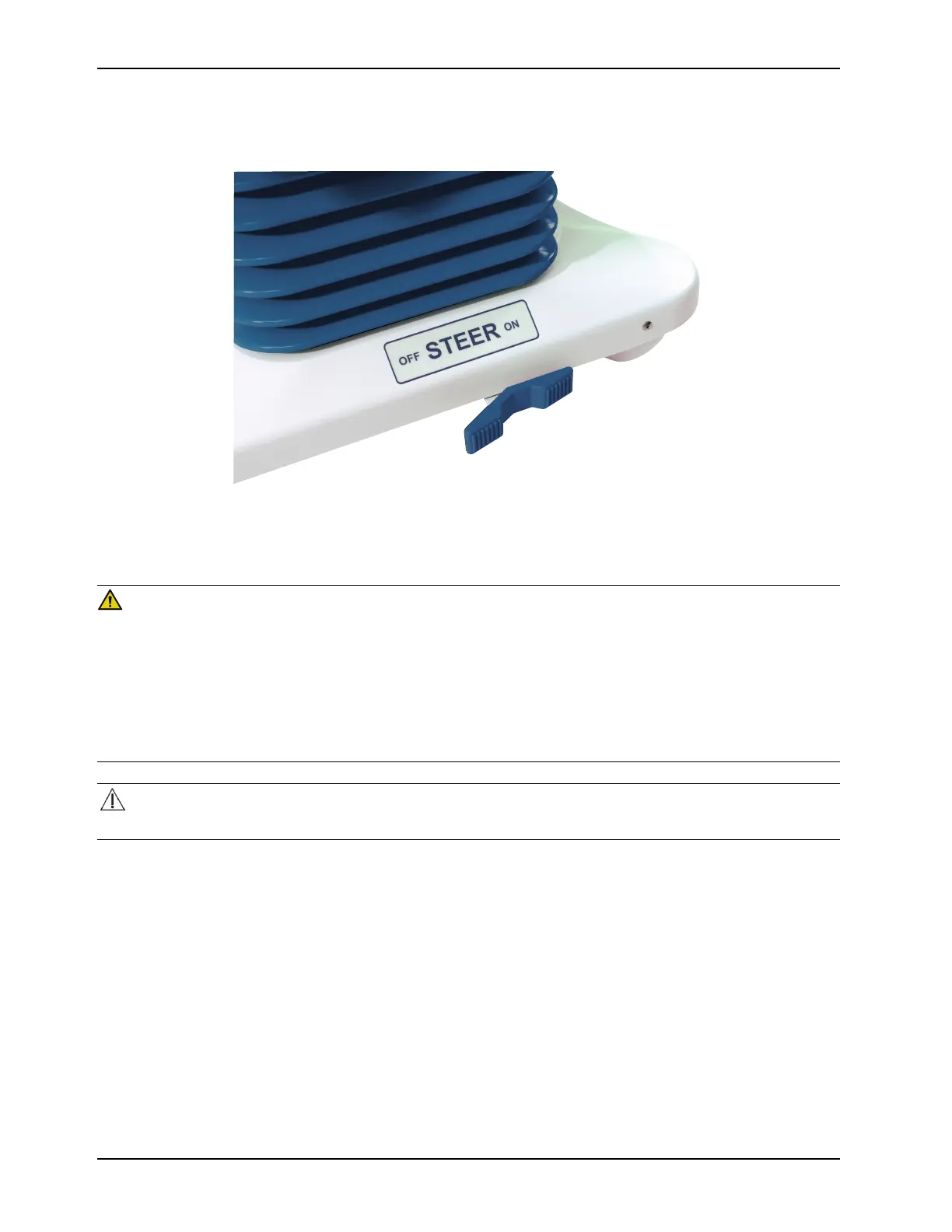
Transporting the product with steer lock (Continued)
Figure 5: Applying or releasing steer lock
Transporting the product with the Zoom motorized drive (option)
WARNING
• Always use caution when transporting the product with the motorized drive wheel. Injury to the patient, operator, or
others, or damage to the product or equipment could occur if the product collides with an obstacle.
• Always use caution when transporting the product through halls, doors, and elevators. Damage to the siderails or
other parts of the product could occur if the product collides with walls or door frames.
• Always put the motorized drive wheel in the neutral position and release the brakes before transporting the product
manually. Do not transport the product manually with the motorized drive wheel in drive as the product will be
difficult to transport and could injure the operator.
CAUTION
When attaching equipment to the product, make sure that it will not affect operation of the product.
To transport with the Zoom motorized drive:
1. Unplug the power cord from the wall outlet and secure the cord.
Note: The motorized drive wheel will not operate if the power cord is plugged into the wall outlet.














 To Next Page