Appendix K Configuring a Windows NT Server K-7
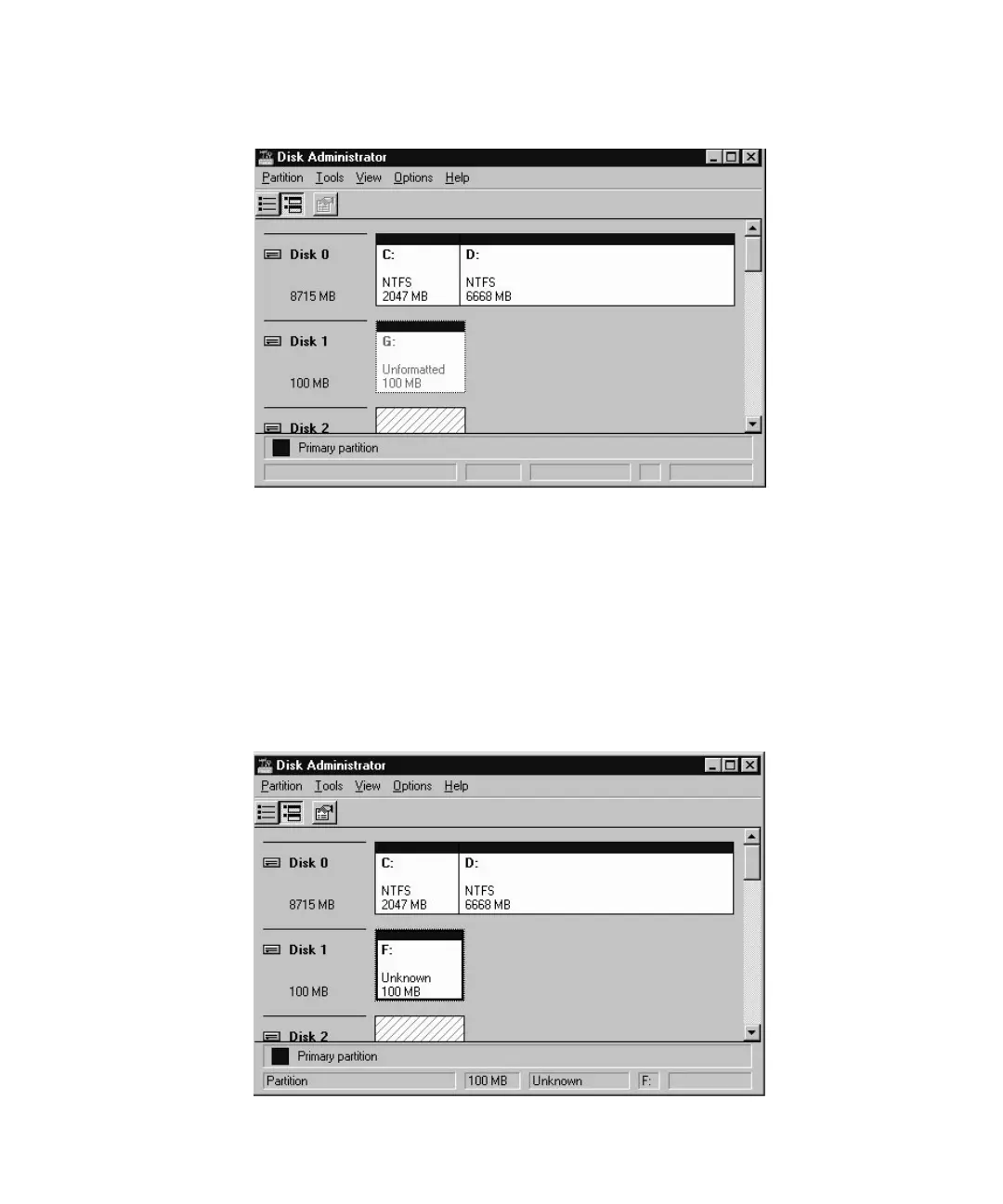
4. Select the Unformatted partition.
5. Choose Commit Changes Now from the Partition menu.
A confirmation dialog box is displayed.
6. Click Yes to save the changes you have made.
A dialog box confirms that disks were updated successfully.
7. Click OK.
The partition is now identified as Unknown in the Disk Administrator window.
8. Format the Unknown partition.



 To Next Page
 Loading...



