Changing the active fields
Changing the active field is made by
pressing the ▲ / ▼ (vertically) or ◄ or ►
(horizontally) push-buttons.
Logger view
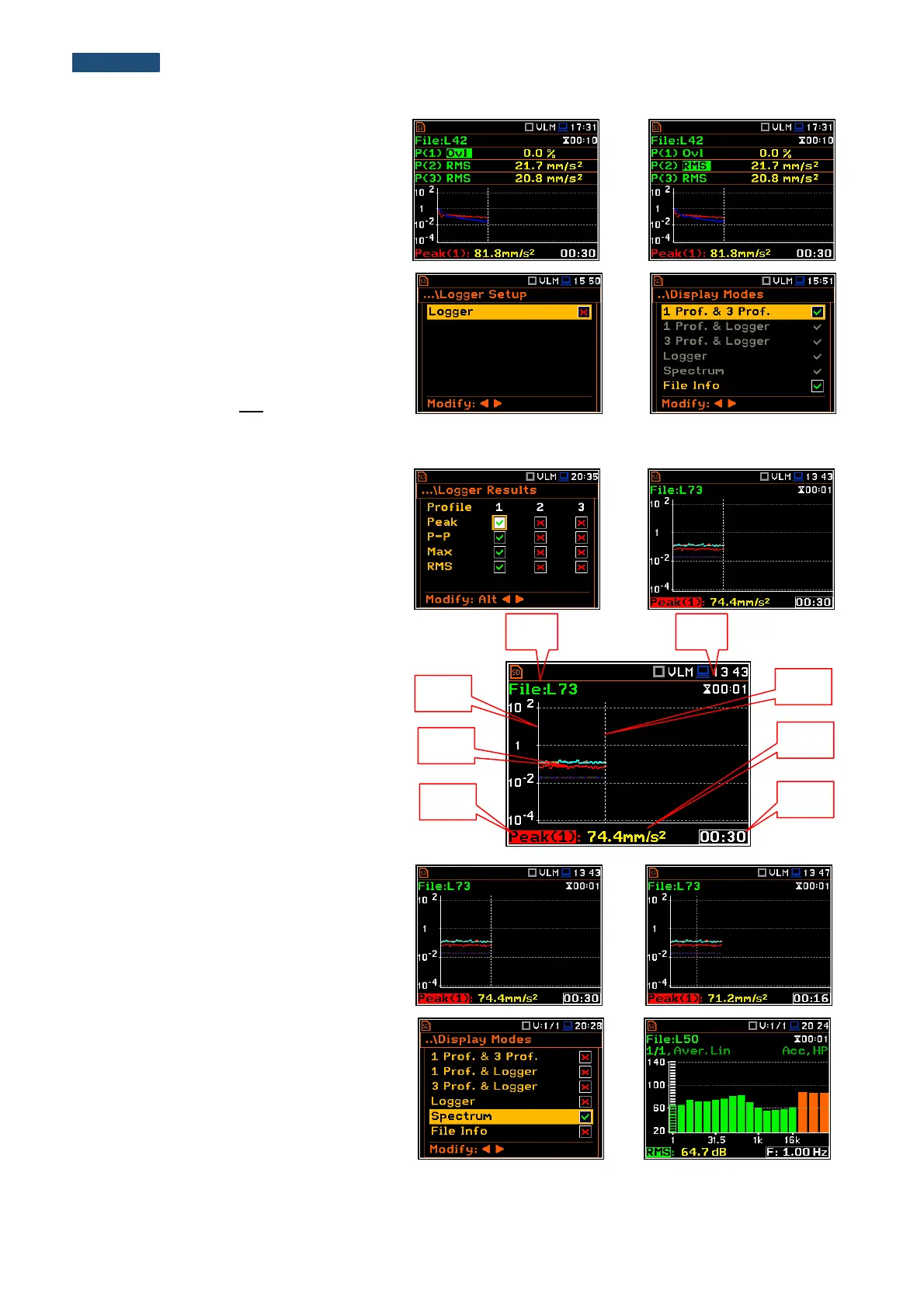
The Logger view mode depends on the
settings made in the Logging list (path:
<Menu> / Measurement / Logging). If
Logger (path: <Menu> / Measurement /
Logging / Logger Setup) is switched off the
Logger view mode is not active!
So, to have this view mode active, the user
should switch the Logger on!
When Logger is On and some results have
been selected for logging the logger plot
can be viewed.
Fields description of the Logger view
1. Y-scale
2. Logger plot
3. Name of the logged result and profile
number
4. Name of the file
5. Real Time Clock
6. Cursor position
7. Result value for the cursor position
8. Cursor time position
The user can change the cursor position by
means of the ◄ or ► push-buttons.
Spectrum view
The Spectrum position is accessible only
for active 1/1 Octave, 1/3 Octave or FFT
functions (path: <Menu> / Function /
Measurement Function).
The spectra views are described in
chapters dedicated to the analyzer
functions.



 To Next Page