Operation Check (Traveling Device)
9.2 Emergency operation
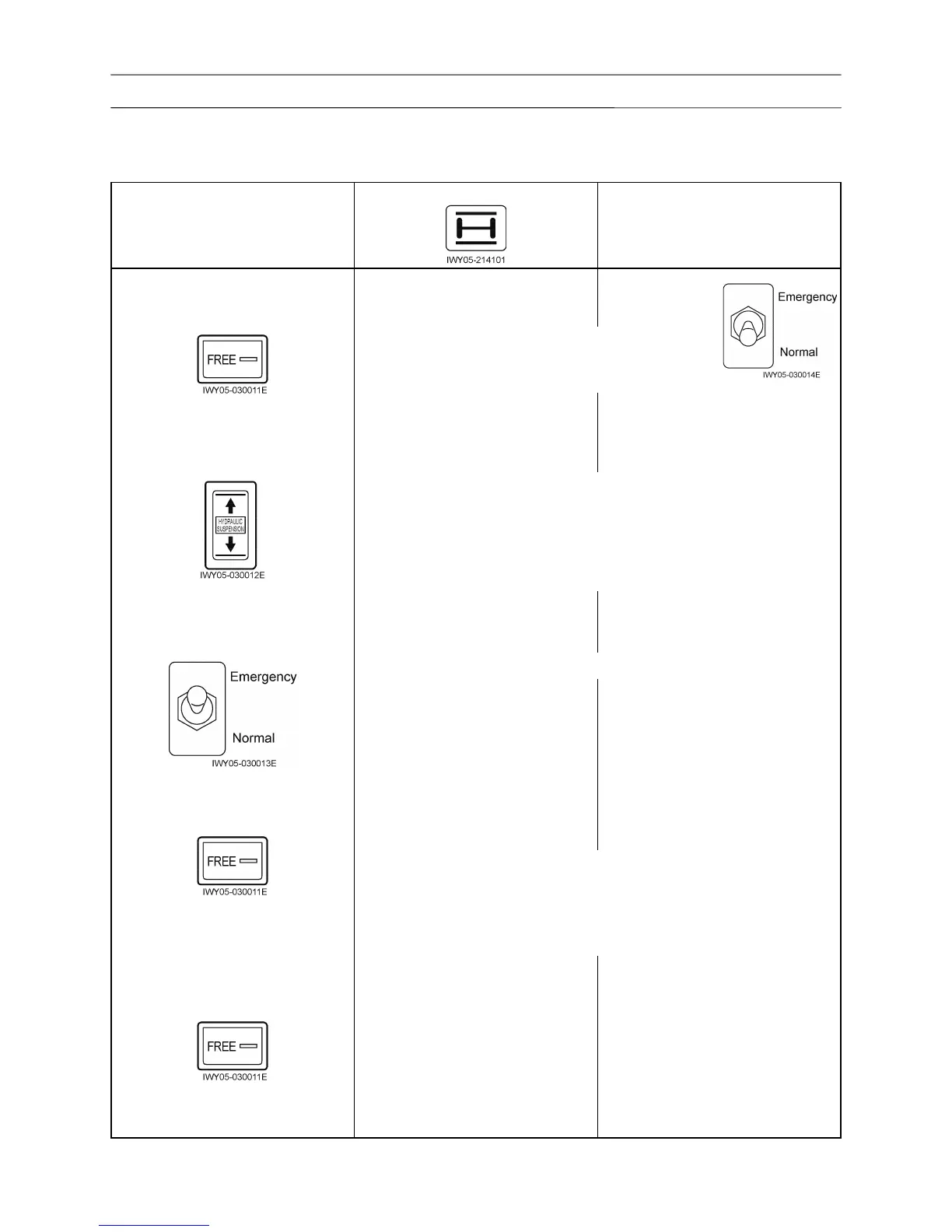
Check the suspension state and the suspension lock indicator with the following procedure.
Operation
Suspension lock indicator
Suspension state
Turn ON the main switch to start
Keep pressing the suspension
free switch for 1 second or more.
Check that the suspension emergency free switch
is on the normal position, and put the vehicle into a
traveling state while the boom is in a front-side.
Flashes slowly during leveling.
Goes out after leveling.
Free after leveling
(Normal traveling starts)
Suspension up/down switch
Leveling is impossible when the road surface is not flat.
In this case, adjust to the lock state by operating the suspension
up/down switch, move to a flat ground, and then operate the
suspension free switch again.
Press the suspension up/down switch for a moment to put into a
suspension lock state.
Suspension emergency free switch
Shift the suspension emergency free switch to Emergency.
Keep pressing the suspension
free switch for 1 second or more.
Suspension emergency free
Check that suspension up and down operations cannot be
performed.
Suspension emergency free
Keep pressing the suspension
free switch for 1 second or more.
Suspension emergency free
Flashes slowly: 0.8 second interval Flashes fast: 0.4 second interval










 To Next Page