3 - Preparation
Connecting the power supply and other equipment
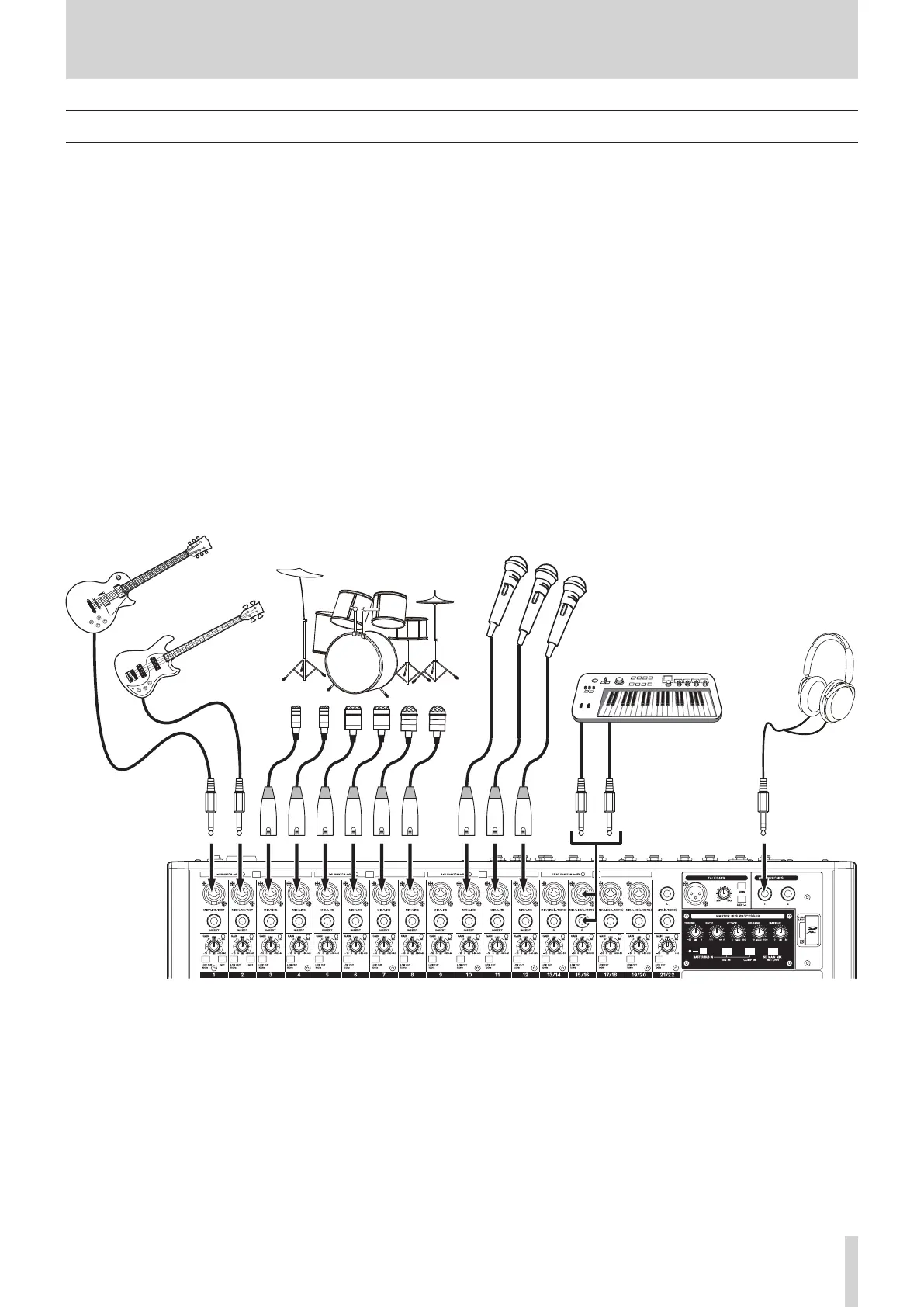
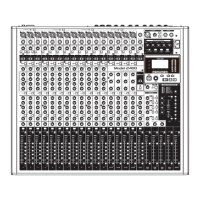
This is an example of Model 2400 connections.
Precautions before making connections
o Carefully read the operation manuals of the devices to be connected and then connect them correctly.
o Before making connections, turn this unit and all equipment to be connected o (standby).
o Install all connected devices, including this unit, so that they are powered from the same line. When using a power strip or similar
device, be sure to use one that has high current capacity (thick cable) in order to minimize uctuations in power voltage.
o Before connecting audio equipment, set the following knobs and faders to their lowest values. Failure to do so could cause sudden
loud noises from monitoring equipment, and this could damage the equipment or harm hearing.
i GAIN knobs (channels 1–12, 13/14–21/22)
i Channel faders (channels 1–12, 13/14–21/22)
i SUB faders (SUB 1–2, 3–4, 5–6, 7–8)
i AUX 1–4 and AUX 5/FX knobs
i MAIN fader
i PHONES knob
i CONTROL ROOM knob
o Set the PHANTOM +48V switch to o.
Examples of connections to a Model 2400
TASCAM Model 2400 19


 To Next Page