5 - Basic recording
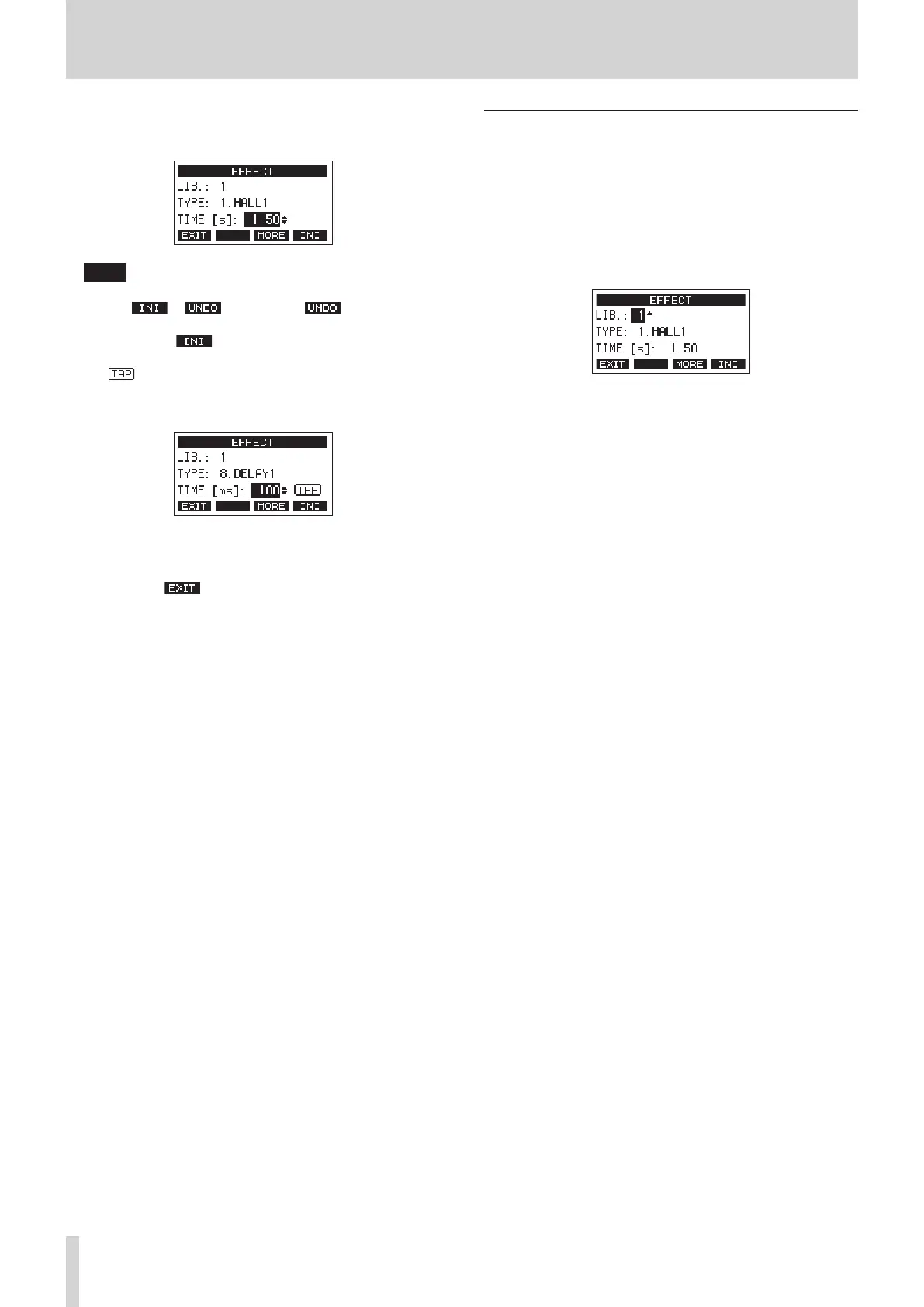
4. Turn the MULTI JOG, and adjust the set eect.
You can check the eect as you change it.
NOTE
i Turn the MULTI JOG dial to change the F4 button function
from to . Press the F4 button to return
to the state before turning the MULTI JOG dial.
i Press the F4 button to set a parameter value to its
default.
i “ ” appears for eects that include delay. When the
TIME parameter item is selected, the CLICK button can be
pressed repeatedly at the desired speed to set the tempo.
i When the footswitch setting is “TAP”, the footswitch can
be used instead of the CLICK button for TAP delay input.
(see "Setting up the footswitch" on page 47.)
5. Press the F1 button to return to the Home Screen.
Using the library
This unit has a library function that allows up to 10 built-in eect
settings to be saved.
Saving eects settings in the library
1. Press the SELECT button to open the EFFECT Screen.
2. Press the MULTI JOG dial to select the LIB item.
3. Turn the MULTI JOG dial to select the library number to
save.
4. Follow the procedures in “Setting the built-in eect” to set
the built-in eect.
This saves the eect setting in the library.
Using an eect setting saved in the library
1. Press the SELECT button to open the EFFECT Screen.
2. Press the MULTI JOG dial to select the LIB item.
3. Turn the MULTI JOG dial to select the library number with
the saved eect setting you want to use.
This applies the saved eect setting.
32 TASCAM Model 2400



 To Next Page