3 - Preparation
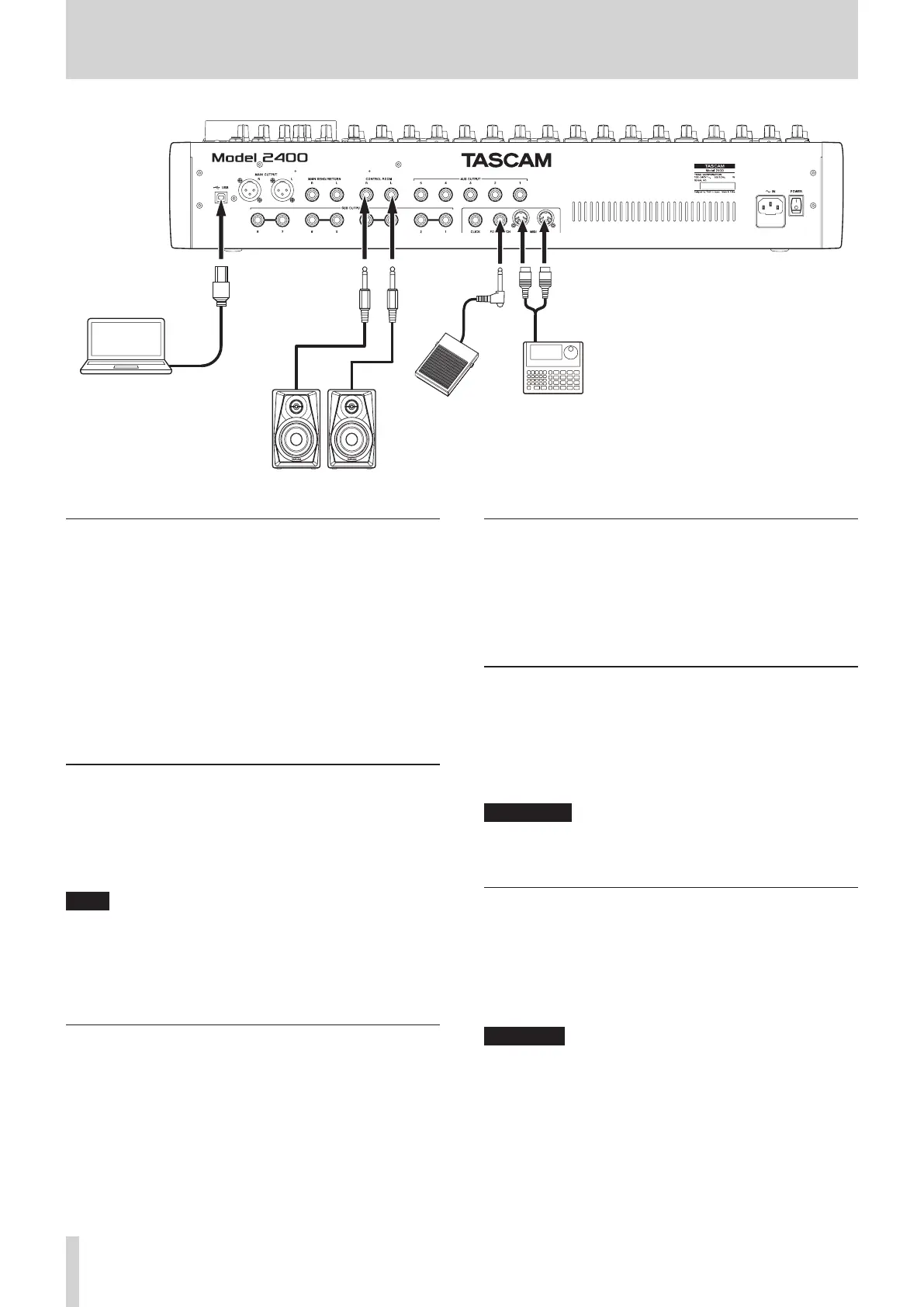
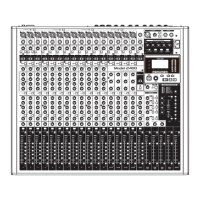
Examples of connections to a Model 2400
Connecting microphones
Dynamic mics
Connect them to the MIC/LINE/INST and MIC/LINE input jacks
on the top of the unit.
Condenser mics
When using a condenser microphone that requires phantom
power, connect it to a MIC/LINE/INST or MIC/LINE input jack
and then turn on the corresponding PHANTOM +48V switch.
(see "Setting phantom power" on page 29.)
The PHANTOM +48V indicator lights when the PHANTOM
+48V switch is on (pushed in).
Connecting guitars, basses and similar
instruments
When connecting a guitar, bass or other instrument with high
impedance (Hi-Z) output directly to this unit, use a MIC/LINE/
INST TRS jack (1–2) on the top of the unit and turn the INST
switch on for that channel.
NOTE
i When connecting an instrument with active output or when
the sound passes through an eects unit, for example, that is
connected to this unit, the INST switch does not need to be
set to on.
i When an INST switch is on, input through that MIC/LINE/INST
TRS input jack will be unbalanced.
Connecting electronic devices and other
audio equipment
Use the following inputs to connect electronic devices and other
audio equipment.
o MIC/LINE/INST input jacks (1–2) on the unit top
o MIC/LINE input jacks (3–12, 13/14–21/22) on the unit top
Connecting monitor speakers
Connect monitor speakers (powered speakers or an amplier
and speaker system) to the CONTROL ROOM L/R jacks.
Depending on the PFL switch and AFL switch settings, signals
from the MAIN MIX L/R bus and PFL/AFL L/R bus can be
monitored.
Use the CONTROL ROOM knob to adjust the speaker volume.
Connecting headphones
Connect headphones to the PHONES jack (standard stereo).
The following signals can be monitored according to the PFL
and AFL switch settings.
o Signals output from the MAIN OUTPUT connectors
o Signals output from the PFL/AFL L/R bus
V
CAUTION
Before connecting headphones, minimize the volume with the
PHONES knob. Failure to do so could result in a sudden loud
noise that could harm hearing, for example.
Connecting a computer
Use a USB cable with a Type-B (USB 2.0) connector on one end
and a connector that matches the computer USB port on the
other end (USB-IF certication recommended) to connect the
unit to a USB 2.0 port on the computer.
When the USB connection is working, the USB indicator in the
screen operation section lights.
ATTENTION
The unit should be connected directly with the computer
instead of via a USB hub. Moreover, noise could be picked up if
the cable is too long.
20 TASCAM Model 2400


 To Next Page