12 - USB audio interface functions
Installing the Mac dedicated software
NOTE
i Install the Mac dedicated software on the computer before
connecting the unit to it with the USB cable.
i Depending on the Gatekeeper setting, a warning message
might appear during installation. Please see “Working with
Gatekeeper” on page 57 for information about Gatekeeper.
Mac dedicated software installation procedures
1. Download the latest Mac dedicated software for the
operating system you are using from the TEAC Global Site
(https://teac-global.com/) and save it on the computer to
be used with the unit.
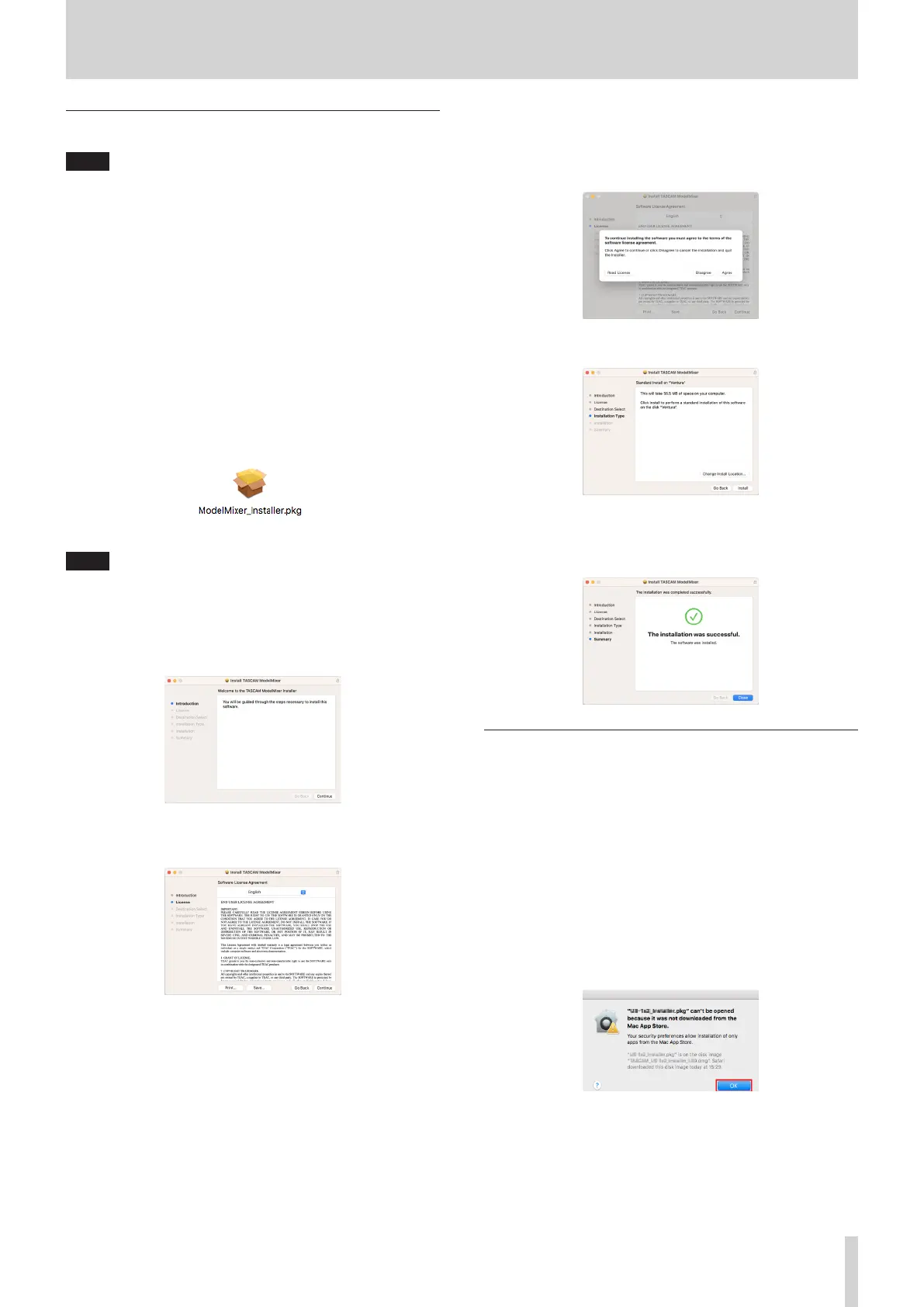
2. Double-click “TASCAM_MODEL MIXER_Installer_x.xx.dmg”,
which is the saved disk image le for the Mac dedicated
software, and double-click “ModelMixer_Installer.pkg”
inside the folder that opens.
NOTE
Depending on the computer’s settings, the downloaded zip
le might not have been uncompressed automatically. In this
case, uncompress the zip le rst and then double-click the disk
image le.
3. When the installer starts, click the “Continue” button.
4. Next, select the desired language and click the “Continue”
button.
5. Click the “Read License” button and check the contents
of the Software License Agreement. If you agree to the
contents of the license, click “Agree”.
Then, click the “Continue” button.
6. Next, click the “Install” button to start installation.
7. The following screen appears when installation has
completed.
Click the “Close” button.
Working with Gatekeeper
When using macOS, depending on the Gatekeeper security
function setting, a warning message might appear during
installation.
The solution depends on the warning message shown.
See the following explanations for details.
When the Gatekeeper setting is “Allow
applications downloaded from: the Mac App
Store”
The following security warning might be shown:
“‘ModelMixer_Installer.pkg’ can’t be opened because it was
not downloadedfrom the Mac App Store.”
In this case, click the “OK” button to close the message. Then,
control-click (or right-click) the le and click “Open” in the
menu.
TASCAM Model 2400 57


 To Next Page