3 - Preparation
Turning the power on and o
V
CAUTION
i Turn down the volume of the sound system connected to the
unit before starting up or shutting down the unit.
i Do not wear connected headphones when turning the unit
on and o. Loud noises could damage the speakers or harm
your hearing.
Before turning the power on
1. Make the following settings on the top of the unit.
i Output-related knobs w all the way left
i Faders w all the way down
i Switches w o (not pushed in)
2. Minimize the output levels of audio sources and input levels
of ampliers connected to this unit.
Turning the power on
1. Use the POWER switch on the back of the unit to turn its
power on.
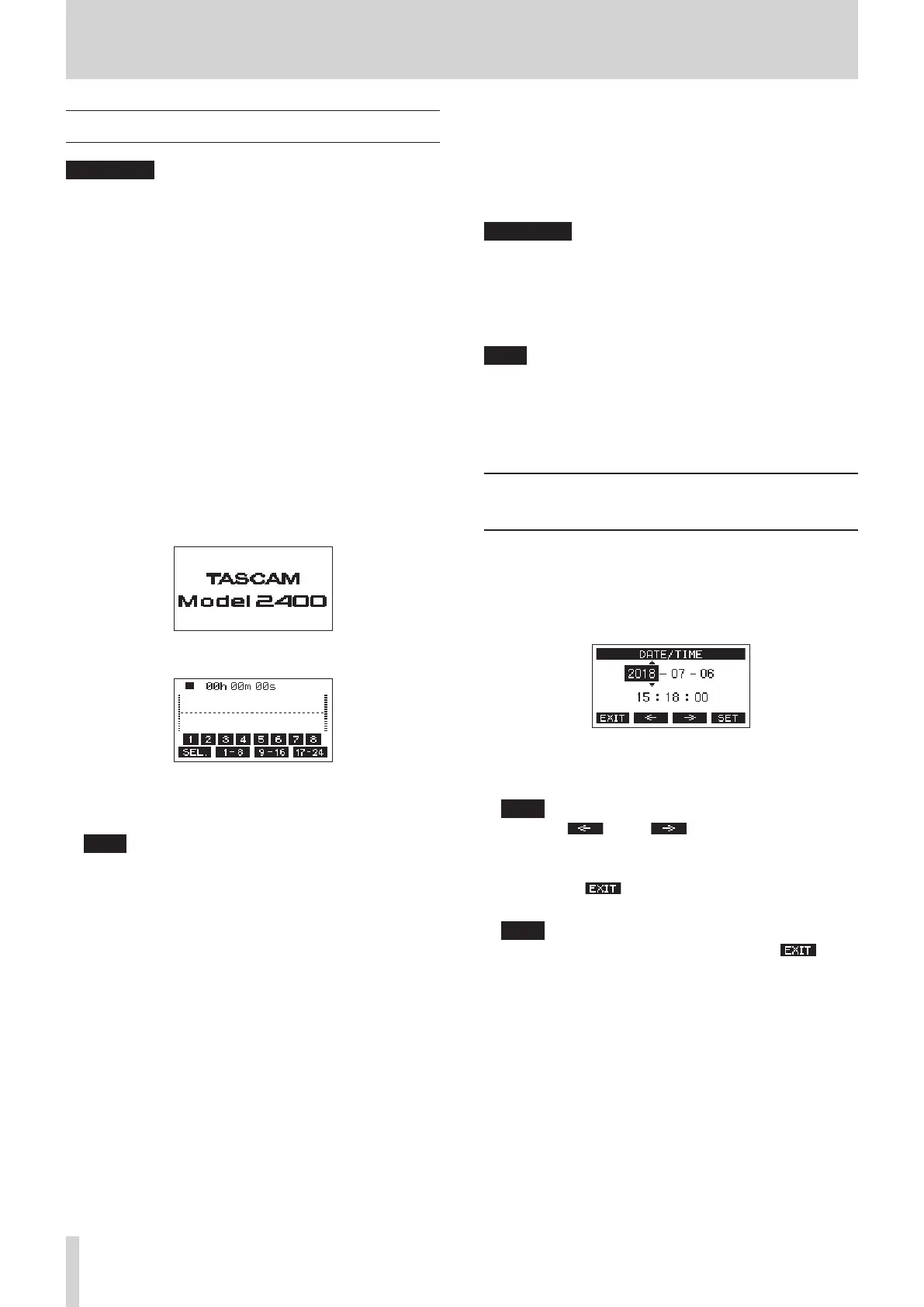
Startup screen
Meter Screen
After the unit starts and the Startup Screen is shown, the
Meter Screen will open.
NOTE
i Press the MENU button to open the Home Screen.
i After the unit is turned on, the PAIRING indicator will blink
for a set amount of time.
2. Turn connected input audio source devices on.
3. Finally turn ampliers on.
Turning the power o
Before turning the power o, minimize the levels of output
faders and knobs, and then follow the procedures for turning on
the power in reverse.
Failure to follow the correct order could result in clicking noises,
for example, that might damage equipment.
V
CAUTION
Do not turn o the power when the unit is operating (including
recording, playing back, or writing data to an SD card). Doing so
could cause proper recording to fail, recorded data to be lost,
and sudden loud noises from monitoring equipment, which
might damage the equipment, harm hearing or cause other
trouble.
NOTE
When the unit is started up for the rst time (or when the built-
in clock is reset after being left unused without power for a long
time), the DATE/TIME Screen will appear before the Startup
Screen to allow the date and time of the built-in clock to be set.
(see "Setting the built-in clock date and time" on page 22.)
Setting the built-in clock date and
time
Using its internal clock, this unit includes the date and time
when a le is recorded.
1. When the recorder is stopped, select DATE/TIME on the
SYSTEM Screen, and open the DATE/TIME Screen. (see
"Menu operation procedures" on page 18.)
2. Turn the MULTI JOG dial to change a value, and press the
MULTI JOG dial to conrm it and move the cursor to the
next item.
NOTE
Use the F2 and F3 buttons to move the cursor.
3. Change the year, month, day, hour and minute in order, and
complete the date and time setting.
4. Press the F4 button to conrm the setting and return
to the SYSTEM Screen.
NOTE
i When making a setting, you can press the F1
button to cancel the changes and return to the SYSTEM
Screen.
i When setting the time, the time display will be stopped.
i By setting the TYPE item to “DATE” on the SONG NAME
Screen, the date and time set here can be used for song
names. (see "Setting the song name format" on page
51.)
22 TASCAM Model 2400



 To Next Page