Version: 1.06 104
External Source. All the following parameters concern the Slave station:
Device: select an existing external device from the ‘Resources’. You can create one
clicking the button
Type: select the type of the external variable. According to the external source, the
choices are:
With External source ‘ModBus device’ (TB
OX
MS, TB
OX
LITE, any ModBus device)
Operations
Types ModBus
Functions
Quantity (max.)
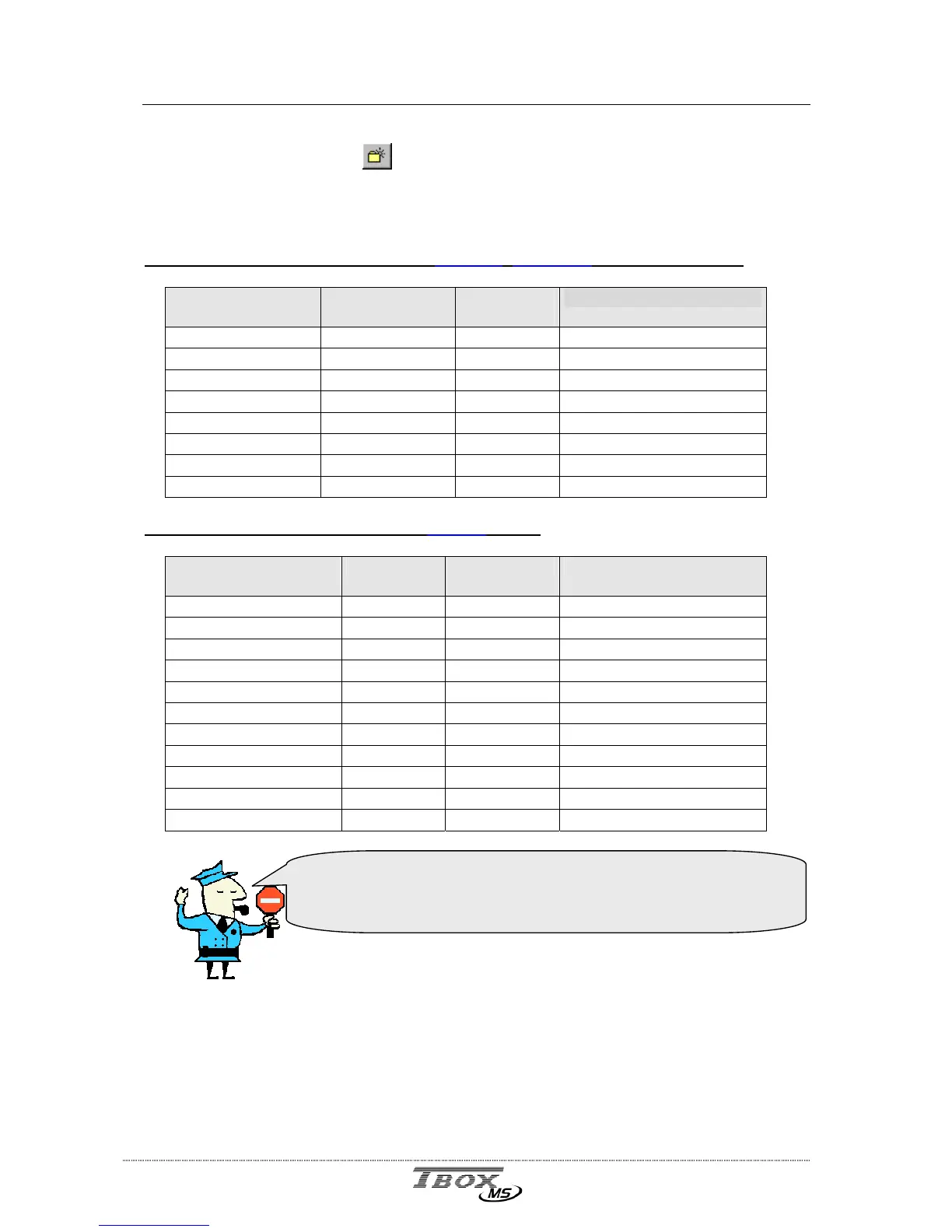
Read Digital Digital Input 2 2000 (see Warning below)
Read Digital Coil 1 2000 (see Warning below)
Read Analog Analog Input 4 125
Read Analog Holding Register 3 125
Write Single Digital Coil 5 1
Write Single Analog Holding Register 6 1
Write Multiple Digital Coil 15 800 (see Warning below)
Write Multiple Analog Holding Register 16 100
With External source ‘Remote TBox’ (
A CPU-3)
Description
Operations Tag types Quantity (max.)
Digital I/O Read/Write IOD, T4m 16
Analog I/O Read/Write IOW, I4M 8
Digital registers Read/Write DIR, STD 1600 (see Warning below)
Analog registers (8 bits) Read/Write STB 8
Analog registers (16 bits) Read/Write AIR, STO 100
Analog registers (32 bits) Read/Write TOT 8
Analog registers (32 bits) Read/Write FLT 8
Timers Read/Write ATP, ATV, DTI 16
Counters Read/Write ACP, ACV, DCN 16
Special Registers Read/Write DSPE, ASPE 16
Register ‘Sampling Table’ Read/Write ECH 16
Address : The ModBus address must be typed according to the indication of the user’s
guide of the Remote device.
Communicating to TB
OX
MS, you have to refer to the TWinSoft application and
its configuration of Tags.
Working with digital variables (DIV, DIR, …), you have to work
with multiple of 8 for: quantity, address of the Tag and
Address in External Source



 To Next Page