Version: 1.06 113
Access level Three access levels are available:
Level 1: Surveillance mode or VISUALIZATION MODE. The operator can view all
TB
OX
MS values (local or remote), but can not execute any command.
Level 2:
COMMAND MODE, the operator can view all the values and execute
commands (locally or remotely).
Level 3:
ENGINEER MODE, the operator can view all the values and execute
commands and alter or send new TWinSoft documents (locally or
remotely).
When this information has been entered, click on the button "Get password".
Two codes have been created:
The PASSWORD:
this PASSWORD must be used together with the NAME when
logging.
The USER ID:
this number is available in an Analog Communication Variable when a
user is connected to a port of TB
OX
MS that is protected.
17.3. Login/Logout
17.3.1. With TWinSoft
The Login feature of TWinSoft allows connecting to a protected port of the TB
OX
MS
according to an access level. When a port is not protected, access level is automatically 3:
Engineer.
The Login/Logout is executed from the main menu bar 'Tools'.
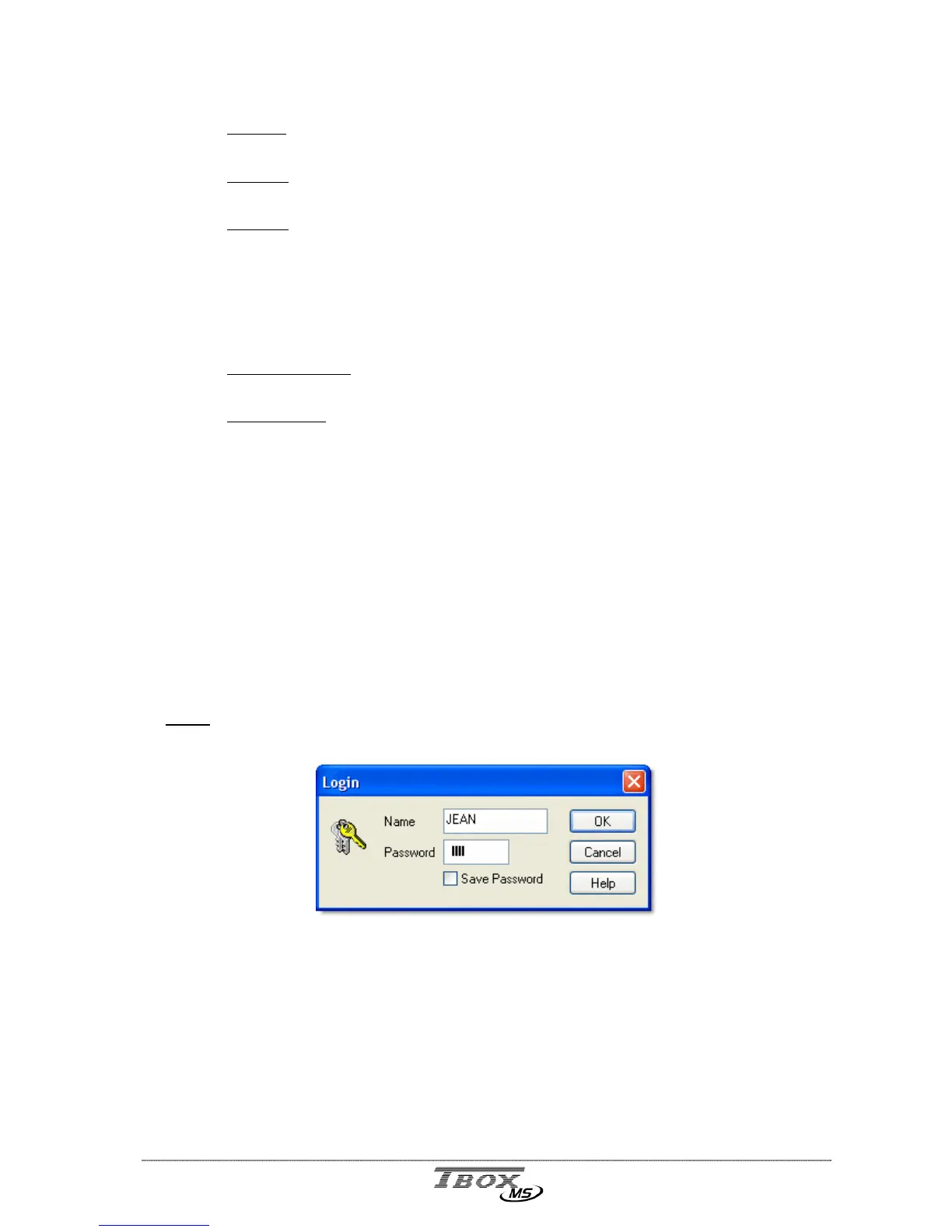
Login
When connected to a port of TB
OX
MS that is protected, you need to Login to get an access
level.
You type the Name you used in the ‘Password’ utility and the Password that was created
(see previous). According to those, you are in:
Read only mode
Read/write mode
Engineer
The access level is displayed in the Status bar.



 To Next Page