Version: 1.06 40
7. Introduction
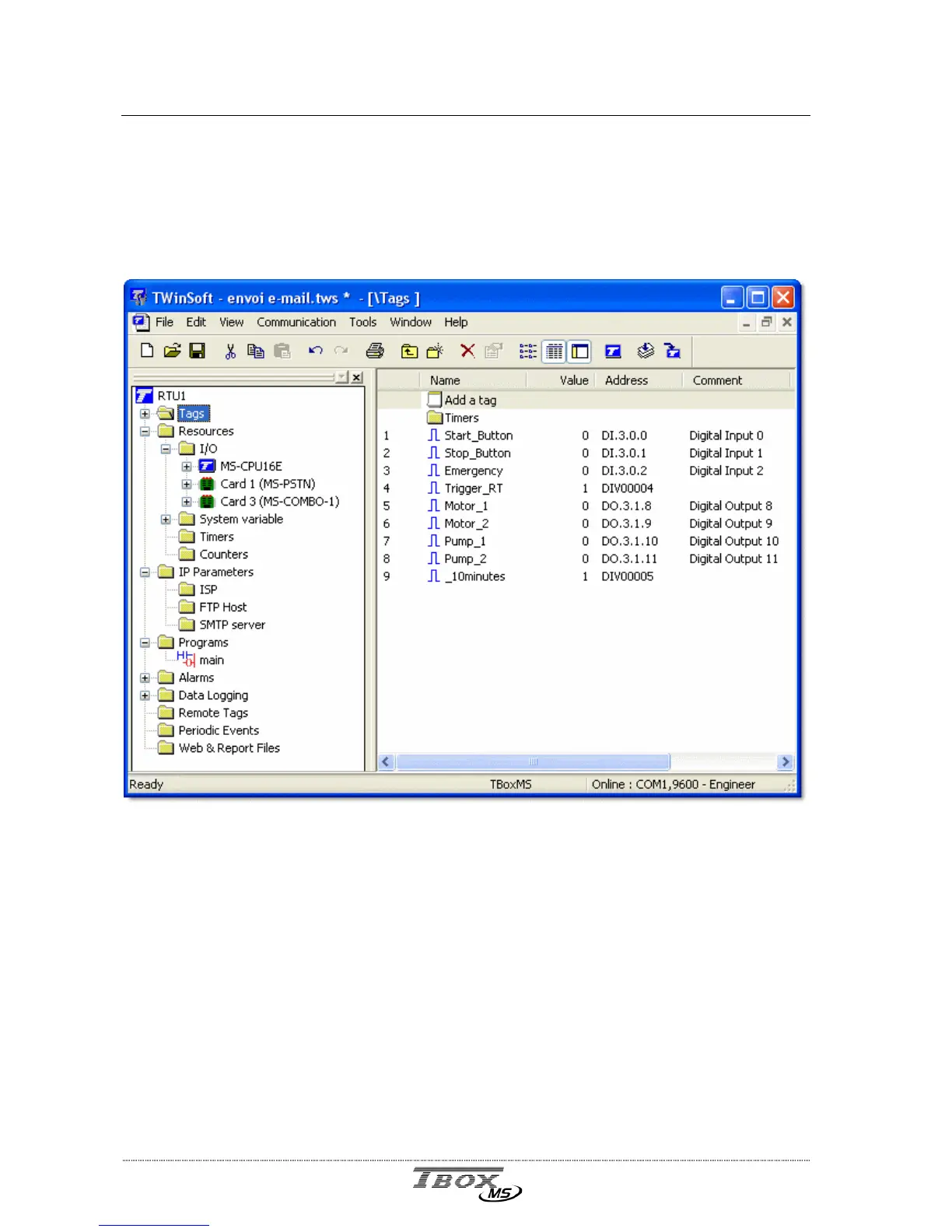
TWinSoft uses the standard look and feel of ‘Windows Explorer’, with at the left side a list of
folders and at the right side the content of the folder selected.
Each Folder consists in a list of items.
For instance the list of Tags, or in the ‘Alarms’ folder the list of ‘Recipients’ or in the
‘Datalogging’ folder the list of ‘Sampling tables’, …
The programming of a TB
OX
MS application will be done in different steps:
Configuring the RTU properties
Adding of the cards and Remote device from the Resources
Creating Tags
Creating Programs using automation language Ladder and/or BASIC
Creating Alarms
Creating Datalogging
If you have a Remote device, creating Remote Tags, to exchange data
The sequence in which those tasks are executed is not fixed, but at least RTU properties,
Resources and Tags should be configured first, as being required for all other programming.
All those configurations are explained in the following chapters.



 To Next Page