Version: 1.06 129
18.3.2. MultiMedia card
To use the MultiMedia Card, remove the CPU from the Rack and insert the MultiMedia cards
in the appropriate socket.
The MultiMedia card can be used to initialize TB
OX
MS.
For the moment, the only initialization available concerns the IP configuration of the Ethernet
port.
Initialization is done using a file called ‘System.xml’, placed in the root of the MultiMedia
Card.
IP configuration
Example of System.xml:
<?xml version="1.0"?>
<System>
<ComPort>
<PortName>COM4</PortName>
<IPconfig>
<IP>192.168.1.75</IP>
<Subnet>255.255.255.0</Subnet>
<Gateway>192.168.1.1</Gateway>
<PrimaryDNS>192.168.1.1</PrimaryDNS>
</IPconfig>
</ComPort>
</System>
<PortName>
Communication port of TB
OX
MS (COM4 = Ethernet)
<IP>
IP address of the port selected
<Subnet>
IP address of the Subnet mask of the port selected
<Gateway>
IP address of the equipment used as Gateway on the
Network
<PrimaryDNS>
IP address of the DNS Server (only primary DNS handled at
the moment)
18.3.3. Button (Working modes)
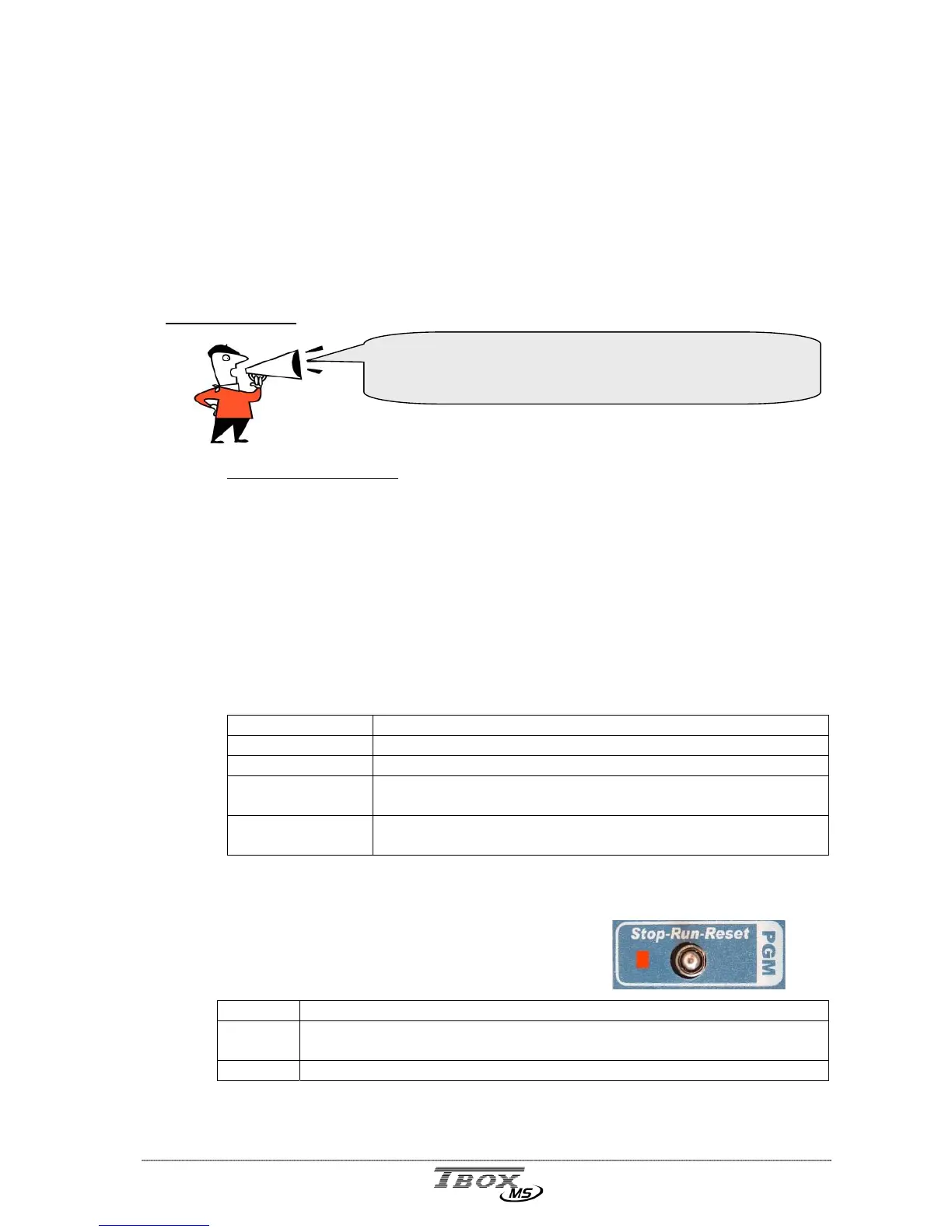
On the front side of the CPU, a button allows changing the
Working mode of the CPU: STOP - RUN - RESET
RUN All features of TB
OX
MS runs
RESET Pressing Reset, restart the program, erase the alarms and the
datalogging
STOP Not supported yet
See also chapter 6.5.
Global Reset of
TB
OX
MS
When an IP configuration is defined in the MultiMedia
Card, it has priority on the one declared for the Ethernet
port of the CPU.



 To Next Page