Version: 1.06 114
If 'Save password' is checked and TWinSoft is connected to a protected port: when
TWinSoft starts, it uses the access level corresponding to the password saved (see the
status line).
If it is not checked and TWinSoft is connected to a protected port: TWinSoft starts in
'Read only' mode. You need to do a Login to get your access level.
Logout
If the TWinSoft is connected to a protected port, the Logout sets TWinSoft in 'Read only'
mode.
17.3.2. With Internet Explorer
Through a modem connection, you can access TB
OX
MS as Web Server.
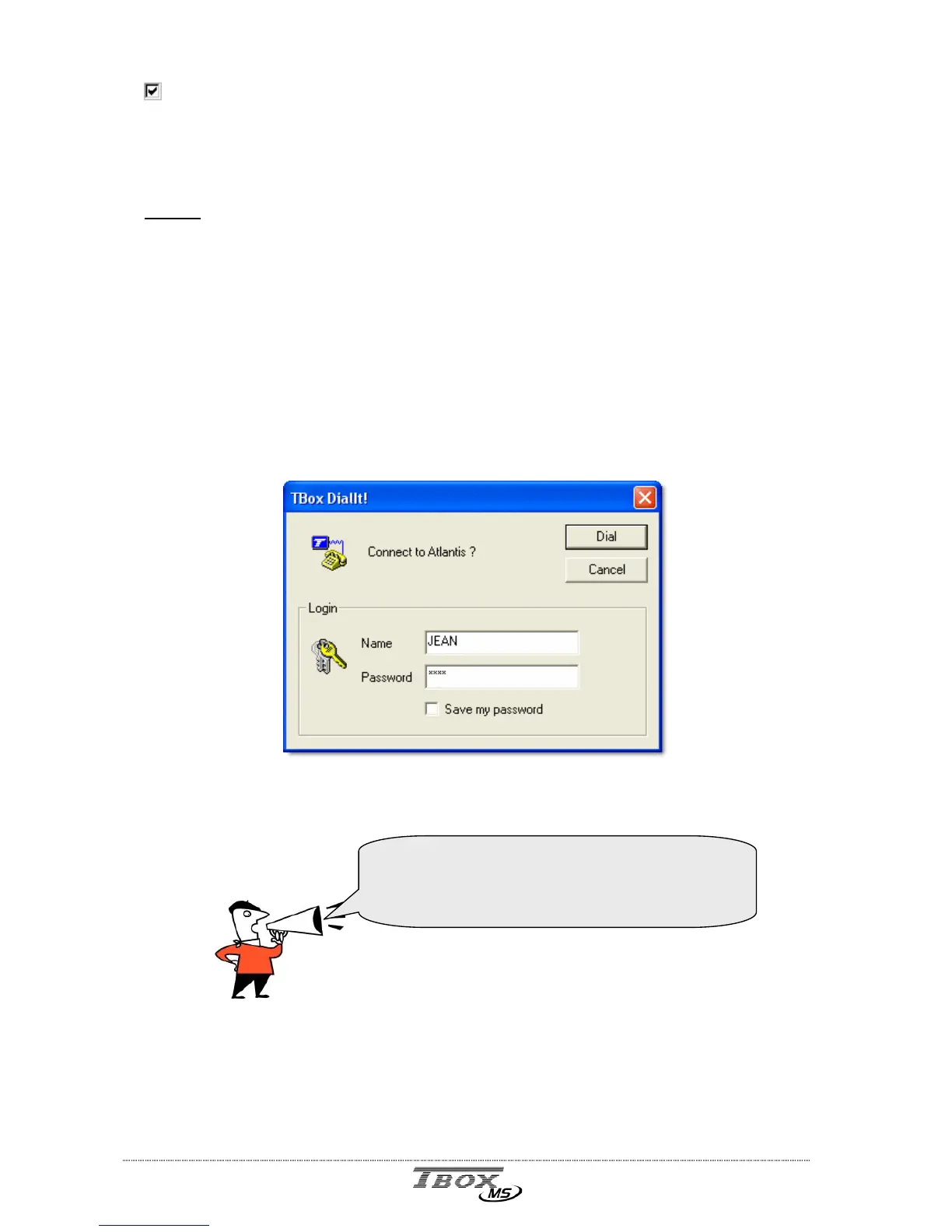
From Internet Explorer, you use the tool
T
T
B
B
o
o
x
x
D
D
i
i
a
a
l
l
I
I
t
t
!
! to dial TB
OX
MS directly. TB
OX
MS is
then considered first as an ISP and then a Web Server.
To connect to an ISP you need to login.
You type the NAME and PASSWORD you have used with password utility (see above)
Even if TB
OX
MS is not protected, type a NAME
and PASSWORD.
Depending on Windows and IE version, they will
not allow connecting without login.



 To Next Page