Version: 1.06 94
12.6. Messages
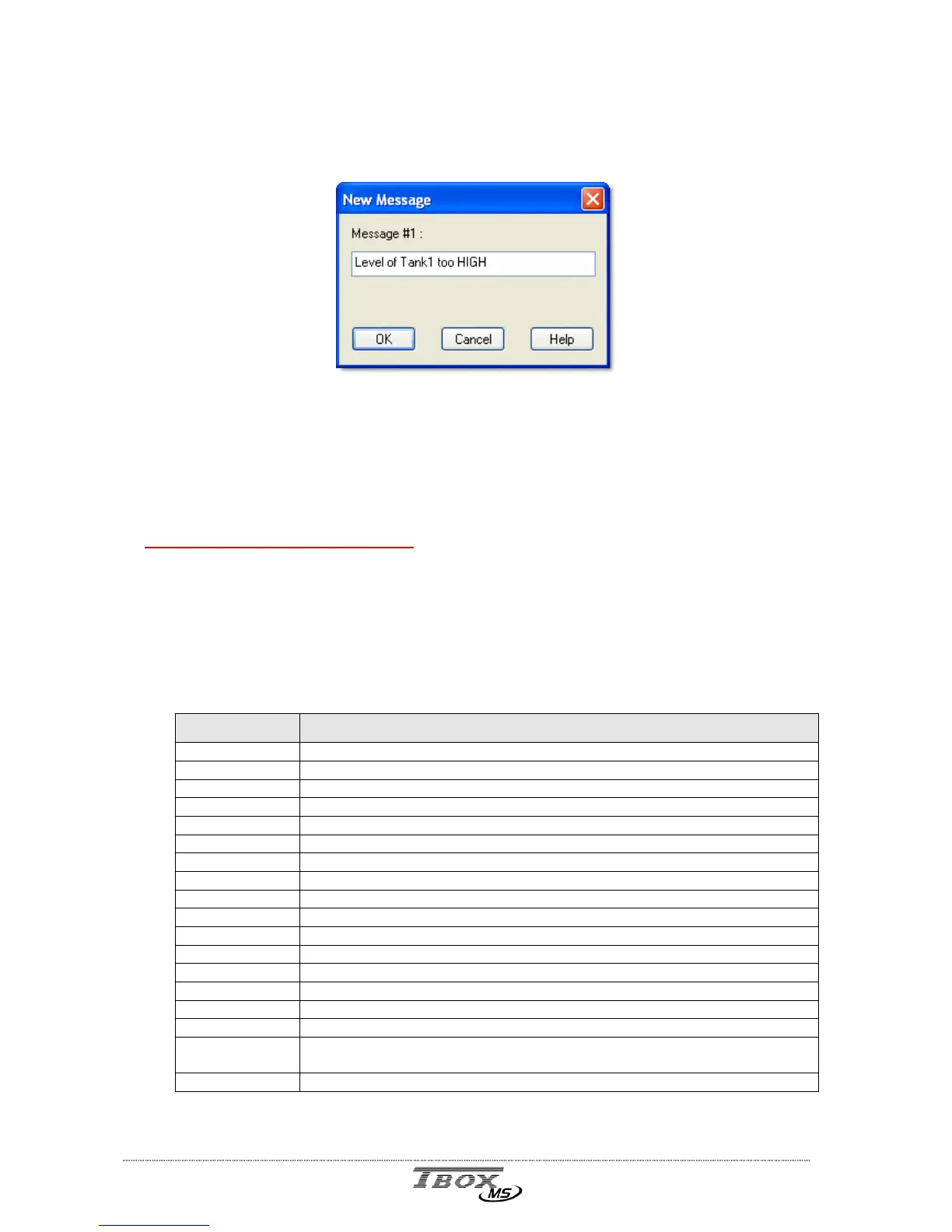
To access the definition of Alarm messages, click the folder 'Alarms' in the Project workspace
and select 'Messages'.
Message number : indicates the index of message corresponding to its position in the list
of messages. Type a message of maximum 120 characters.
This message is user specific:
- If it is for a Digital Pager, it will consist only of numbers.
- If it is for a Text Pager or for a GSM, it will not contain accent (ü, é, à, ...)
The Following is not available yet
In all cases, a message can contain the value of a Tag. The syntax is the following:
~Xyyyyy ~
~ : The first character indicates that what follows is the value of a ModBus address. The
value sent is the value from the moment of the call.
X : represents the type of the variable:
Type Description
I Integer (-32768.. 32768)
W Word (0.. 65535)
C Choice (for example edges: POS, NEG or DEL)
S Text (comments, TEL number, scaled value of Terminal/.Minitel Tags,…)
R Real (only Factor an Offset of Terminal/Minitel Tags)
B Byte (0.. 255, represented as 3 ASCII characters)
t Time (represented as 2 ASCII characters)
j Day of the week
m month
0 (zero) Byte represented in binary format
f Floating point
D Double word
- Character string
d Digital state (represented as 0/1)
o (small letter) Digital state (represented as ON/OFF)
# Digital state (represented as --------/########)
1.. 9, a.. f Digital state (according to the definition of digital states, only valid from 1 to
15)
h Time: hh:mm



 To Next Page