Version: 1.06 64
9.4. System variables
The system variables have pre-defined functions.
They are very useful to check or to act on features of TB
OX
MS.
They are divided into ‘Digital’ and ‘Analog’.
9.4.1. Digital System Variables
According to its function a register is Read/Write or Read only. In the following table, the
column R/W indicates:
- : Read only.
0 : Write ‘0’ only.
1 : Write ‘1’ only.
* : Write ‘0’ or ‘1’.
When the action (SET) is specified, it means that the TB
OX
MS maintains the variable at 1 to
be sure it is detected. With such a variable, you need then to reset it using BASIC or
Ladder programming
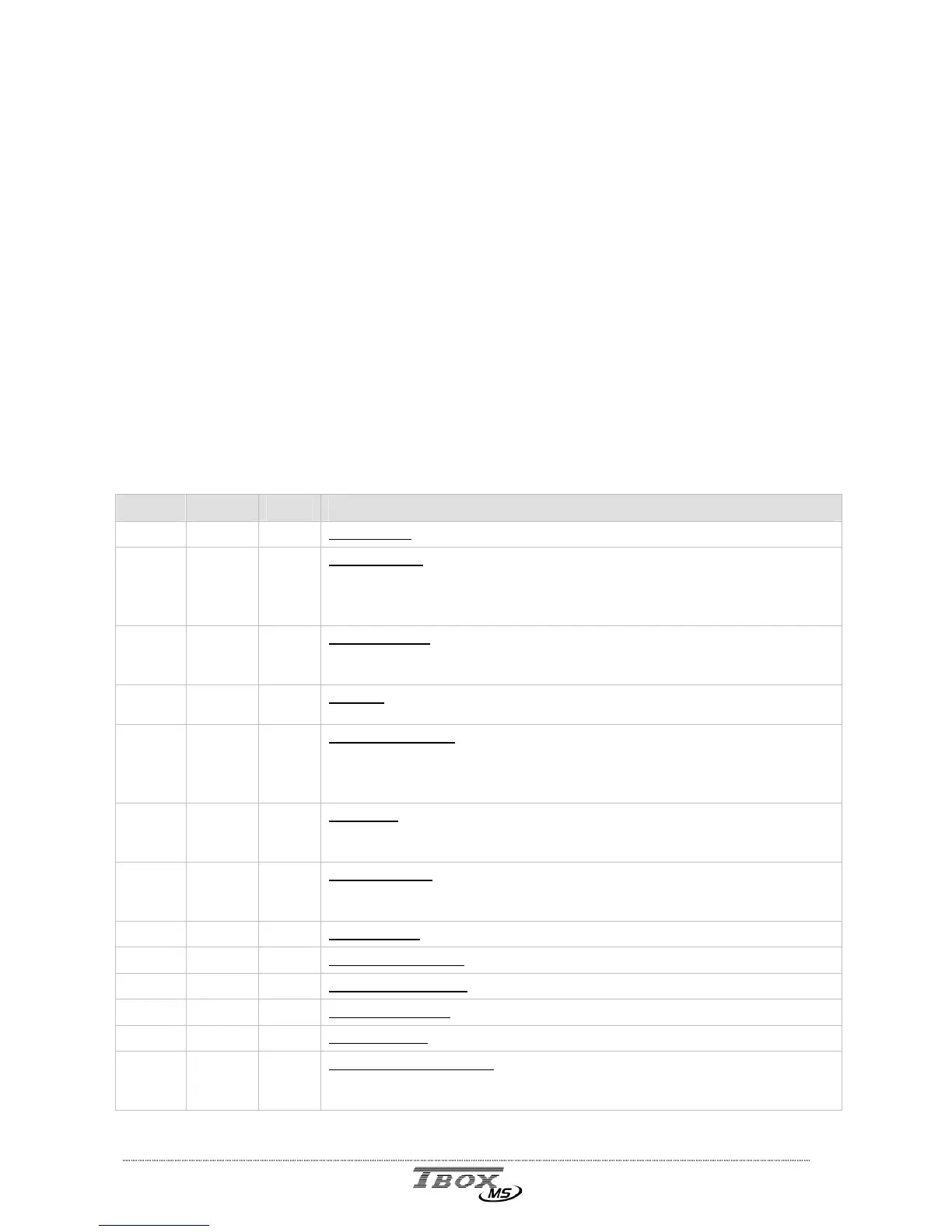
Index Name R/W Description
0
TikSec
0
Tik Second:
Changes of state every second. Useful for counting time.
1
PrgRun
-
Program run:
At each starting of TB
OX
MS , this register changes to 1
and stays at 1 as long as the BASIC/Ladder program runs.
This register is used in BASIC/Ladder to execute operations only at the
start of the program, with the help of a positive edge trigger function.
2
NewPro
-
New program:
Start of a program flag. Changes to 1 if TB
OX
MS has
started after having received a new program. Changes to 0 after a
reset of the TB
OX
MS.
3
Reboot
1
Reboot:
complete restart of TB
OX
MS. It is equivalent to hardware
reset.
4
RstWat
*
Reset Watchdog:
the watchdog checks the cycle time of BASIC/Ladder
program. In case it is longer than 1 second, it resets TB
OX
MS. This
Watchdog can be reset to reinitialize the 1 second timer in case of
cycle time longer.
5
Ala_On
0
Alarm on:
this register indicates that alarm is active (not ack.).
Writing 0 in this register causes a global acknowledgment of all
alarms. Corresponds to a reset of the Alarms stack
6
Alaerr
0
Alarm in error:
TB
OX
MS SETs this register when an alarm failed to be
sent. This means that after the number of tries, the alarm has been
auto-acknowledged. Must be RESET by the user.
7
RstAla
1
Reset Alarm:
Not used. See ‘Ala_On’ here above.
8
EnaDCr
*
Digital Chronology:
General enable of recording in digital chronology.
9
EnaACr
*
Analog Chronology:
General enable of recording in analog chronology.
10
EnaSam
*
Sampling Tables:
General enable of recording in sampling tables.
11
EnaAla
*
Enable Alarm:
General enable of generating alarms.
12
DisCrd
*
Flag digital chronology:
can be associated to any digital chronology
configuration to inhibit recording. When at value ‘1’, inhibits recording
in Database.



 To Next Page