Version: 1.06 91
12.4. Recipients
To access the definition of Recipients, click the folder ‘Alarms’ in the Project workspace and
select ‘Recipients’.
The types of recipients supported are:
Internal: the alarm is saved in the stack of events and no call is generated.
It can be used to memorize a particular event without generating an alarm or
to test an alarm condition.
ModBus: it can be Master or Slave.
It is used to establish a ModBus connection to another ModBus device or a
SCADA (for instance T).
The difference between Master and Slave concerns the handling of the
modem connection and acknowledgement.
A ‘Slave’ connection
means that TB
OX
MS dials an equipment and doesn’t do
anything else. The dialed equipment will sample, acknowledge and hang-up.
Typically used for instance when dialing T.
A ‘Master’ connection
means that TB
OX
MS dials a ModBus equipment and
will also sample this equipment (with Remote Tags).
TB
OX
MS will then be also responsible of acknowledgement (see chapter 9.4:
System variables
) and hanging-up (see ‘Advanced’ properties of the
communication port used)
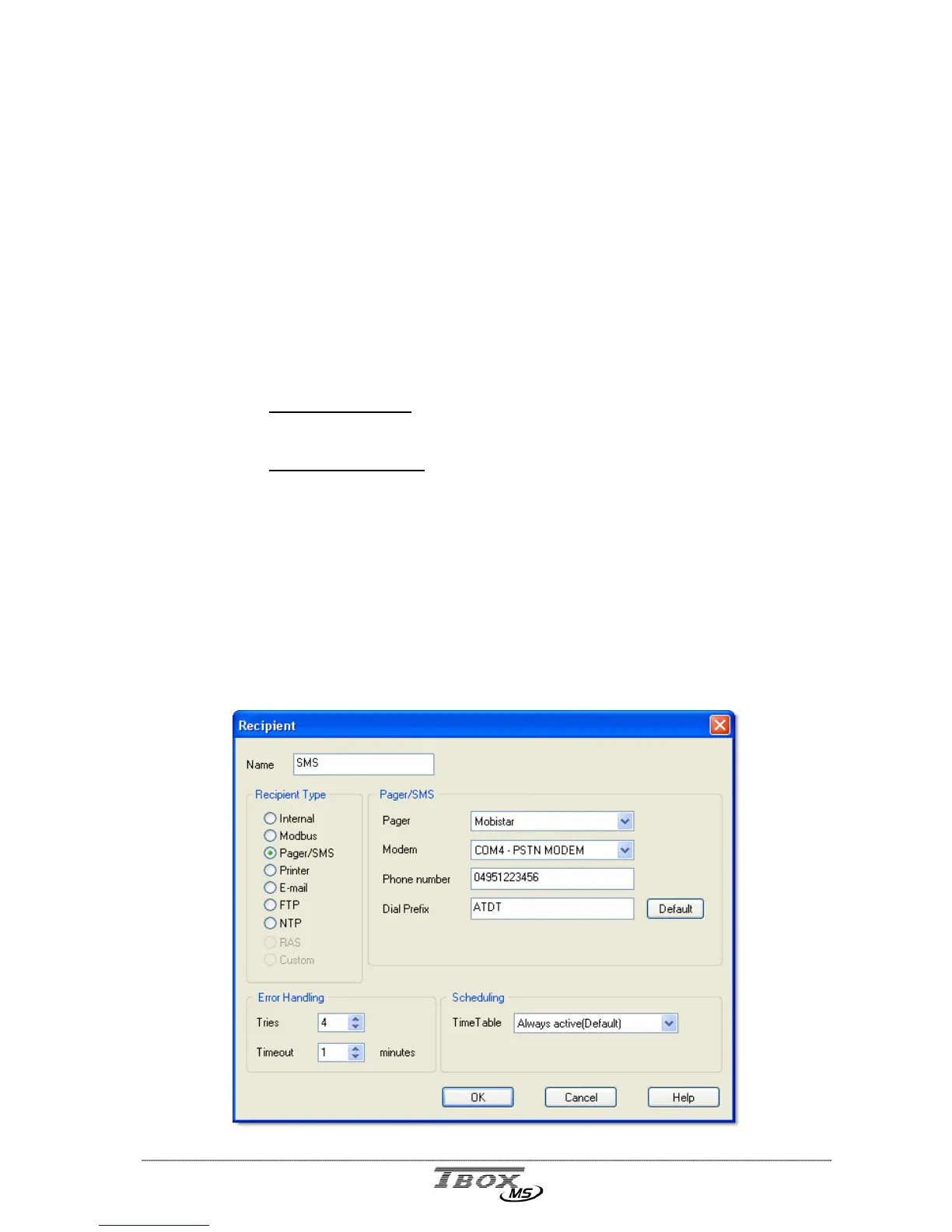
Pager/SMS: to send SMS to a mobile or message to a Pager.
Select the Service corresponding to the pager or mobile and a Modem.
Type the Phone Number of the Pager or Mobile.
The default Dial prefix is ATDT. It should not be changed unless the
modem needs a particular configuration.
If TB
OX
MS is placed behind a telephone switch, the ‘outside line prefix’ is
defined in the modem properties (see chapter 9.2.2)



 To Next Page