EasyManua.ls Logo

Technoton DUT-E AF - User Manual

Technoton DUT-E AF
116 pages
Print Icon
To Next Page IconTo Next Page
Loading...
FUEL LEVEL SENSORS
SK DUT-E service adapter
OPERATION MANUAL
(includes Service DUT-E software manuals)
Version 8.1
DUT-E А5
DUT-E А10
DUT-E F
DUT-E I
DUT-E CAN
(model code 116)
DUT-E АF
DUT-E 232
DUT-E 485

Table of Contents

Questions and Answers

  • K
    Kenneth CoffeyAug 5, 2025
    What to do if Technoton Adapter output frequency is 400?
    • L
      Luis OwensAug 5, 2025
      If the Technoton Adapter output frequency is 400, it could be due to the sensor not being calibrated. In this case, calibrate the sensor. Another possible cause is a sensor PCB failure, which requires contacting the closest service center.
  • M
    mitchellbarnesAug 13, 2025
    What to do if Technoton Adapter voltage is from 9.5 to 10 V (for DUT-E AF) over 5 V (for DUT-E A5); over 10 V (for DUT-E A10) or current is over 22 mA (for DUT-E I)?
    • Z
      Zachary RosalesAug 13, 2025
      If the Technoton Adapter shows a voltage from 9.5 to 10 V (for DUT-E AF), over 5 V (for DUT-E A5), over 10 V (for DUT-E A10), or the current is over 22 mA (for DUT-E I), it might be due to a short circuit of the measuring probe tubes caused by metal shavings, burrs, conductive mud, or water at the bottom of the fuel tank. To resolve this, eliminate the short circuit, wash the tubes of the sensor, and clean the fuel tank.
  • J
    Joseph SmithAug 21, 2025
    What to do if Technoton Adapter output frequency is 1600?
    • J
      Jill PettyAug 21, 2025
      If the Technoton Adapter output frequency is 1600, it might be due to a short circuit of the measuring probe tubes caused by metal shavings, burrs, conductive mud, or water at the bottom of the fuel tank. To fix this, eliminate the short circuit, wash the tubes of the probe, and clean the fuel tank.
  • C
    Christopher BrightAug 28, 2025
    What to do if Technoton Adapter voltage is from 0.5 V and less (for DUT-E AF) less than 0.4 V (for DUT-E A5 and DUT-E A10) or current is less than 2 mA (for DUT-E I)?
    • M
      Mark ClarkeAug 28, 2025
      If the Technoton Adapter voltage is from 0.5 V and less (for DUT-E AF), less than 0.4 V (for DUT-E A5 and DUT-E A10), or the current is less than 2 mA (for DUT-E I), it could mean that the sensor is not calibrated. In this case, calibrate the sensor. Alternatively, it could indicate a sensor PCB failure, which requires contacting the closest service center.

Summary

Revision History

Terms and Definitions

Introduction

DUT-E Key Features

Lists key features of DUT-E sensors, including compliance, self-diagnostics, and physical characteristics.

General Information and Technical Specifications

Purpose of Use and Application Area

Describes DUT-E sensors as additional or replacement fuel sensors in Vehicle Telematics systems.

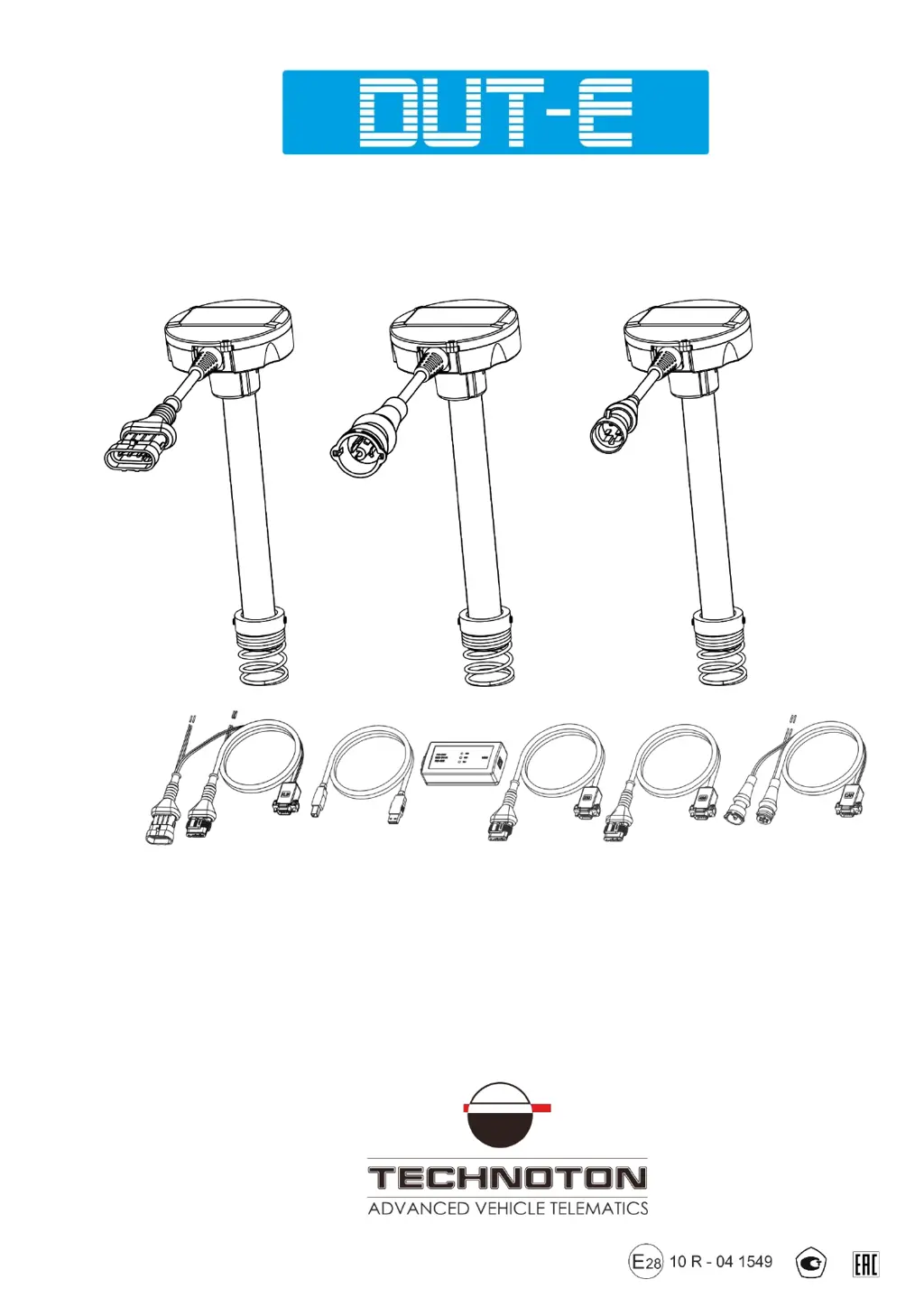
Exterior View and Delivery Set

Details the physical appearance and included components of the DUT-E sensor and its delivery set.

Design and Operation Principle

Explains the capacitive measurement principle of the DUT-E sensor based on probe immersion depth.

Technical Specifications

Lists main technical parameters of the DUT-E sensor, including operating principles and physical properties.

DUT-E Installation

Exterior Inspection Prior to Starting Works

Advises on visually inspecting the DUT-E sensor for defects before installation.

Standard Fuel Sensor Replacement

Guides on replacing a standard fuel sensor with a DUT-E sensor.

Installation into a Special Hole

Provides instructions for installing the DUT-E sensor into a specially drilled hole in the fuel tank.

Probe Cutting According to Tank Depth

Explains how to cut the DUT-E sensor probe to match the fuel tank depth.

Electrical Connection

Provides instructions and safety precautions for electrically connecting the DUT-E sensor.

Monitoring of Two and More Tanks

Explains methods for measuring total fuel in multiple tanks using summators or CAN technology.

Sealing

Instructions for sealing the sensor and connector to prevent tampering and theft.

Configuration of Sensor Using Service Adapter

SK DUT-E Purpose of Use

Explains the purpose of the SK DUT-E service adapter for configuring DUT-E sensors and PC communication.

Hardware Requirements

Lists the necessary PC hardware and operating system requirements for the Service DUT-E software.

Service Adapter Components

Identifies the components included in the SK DUT-E delivery set.

Software Installation

Guides on installing the necessary USB driver and Service DUT-E software.

Service Adapter Connection

Outlines inspection, restrictions, and connection steps for the service adapter.

Operation Test

Explains how to test the service adapter operation and interpret LED indicators.

Software Launch

Describes how to launch the Service DUT-E software and establish sensor connection.

User Interface and Initial Setup

Introduces the Service DUT-E user interface layout and basic initial setup steps.

Operations with DUT-E Profile

Explains how to load, save, and print DUT-E sensor configuration profiles.

Vertical Menu Description

Details the various sections of the Service DUT-E vertical menu for configuration.

Firmware Update

Provides instructions for updating the DUT-E sensor firmware.

Software Shutdown and DUT-E Disconnection

Details the steps for safely shutting down the software and disconnecting the DUT-E sensor.

Measurement Accuracy Check

Basic Principles

Explains the principles of DUT-E accuracy testing, involving fuel filling and draining.

Check Tests Procedure

Outlines the step-by-step procedure for conducting DUT-E accuracy check tests.

Accessories

MK DUT-E Mounting Kit

Details the components and purpose of the MK DUT-E mounting kit.

US-1 Adapter Unit

Describes the US-1 adapter unit for enabling fuel gauge operation with DUT-E sensors.

Screen Filter

Explains the function and mounting of the screen filter to protect sensor electrodes.

Connection Cables

Lists and describes various connection cables used for DUT-E electrical connections.

Additional Accessories

Lists and describes other optional accessories required for DUT-E mounting on vehicles.

Diagnostics and Troubleshooting

DUT-E with Analog Output

Provides troubleshooting steps and solutions for DUT-E sensors with analog output.

DUT-E with Frequency Output

Offers troubleshooting guidance and solutions for DUT-E sensors with frequency output.

DUT-E with Digital Output

Explains how to verify the operation of digital DUT-E sensors using the service adapter.

Maintenance

General Instructions

Recommends regular visual inspection and operation checks for DUT-E sensors.

Demounting

Provides step-by-step instructions for safely removing the DUT-E sensor from the vehicle.

Examination

Guides on visually examining the demounted DUT-E sensor for specific defects.

Cleaning

Details how to clean the DUT-E sensor's measuring probe pipes and screen filter.

Packaging

Storage

Transportation

Utilization;Re-cycling

Contacts

Annex A Template of Check Test Report

Annex B Examples of DUT-E CAN Connection

Annex C Messages of DUT-E CAN Data Transfer Protocol

Annex D Example of DUT-E CAN Connection via RS-232 Interface, to Receive Data on the Total Volume of Fuel

Annex E DUT-E Profile Printed Copy

Annex F DUT-E Log File Example

Annex G Electromagnetic Compatibility Specifications of DUT-E

Annex H Videography

Technoton DUT-E AF Specifications

General IconGeneral
CategoryAdapter
ModelDUT-E AF
ManufacturerTechnoton
Operating Temperature-40°C to +85°C
Housing MaterialPlastic