DUT-E installation / Monitoring of two and more tanks / DUT-E 232 readings totalizing
DUT-E fuel level sensors. Operation manual. Version 8.1
© Technoton, 2020 39
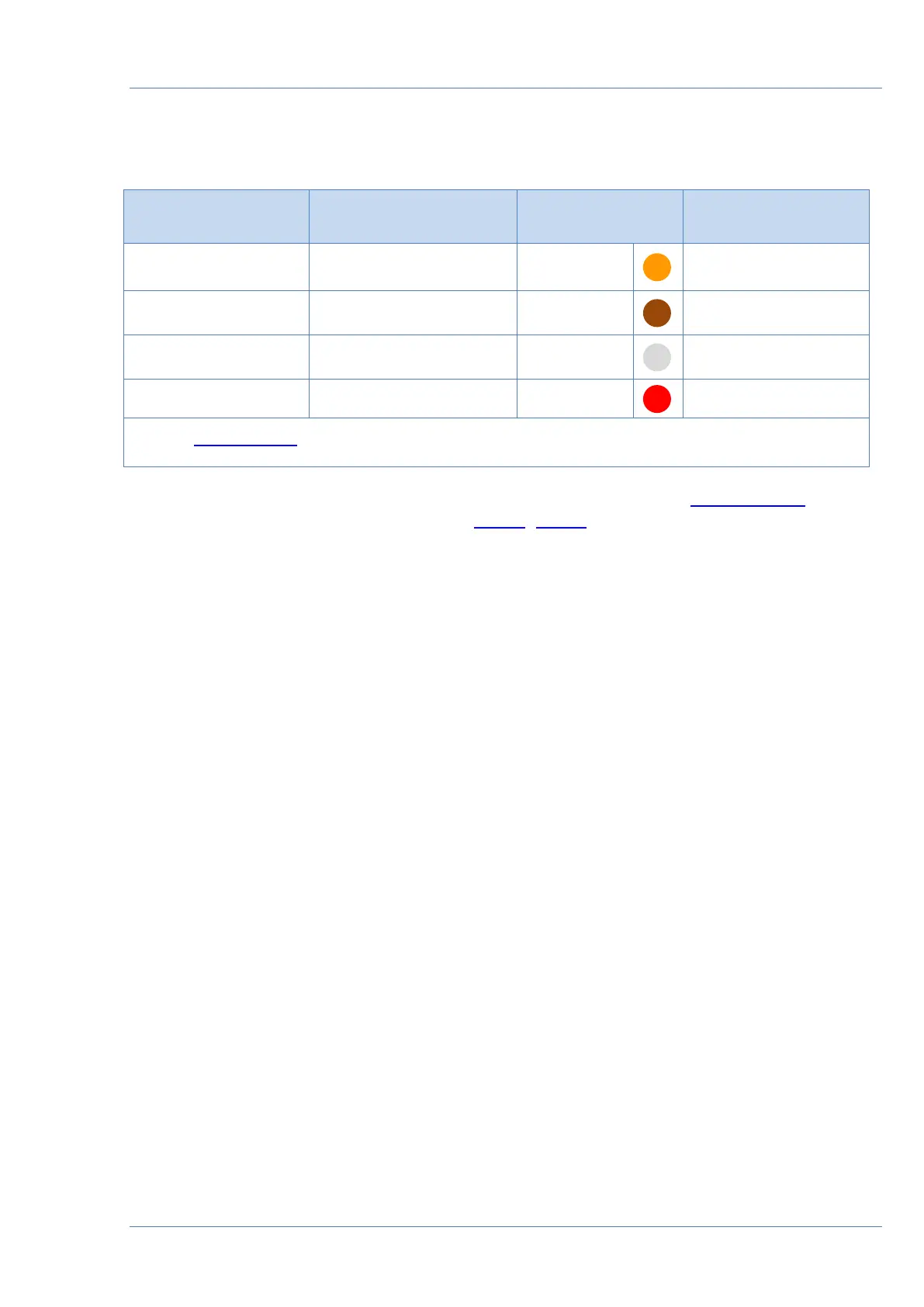
Table 8 —DUT-E SUM 232 wires assignment
To get correct values DUT-E 232 sensors should be configured with Service DUT-E software
according to the following instructions (see 3.10.4, 3.10.6)):
1) For data output in upon request mode the following parameters must be applied for all
the sensors:
• Automatic transmission mode switched Off (Operation modes module);
• Output message selected as Volume (L) (Output message module).
2) For data output in automatic mode the following parameters must be applied:
• for all the sensors — Output message selected as Volume (L) (Output message
module);
• sensor N
1
— Automatic transmission mode selected as HEX, Message Interval (s)
value is 1 (Operation modes module);
• sensors N
2
… N
(n-1)
— Automatic transmission mode switched Off (Operation
modes module);
• sensor N
n
(the last one) — Automatic transmission mode set to HEX\ASCII\
ASCII EXT, Message Interval (s) set any required by the tracking device value
(Operation modes module).
Note — for sensor N
n
(the last one) at least 8 second message interval is recommended.


 To Next Page