INTRODUCTION
25
98-05311-ENUS R2
OPERATIONDATA APPENDIX TOOLS CONSOLE
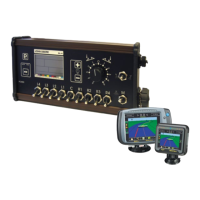
Radion 8140 Automatic Sprayer Control
SETTINGS
Calibrations
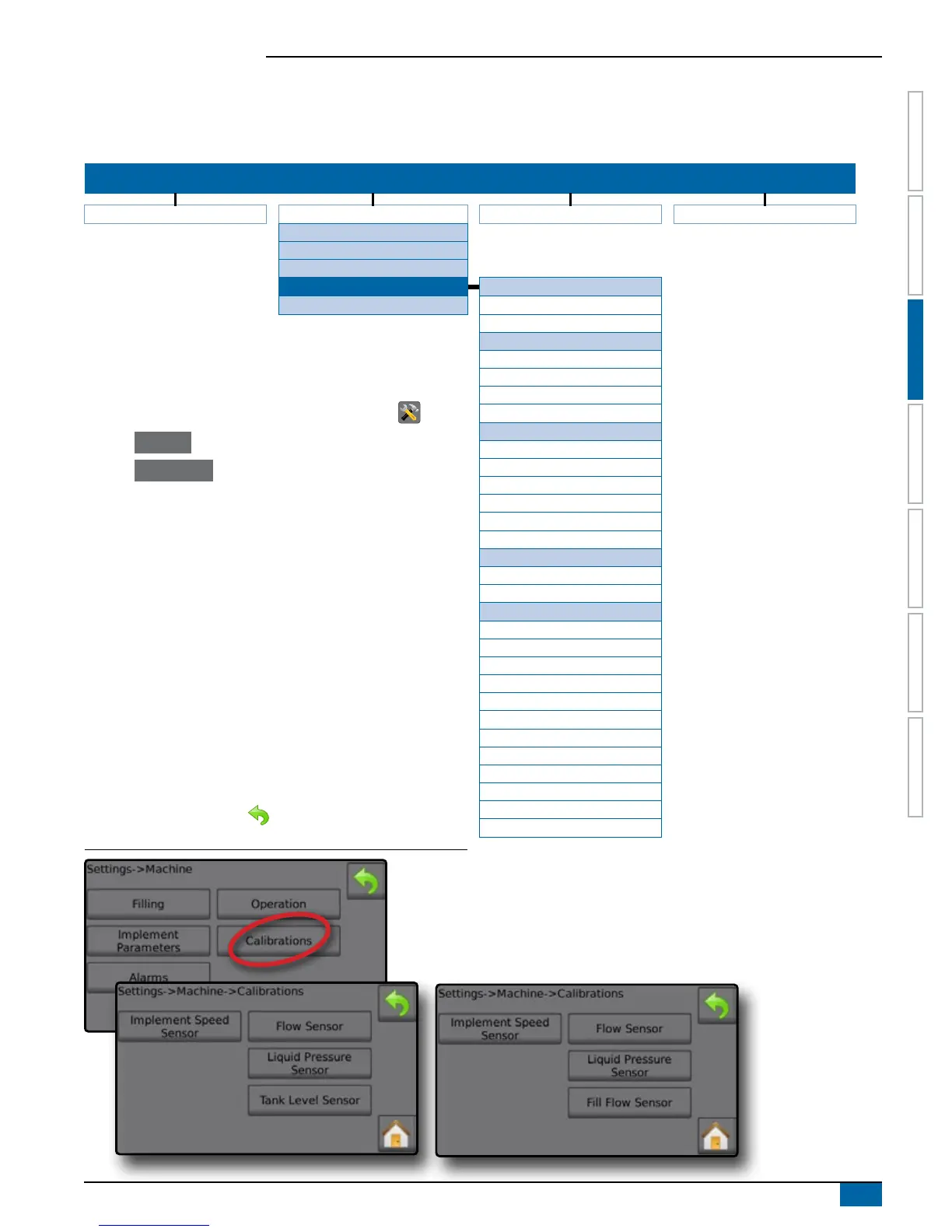
Calibrations congures sensor parameters including Implement Speed Sensor, Flow Sensor, Liquid Pressure Sensor, Fill Flow Sensor, and
Tank Level Sensor. Options displayed directly relate to OEM tted equipment.
SETTINGS MENU STRUCTURE
| | | |
Job Parameters Machine OEM Diagnostics
Filling
Operation
Implement Parameters
Calibrations
Implement Speed Sensor
Alarms Calibration Number
Automatic Calibration
*Flow Sensor
Calibration Number
1. From the Home screen, press the SETTINGS button .
2. Press Machine .
3. Press Calibrations .
4. Select from:
►Implement Speed Sensor
►Flow Sensor
►Liquid Pressure Sensor
◄Calibrate each option in the following order:
No pressure
Maximum Pressure
►Fill Flow Sensor
►Tank Level Sensor
◄Calibrate each option in the following order:
Empty Tank
Minimum Tank Level
Maximum Tank Level
Tank Shape
5. Press the RETURN arrow to return to the Machine screen.
Figure 3-15: Calibrations – Tank Level Sensor and Fill Flow Sensor
Low Flow Limit
High Flow Limit
Automatic Calibration
*Liquid Pressure Sensor
No pressure
No Pressure Calibration
Maximum Pressure
Maximum Pressure
Reference Pressure
Automatic Calibration
*Fill Flow Sensor
Calibration Number
Automatic Calibration
*Tank Level Sensor
Empty Tank
Automatic Calibration
Minimum Tank Level
Minimal Tank Level
Automatic Calibration
Maximum Tank Level
Maximum Tank Level
Automatic Calibration
Tank Shape
Maximum Tank Level
Start Calibration
Import/Export Calibrations
*Menu settings directly relate to fitted OEM equipment.


 To Next Page