INTRODUCTION
47
98-05311-ENUS R2
OPERATIONDATA APPENDIX TOOLS CONSOLE
Radion 8140 Automatic Sprayer Control
SETTINGS
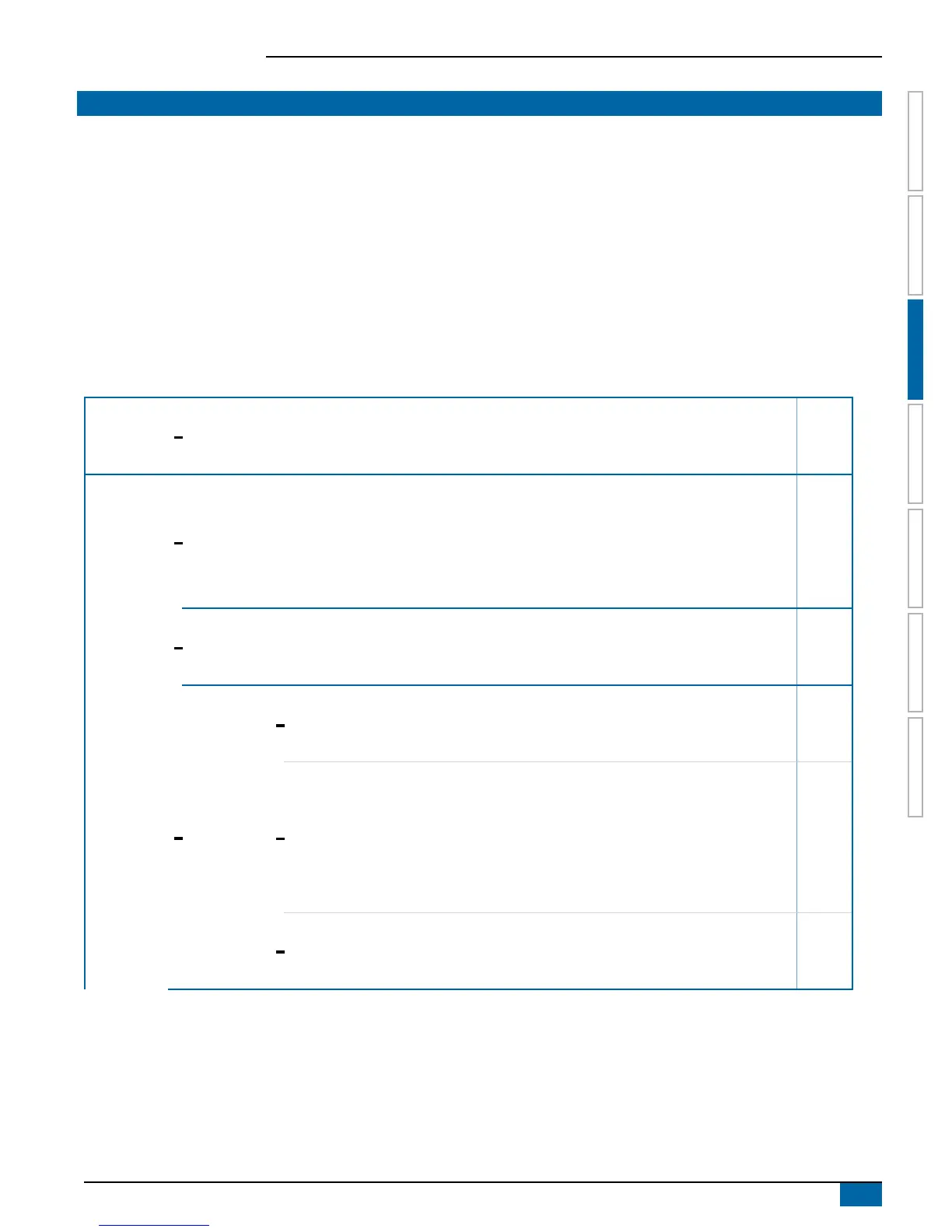
SETTINGS MENU OPTIONS
The main settings menu contains four (4) options: Job Parameters, Machine, OEM and Diagnostics. Each of these options either directly
access settings or additional menus. The table below outlines the additional menus, options available on that menu item, and directs you to
the setup pages for further information.
* Options may also be set up from Operations screen
Always available
Available with purchase of CAN BoomPilot
®
unlock code
Available with Flow Sensor
Available with Liquid Pressure Sensor
Available with Fill Flow Sensor
Available with Tank Sensor
Job
Parameters
–
Application Rate Number
*Application Rate
*Tip Type
Idle Pressure
Machine
–
*Filling
Actual Content
Full Tank
Density Type
Density Factor
Desired Content
Actual Content
Automatic Filling
–
Operation
Application Rate Step
Speed Source
Simulated speed
Minimum Speed
–
Implement
Parameters
–
Section Conguration
Section Number
Number of Tips
Copy Section
Section Width
– Tip Preset Setup
Tip Preset
Tip Series
Tip Capacity
Factory Settings
Low Pressure Limit
High Pressure Limit
Reference Flow
Reference Pressure
–
Regulation
Parameters
Course Valve Calibration
Fine Valve Calibration
Tip Spacing
Regulation Mode
(continued on next page)



 To Next Page