Operating Instructions Model 400E Ozone Analyzer
Instruction Manual
124 P/N 04316 Rev: B
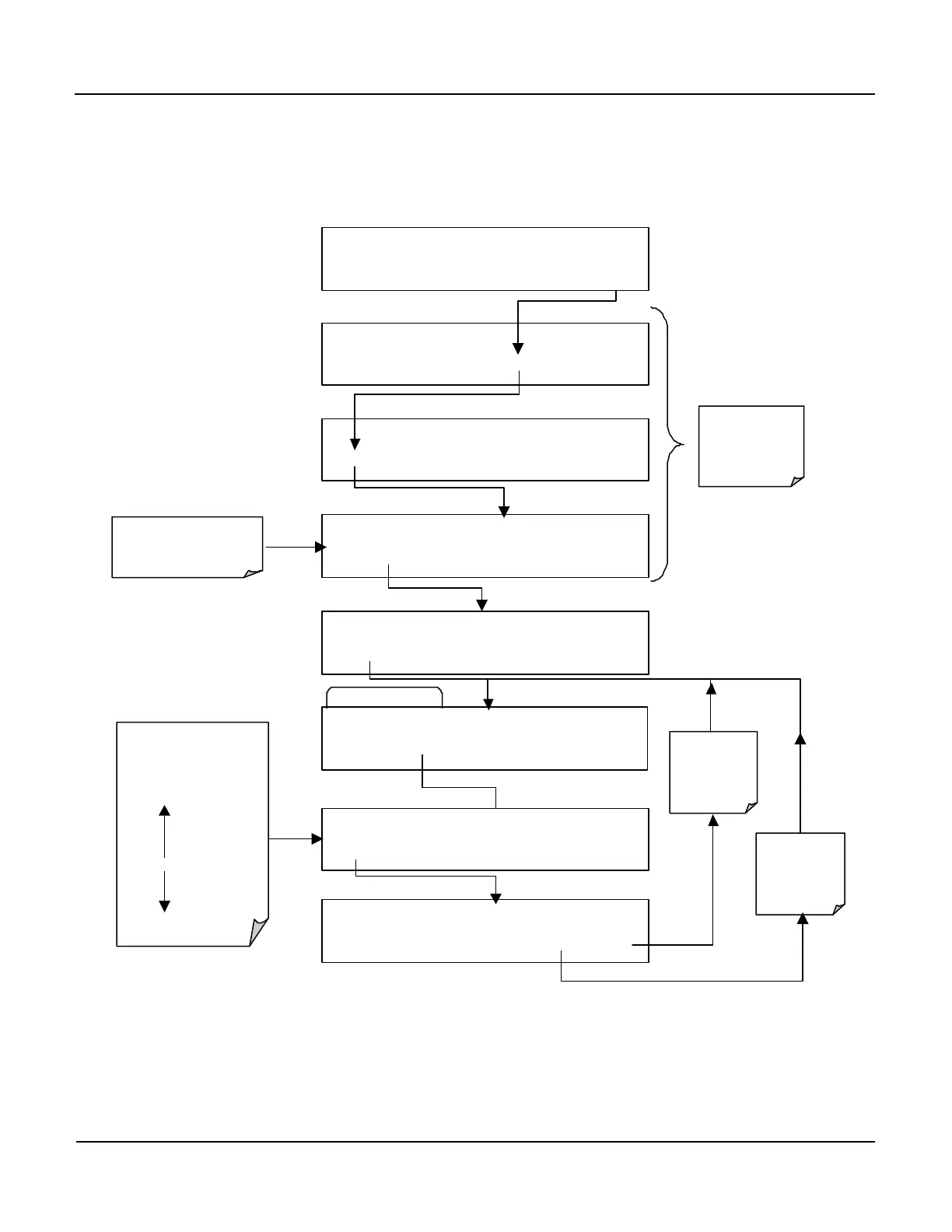
6.9.6. Setting the COM Port Baud Rate
To select the baud rate one of the COM Ports, press:
SETUP X.X COM1 BAUD RATE:19200
PREV NEXT ENTR EXIT
SETUP X.X COM1 BAUD RATE:9600
NEXT
ON
ENTR EXIT
EXAMPLE
SETUP X.X
CFG DAS RNGE PASS CLK MORE EXIT
SETUP X.X
COMM VARS DIAG HALT EXIT
SAMPLE RANGE = 500.0 PPB O3 =XXX.X
< TST TST > CAL
SETUP
SETUP X.X COMMUNICATIONS MENU
ID COM1 COM2 EXIT
Select which COMM
Port is to be
configured
SETUP X.X COM1 MODE:0
SET> EDIT EXIT
EXIT
to the
previous
Menu
SETUP X.X COM1 BAUD RATE:19200
<SET SET> EDIT EXIT
EXIT
ignores
the new
setting
ENTR
accepts
the new
setting
Use PREV and
down the list of
available Baud Rates.
300
1200
4800
9600
19200
38400
57600
115200



 To Next Page