Operating Instructions Model 400E Ozone Analyzer
Instruction Manual
92 P/N 04316 Rev: B
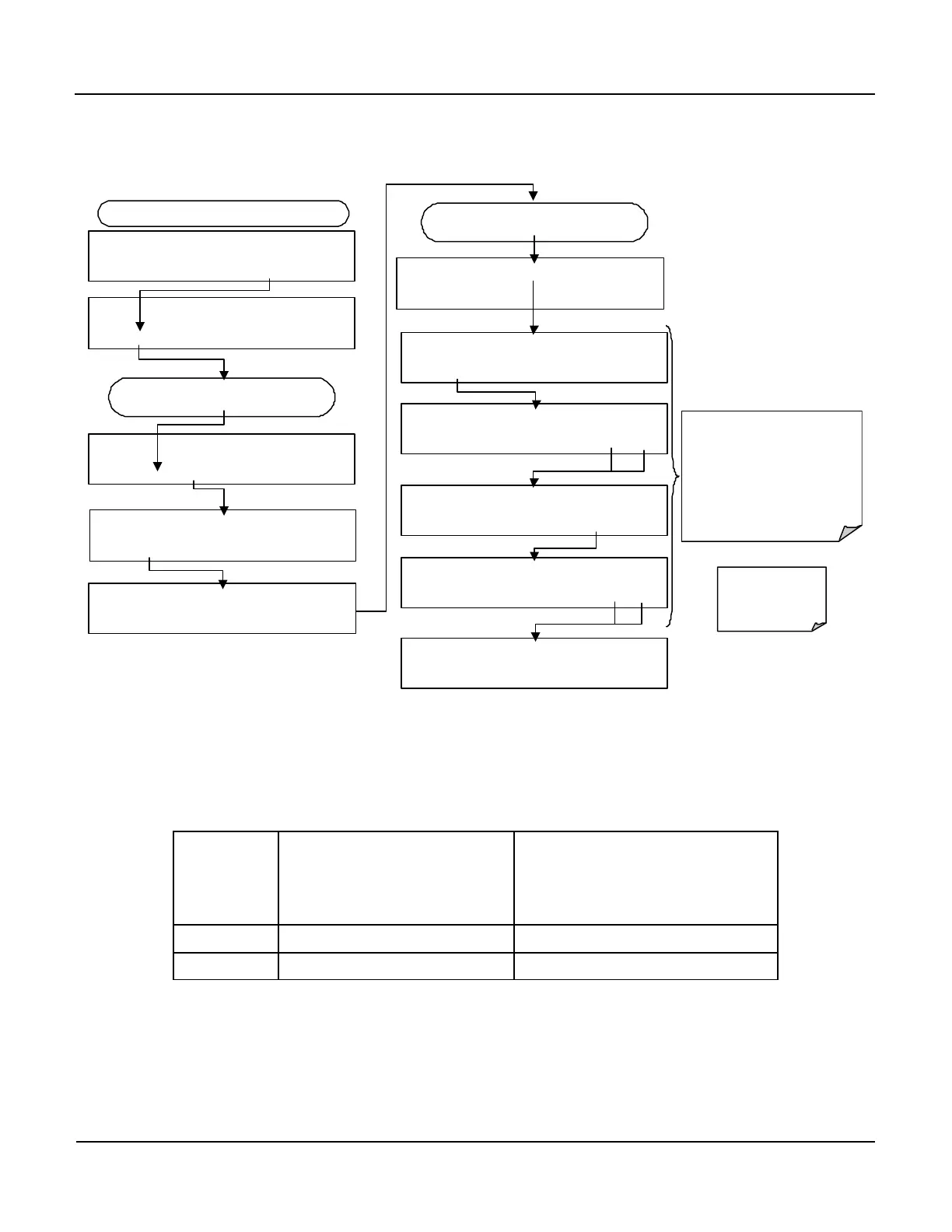
To adjust the zero and span values of the current outputs, activate the ANALOG
I/O CONFIGURATION MENU, then press:
DIAG AIO CONC_OUT_2 SPAN: 10000 mV
U100 UP10 UP DOWN DN10 D100 ENTR EXIT
DIAG AIO AUTO CALIBRATING CONC_OUT_2
DIAG AIO AIN CALIBRATED: NO
SET> EDIT EXIT
DIAG ANALOG I / O CONFIGURATION
PREV NEXT ENTR EXIT
FROM ANALOG I/O CONFIGURATION MENU
DIAG AIO CONC_OUT_2 RANGE: CURR
<SET SET> EDIT EXIT
DIAG AIO CONC_OUT_2 CALIBRATED: NO
< SET CAL EXIT
DIAG AIO CONC_OUT_2:CURR, NO CAL
< SET SET> EDIT EXIT
Press
to select the analog output channel
to be configured:.
Increase or decrease the current
output by 100, 10 or 1 counts.
The resulting change in output
voltage is displayed in the upper
line.
Continue adjustments until the
correct current is measured with
the current meter.
DIAG AIO CONC_OUT_2 ZERO: 27 mV
U100 UP10 UP DOWN DN10 D100 ENTR EXIT
EXIT ignores the
new setting, ENTR
accepts the new
setting.
DIAG AIO CONC_OUT_2 CALIBRATED: YES
< SET CAL EXIT
DIAG AIO CONC_OUT_2 ZERO: 9731 mV
U100 UP10 UP DOWN DN10 D100 ENTR EXIT
DIAG AIO CONC_OUT_2 CURR-Z: 0 mV
U100 UP10 UP DOWN DN10 D100 ENTR EXIT
The in
strument attempt to automatically calibrate
the channel … then beep.
If a current meter is not available, an alternative method for calibrating the current
loop outputs is to connect a 250 Ω ±1% resistor across the current loop output.
Using a voltmeter, connected across the resistor, follow the procedure above but
adjust the output to the following values:
Table 6-13: Current Loop Output Calibration with Resistor
FULL
SCALE
VOLTAGE FOR 2-20
MA
(measured across
resistor)
VOLTAGE FOR 4-20 MA
(measured across resistor)
0% 0.5 V 1.0 V
100% 5.0 V 5.0 V



 To Next Page