Model 400E Ozone Analyzer
Instruction Manual
Operating Instructions
P/N 04316 Rev: B 85
6.6.2. Analog Output Calibration Mode
The analog outputs can be calibrated automatically or manually. In its default
mode, the instrument is configured for automatic calibration of all channels. Manual
calibration should be used for the 0.1V range or in cases where the outputs must be
closely matched to the characteristics of the recording device. Outputs configured
for automatic calibration can be calibrated as a group or individually. Calibration of
the analog outputs needs to be carried out on first startup of the analyzer
(performed in the factory as part of the configuration process) or whenever re-
calibration is required.
6.6.2.1. Automatic Analog Output Calibration
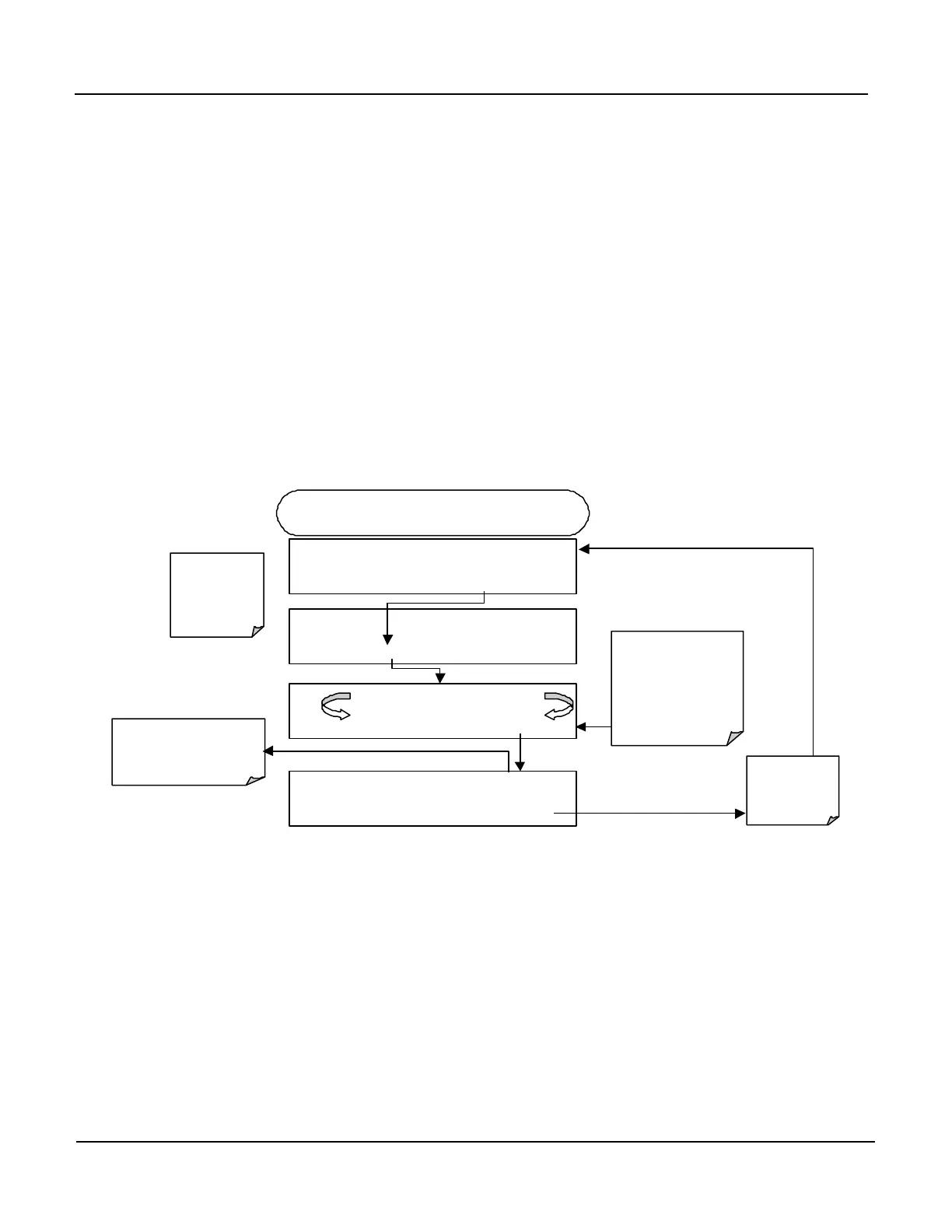
To calibrate the outputs as a group, activate the analog i/o configuration menu,
then press:
DIAG AIO AUTO CALIBRATING CONC_OUT_1
AUTO
CALIBRATING CONC_OUT_2
AUTO CALIBRATING TEST_OUTPUT
main DIAG
menu
DIAG ANALOG I / O CONFIGURATION
PREV NEXT ENTR EXIT
DIAG AIO AOUTS CALIBRATED: NO
CAL
If AutoCal has been
turned off for any
channel, the message
for that channel will be
similar to:
NOT AUTO CAL
CONC_OUT_1
the I/O
configuration
menu
STARTING FROM DIAGNOSTIC MENU
If any of the channels have
not been calibrated this
message will read
NO
.
DIAG AIO AOUTS CALIBRATED:
EXIT



 To Next Page