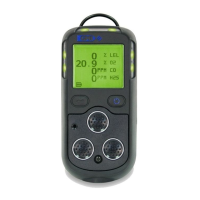
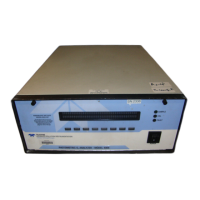
Model 400E Ozone Analyzer
Instruction Manual
Getting Started
P/N 04316 Rev: B 39
3.3.2. Basic Calibration Procedure
While it is possible to perform the following procedure with any range setting we
recommend that you perform this initial checkout using the 500 ppb range.
NOTE
The following procedure assumes that the instrument DOES NOT
have any of the available Zero/Span Valve Options installed and
Cal gas will be supplied through the Sample port.
See Section 5.3 for information regarding setting up of
Z/S Valve options.
See Section 7 for instructions for calibrating instruments
possessing Z/S Valve Options.
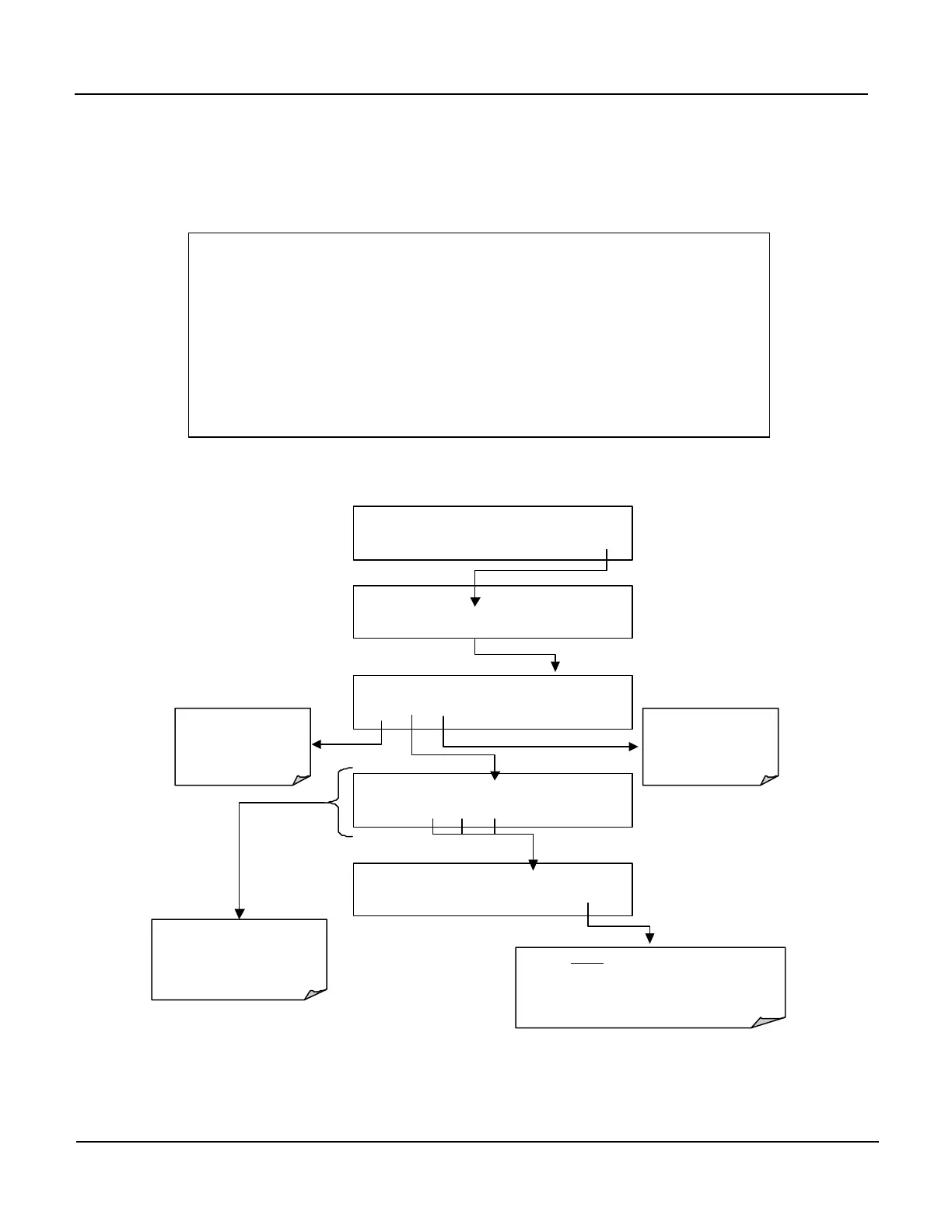
1. Set the Analog Output Range of the M400E
SAMPLE RANGE = 500.0 PPB O3 =
< TST TST > CAL SETUP
SETUP X.X
CFG DAS RNGE PASS CLK MORE EXIT
SETUP X.X RANGE CONTROL MENU
MODE SET UNIT EXIT
Press this button to set
the analyzer for SNGL
DUAL
or
AUTO
range
(see Section 6.4)
SETUP X.X RANGE: 500.0 CONC
0 0
5
0 0 .0
ENTR EXIT
To change the value of the Range
Setting, enter the number
sequence by pressing the key
under each digit until the expected
value appears.
SETUP X.X RANGE: 500.0 Conc
0 0 5 0 0 .0 ENTR EXIT
Press this butto
the Measurement Range
unit Type
(see Section 6.4.6)
EXIT ignores the new setting and returns to the
previous menu.
ENTR accepts the new setting and returns to the
previous menu..


 To Next Page