Model 400E Ozone Analyzer
Instruction Manual
Operating Instructions
P/N 04316 Rev: B 79
6.5.7. TEST Channel Output
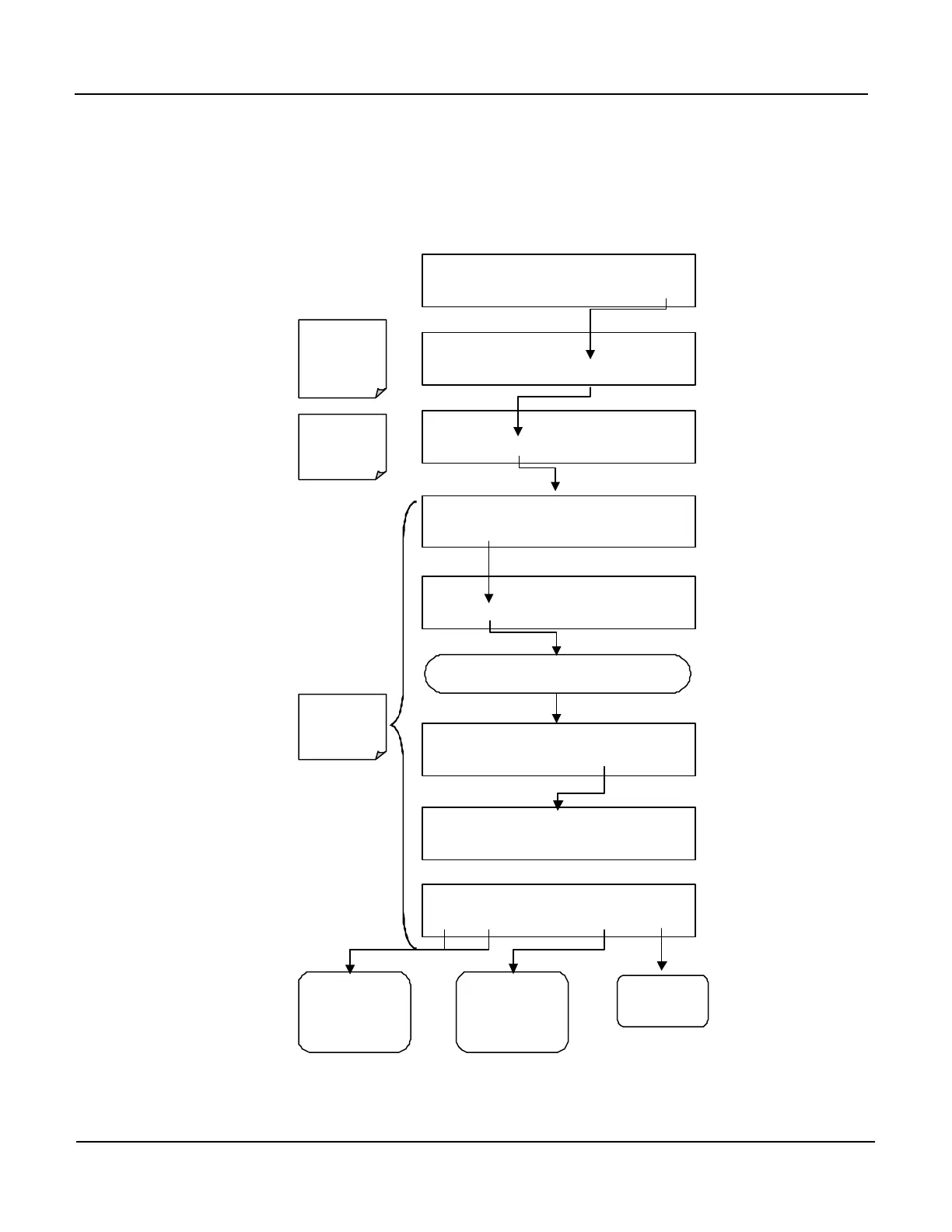
When activated the A4 Analog Output channel can be used to report the real-time
value of one of several of the Test Function viewable from the SAMPLE mode
display. To activate the A4 channel and select a Test Function press:
SAMPLE RANGE = 500.0 PPB O3 =XXX.X
< TST TST > CAL SETUP
SETUP X.X
CFG DAS RNGE PASS CLK MORE EXIT
SETUP X.X
COMM VARS DIAG HALT EXIT
Press Exit at
Any Time to
Menu
DIAG SIGNAL I / O
NEXT
ENTR
EXIT
DIAG ANALOG OUTPUT
PREV NEXT ENTR EXIT
DIAG TCHN TEST CHANNEL: NONE
NEXT ENTR EXIT
DIAG TEST CHAN OUTPUT
PREV NEXT ENTR EXIT
Press Exit at
Any Time to
Return to
SETUP Menu
Press Exit at
Any Time to
SAMPLE
Display
Continue pressin NEXT until …
DIAG TCHN
MEASURE
Press
or
NEXT to move up
and down list of
functions
(See Table 6-7)
Press EXIT to
return to the
DIAG Menu
Press ENTR to
on the display and
activate the Test
Channel



 To Next Page