Model 400E Ozone Analyzer
Instruction Manual
Operating Instructions
P/N 04316 Rev: B 161
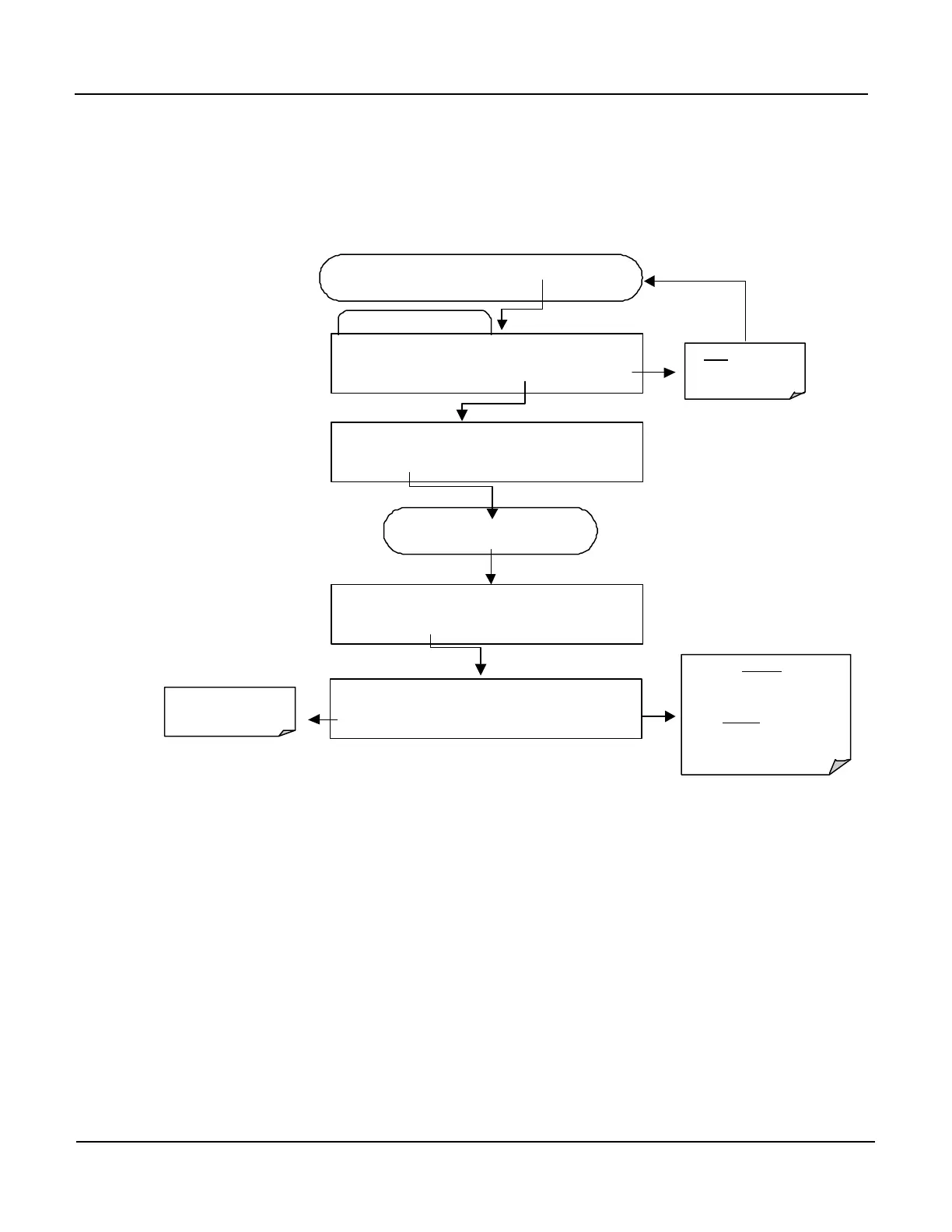
6.12.10. Turning the HOLDOFF Feature On/Off
For each individual Data Channel the HOLD OFF Feature can be turned ON?OFF by
pressing:
Edit Data Channel Menu
SETUP X.X 0) CONC: ATIMER, 2, 900
PREV NEXT INS DEL EDIT PRNT EXIT
FROM THE DATA CHANNEL PASSWORD MENU
Exits to the Main
Data Acquisition
SETUP X.X
<SET SET> EDIT PRINT EXIT
SETUP X.X CAL HOLD OFF:ON
SET> EDIT PRINT EXIT
Press
SET>
key until…
accepts the new
setting and returns to the
previous menu.
EXIT ignores
and returns to the previous
menu.
SETUP X.X CAL HOLD OFF:ON
ON ENTR EXIT
Toggle key to Turn
ON/OFF


 To Next Page