Model 400E Ozone Analyzer
Instruction Manual
TROUBLESHOOTING & REPAIR PROCEDURES
P/N 04316 Rev: B 261
11.5.6. Motherboard
11.5.6.1. A/D functions
The simplest method to check the operation of the A-to-D converter on the
motherboard is to use the Signal I/O function under the DIAG Menu to check the
two A/D reference Voltages and input signals that can be easily measured with a
Voltmeter.
• Use the Signal I/O function (see section 11.1.3 and Appendix D) to view the
value of REF_4096_MV and REF_GND. If both are within 3 mV of nominal
(4096 and 0), and are stable, ± 0.5 mV then the basic A/D is functioning
properly. If not then the Motherboard is bad.
• Choose a parameter in the Signal I/O function such as SAMPLE_PRESSURE.
Compare these Voltages at their with the voltage displayed through the SIGNAL
I/O function. If the wiring is intact but there is a large difference between the
measured and displayed Voltage (±10 mV) then the Motherboard is bad.
11.5.6.2. Analog Outputs: Voltage
To verify that the Analog outputs are working properly, connect a voltmeter to the
output in question and perform an Analog Output Step Test as described in
Section 6.7.2.
For each of the steps, taking into account any offset that may have been
programmed into channel, the output should be within 1% of the nominal value
listed in the table below except for the 0% step, which should be within 2 to 3 mV.
If one or more of the steps fails to be within this range then it is likely that there
has been a failure of the either or both of the DACs and their associated circuitry on
the Motherboard.
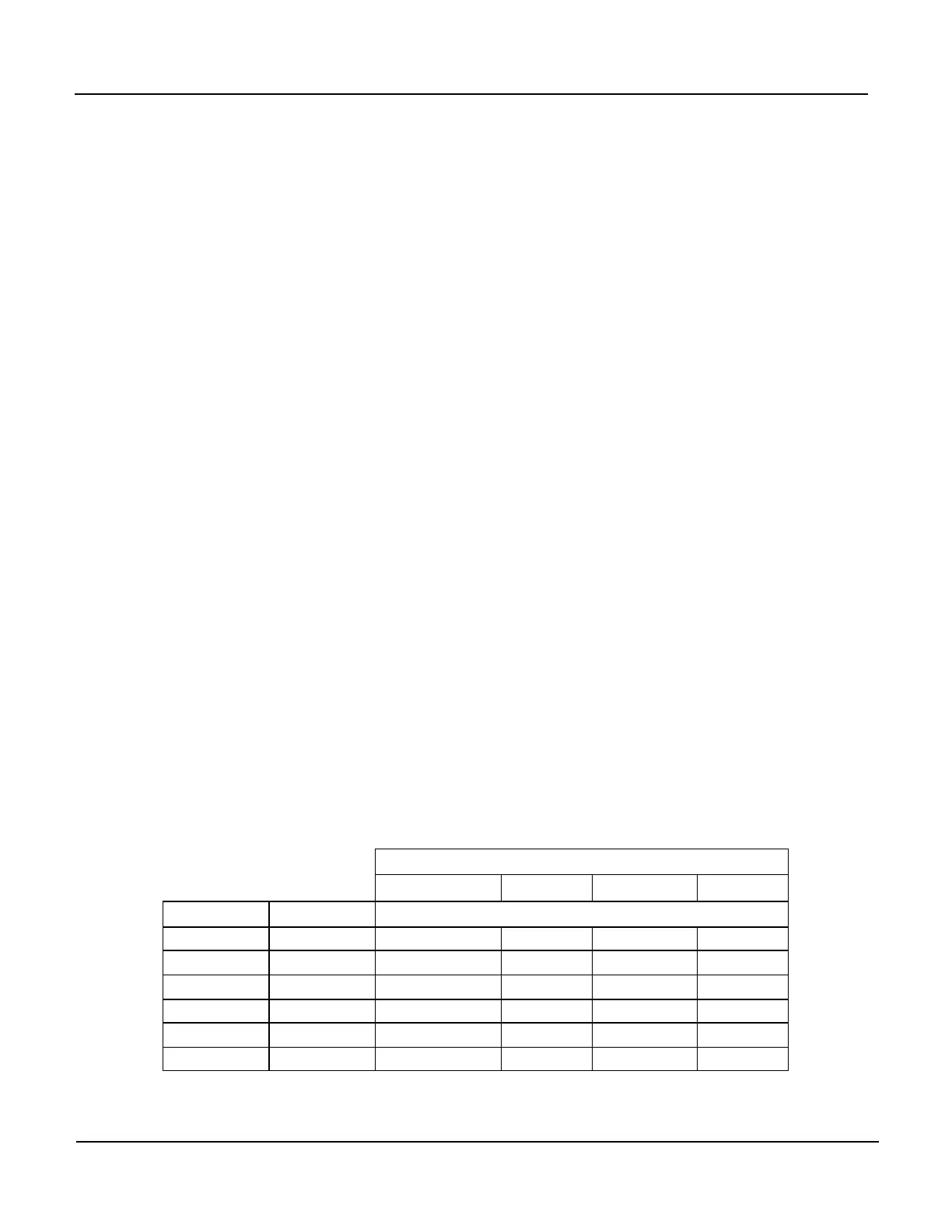
Table 11-6: Analog Output Test Function - Nominal Values
Full scale Output Voltage
100mV 1V 5V 10V
Step % Nominal Output Voltage
1 0 0 0 0 0
2 20 20 mV 0.2 1 2
3 40 40 mV 0.4 2 4
4 60 60 mV 0.6 3 6
5 80 80 mV 0.8 4 8
6 100 100 mV 1.0 5 10



 To Next Page