Model 400E Ozone Analyzer
Instruction Manual
Operating Instructions
P/N 04316 Rev: B 63
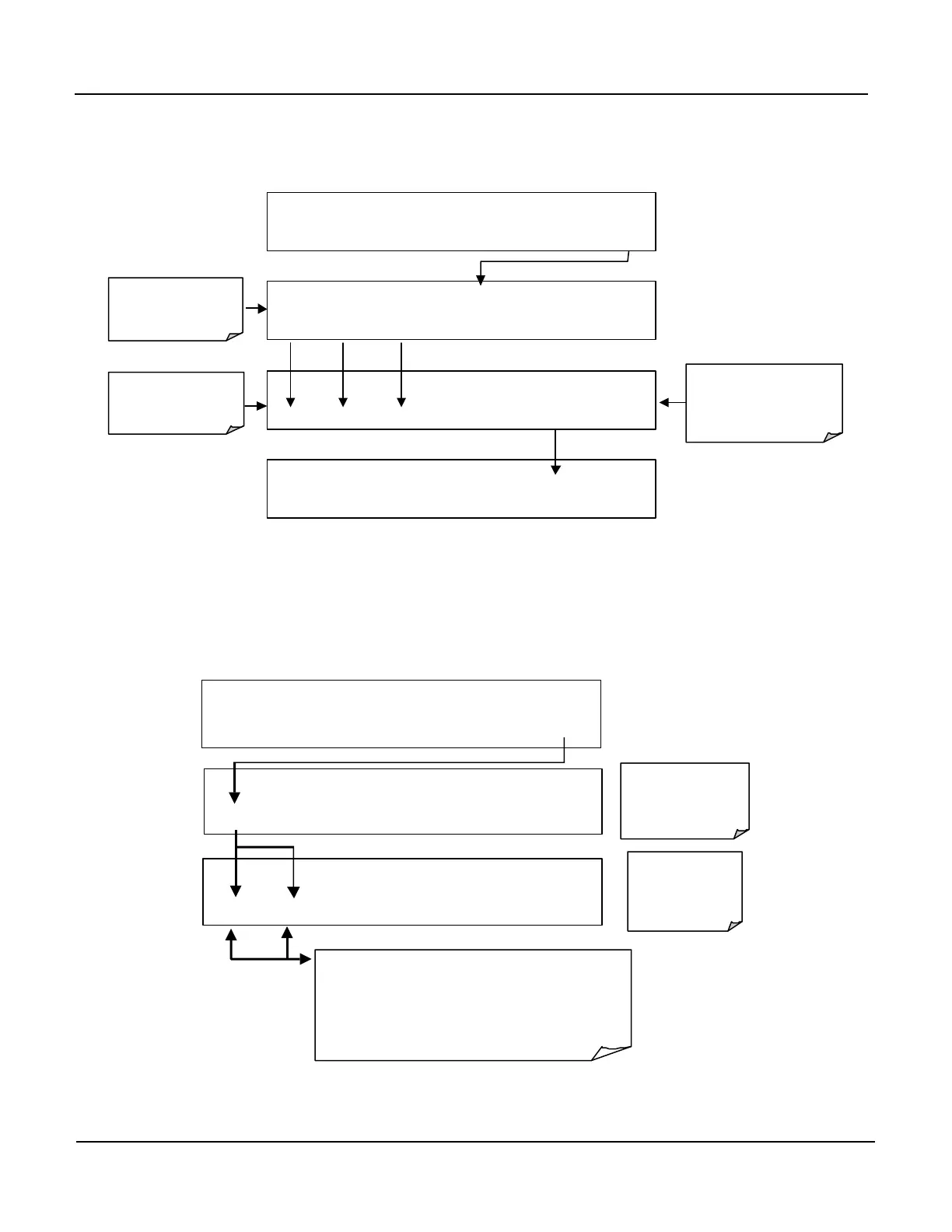
Example: If all passwords are enabled, the following keypad sequence would be
required to enter the SETUP menu:
SAMPLE RANGE = 500.0 PPB O3 =XXX.X
< TST TST > CAL SETUP
0 0 0 ENTR EXIT
PROMPTS
PASSWORD
Number
Example: this
Password Enables the
Setup mode
8 1 8 ENTR EXIT
CFG DAS RNGE PASS CLK MORE EXIT
Press individual
keys to set
Numbers
6.3.4. Configuration Information (CFG)
CFG key allows the user to review certain software configuration information. This
feature is useful for showing any special features that are present in the currently
installed Disk-on-Chip. It can be displayed by entering the key sequence:
Press NEXT of PREV to move back and forth through
the following list of Configuration information:
SERIAL NUMBER
SOFTWARE REVISION
LIBRARY REVISION
CPU TYPE
SAMPLE RANGE = 500.0 PPB O3 =XXX.XX
< TST TST > CAL SETUP
SAMPLE RANGE = 500.0 PPG O3 =XXX.XX
CFG DAS RNGE PASS CLK MORE EXIT
SAMPLE
O3 =XXX.XX
NEXT
PREV
EXIT
Press Exit at
Any Time to
Return to
SETUP Menu
Time to Return
to Main SAMPLE



 To Next Page