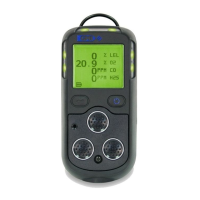
Operating Instructions Model 400E Ozone Analyzer
Instruction Manual
78 P/N 04316 Rev: B
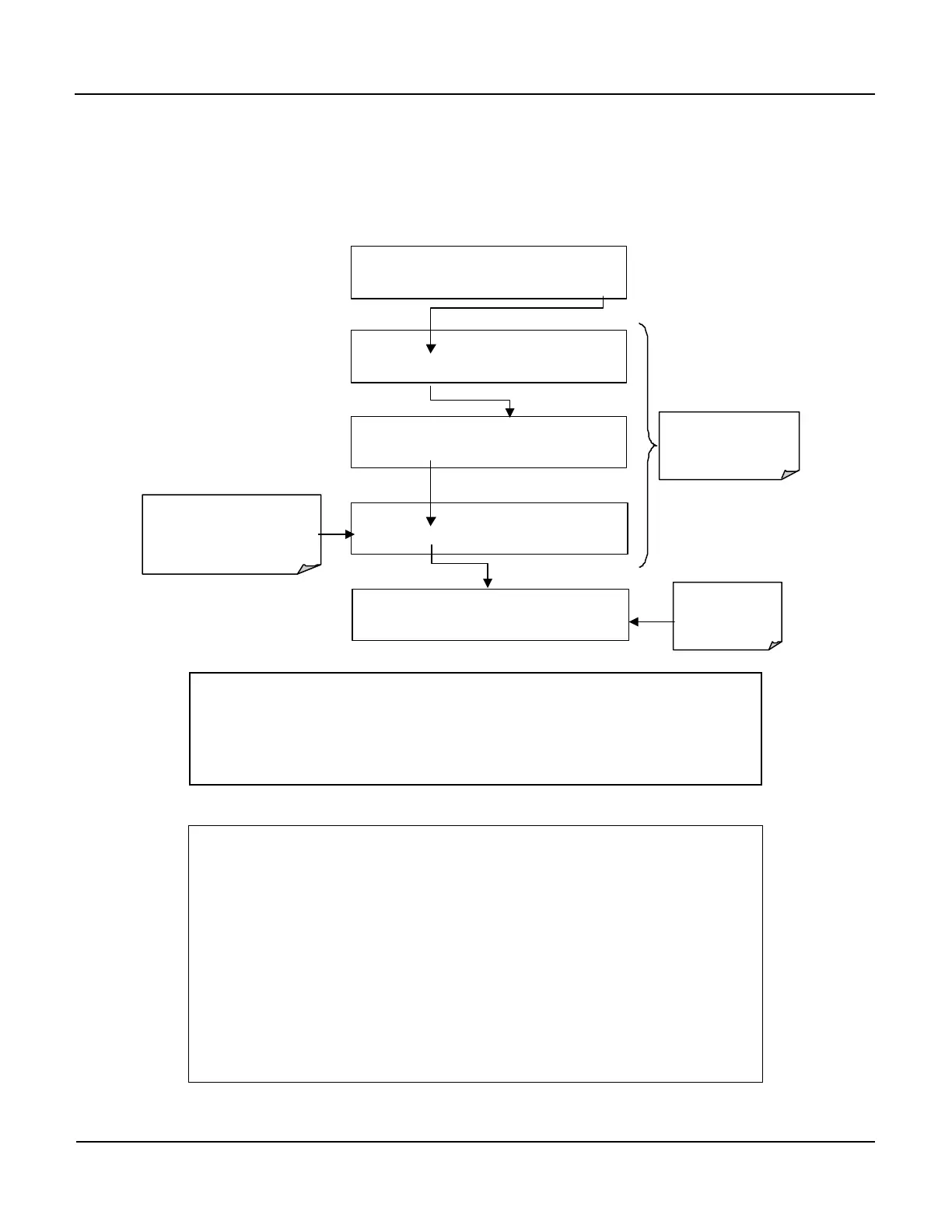
6.5.6. Setting the Measurement Range Unit Type
The M400E can display concentrations in ppb, ppm, ug/m
3
, mg/m
3
units. Changing
units affects all of the COM port values, and all of the display values for all
Measurement Ranges.
To change the units of Measure press:
SAMPLE RANGE = 500.0 PPB O3 =XXX.X
< TST TST > CAL SETUP
SETUP X.X
CFG DAS
RNGE
PASS CLK MORE EXIT
SETUP X.X RANGE CONTROL MENU
MODE SET
UNIT
EXIT
SETUP X.X
PPM PPB
UGM
MGM
ENTER
EXIT
Select the preferred units of
measure.
EXAMPLE: Switching from
PPM to UGM
SETUP X.X
PPM PPB UGM MGM ENTER EXIT
EXIT Returns
to the Main SAMPLE
Display
EXIT
Returns
to the
SETUP
Menu
NOTE
Concentrations displayed in mg/m
3
and ug/m
3
use 0°C ,
760 mmHg for Standard Temperature and Pressure (STP).
Consult your local regulations for the STP used by your agency.
NOTE
Once the units of Measurement have been changed the unit
MUST be recalibrated as the “expected span values” previously
in effect will no longer be valid. Simply entering new expected
span values without running the entire calibration routine is not
sufficient.
The following equations give approximate conversions between
volume/volume units and weight/volume units:
O
3
ppb x 2.14 = O
3
ug/m
3
O
3
ppm x 2.14 = O
3
mg/m
3


 To Next Page