Operating Instructions Model 400E Ozone Analyzer
Instruction Manual
74 P/N 04316 Rev: B
NOTE
Only one of the Range Types described above may be
active at any time.
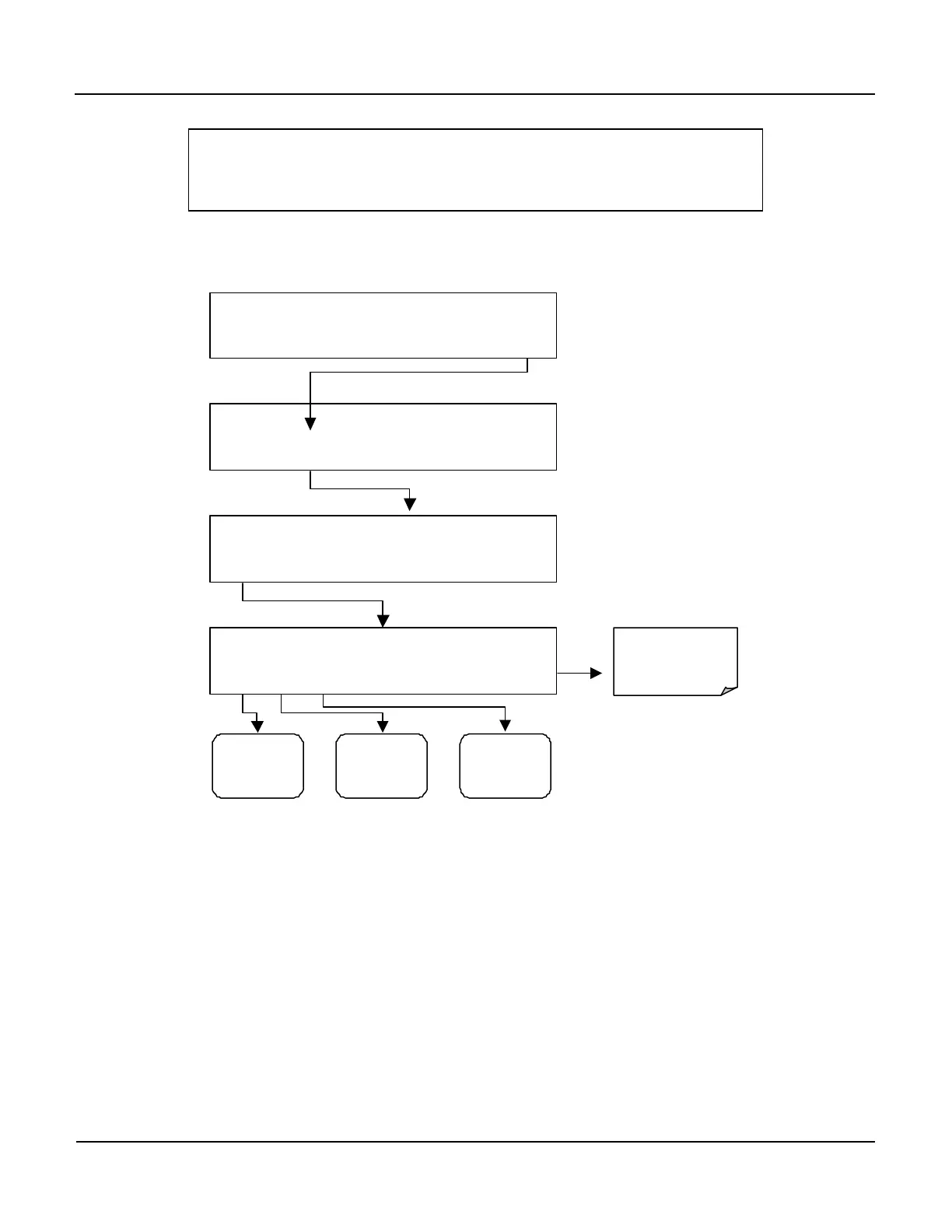
To select the Analog Output Range Type press:
SAMPLE RANGE = 500.0 PPB O3 =XXX.X
< TST TST > CAL SETUP
SETUP X.X
CFG DAS RNGE PASS CLK MORE EXIT
SETUP X.X RANGE CONTROL MENU
MODE SET UNIT EXIT
Returns
to the Main
SAMPLE
Display
Go To
Section
6.5.3
Go To
Section
6.5.4
Go To
Section
6.5.5
SETUP X.X
SNGL
SNGL DUAL AUTO ENTR EXIT
6.5.3. Single Range Mode
This is the default Measurement Range mode for the analyzer. In this mode, both
analog outputs (A1 and A2) are set to the same range. This Measurement Range
can be set to any value between 0.1 ppb and 10,000 ppb and is accessed through
the following keystroke sequence.
While both A1 and A2 are reporting the same data within the same Measurement
Range span, their respective electronic signal levels can still be configured
differently (see Section 6.6) to meet the input requirements of different recording
devices.



 To Next Page