Model 400E Ozone Analyzer
Instruction Manual
Operating Instructions
P/N 04316 Rev: B 77
6.5.5. Auto Range Mode
When the Auto Range mode is selected, the analyzer automatically switches back
and forth between user selected Low & High Ranges depending on the level of the
O
3
concentration. The unit will move from Low Range to High Range when the O
3
concentration exceeds to 98% of the Low Range span. The unit will return from
High Range back to Low Range once the O
3
concentration falls below 75% of the
Low Range span.
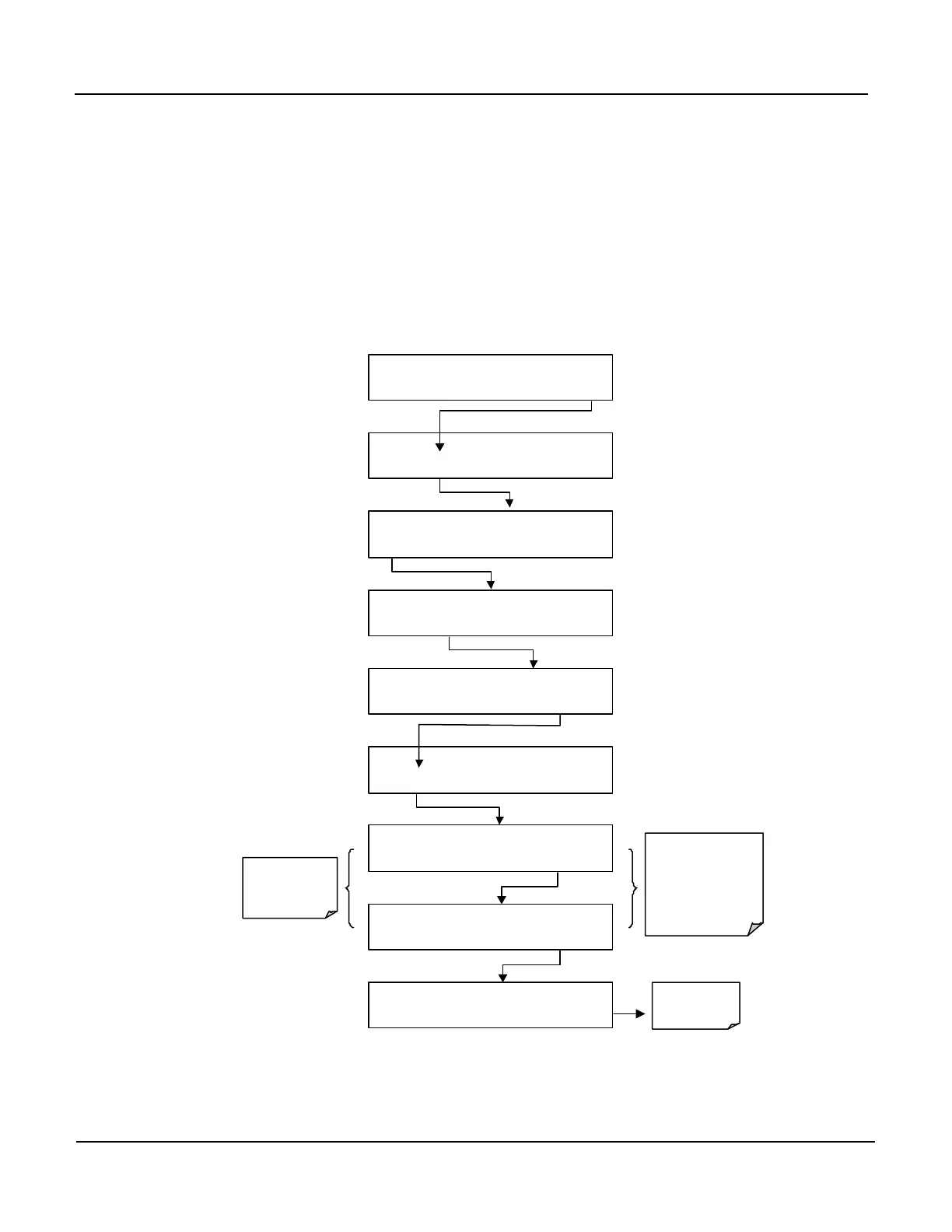
To set the ranges press following keystroke sequence:
SAMPLE RANGE = 500.0 PPB O3 =XXX.X
< TST TST > CAL SETUP
SETUP X.X
CFG DAS RNGE PASS CLK MORE EXIT
SETUP X.X RANGE CONTROL MENU
MODE
SET UNIT
EXIT
SETUP X.X RANGE MODE: SNGL
SNGL DUAL AUTO ENTR EXIT
Returns
to the Main
SAMPLE Display
SETUP X.X RANGE MODE:
SNGL DUAL AUTO ENTR EXIT
SETUP X.X RANGE CONTROL MENU
MODE SET UNIT EXIT
SETUP X.X HIGH RANGE: 50.0 Conc
0 0 5 0 0 .0 ENTR EXIT
SETUP X.X LOW RANGE: 150.0 Conc
0 0 1 0 0 .0
ENTR
EXIT
SETUP X.X RANGE CONTROL MENU
MODE SET UNIT EXIT
The Low and High
Ranges have separate
slopes and offsets for
computing the carbon
monoxide concentration.
The two ranges must be
independently calibrated.
Keys to Set the
LOW and HIGH
range value.
In AUTO Range mode the instrument reports the same data in the same range on
both the A1 and A2 outputs and automatically switches both outputs between
ranges as discussed above.



 To Next Page