Model 400E Ozone Analyzer
Instruction Manual
Operating Instructions
P/N 04316 Rev: B 65
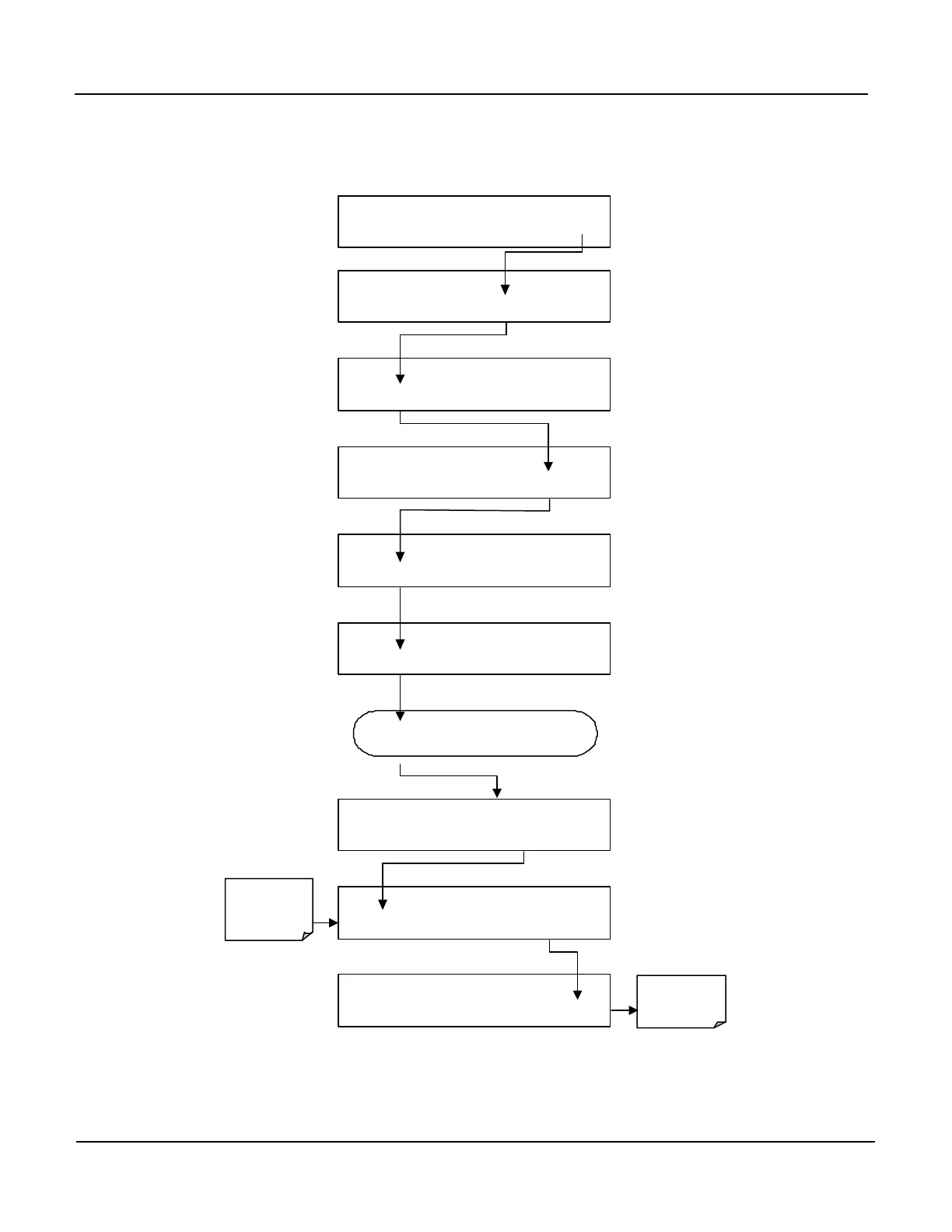
In order to compensate for CPU clocks which run fast or slow, there is a variable to
speed up or slow down the clock by a fixed amount every day. To change this
variable, press:
SAMPLE RANGE = 500.0 PPB O3 =XXX.X
SETUP X.X
CFG DAS RNGE PASS CLK MORE EXIT
SETUP X.X
COMM VARS DIAG HALT EXIT
Exit Returns to
main Sample
Display
SETUP X.X 0 ) DAS_HOLD_OFF=15.0 Minutes
NEXT JUMP EDIT PRNT EXIT
Enter Number
day the clock
gains or loses.
SETUPX.X 1 )PHOTO_LAMP= 52.0 DegC
PREV NEXT JUMP EDIT PRNT EXIT
SETUP X.X 6 ) CLOCK_ADJ=0 Sec/Day
PREV JUMP EDIT PRNT EXIT
SETUP X.X CLOCK_ADJ=
+ 0 0 ENTR EXIT
SETUP X.X 3 ) CLOCK_ADJ=0 Sec/Day
PREV NEXT JUMP EDIT PRNT EXIT
SETUP X.X ENTER VARS PASS: 818
8 1 8 ENTR EXIT
Continue to press
NEXT
until …



 To Next Page