Operating Instructions Model 400E Ozone Analyzer
Instruction Manual
98 P/N 04316 Rev: B
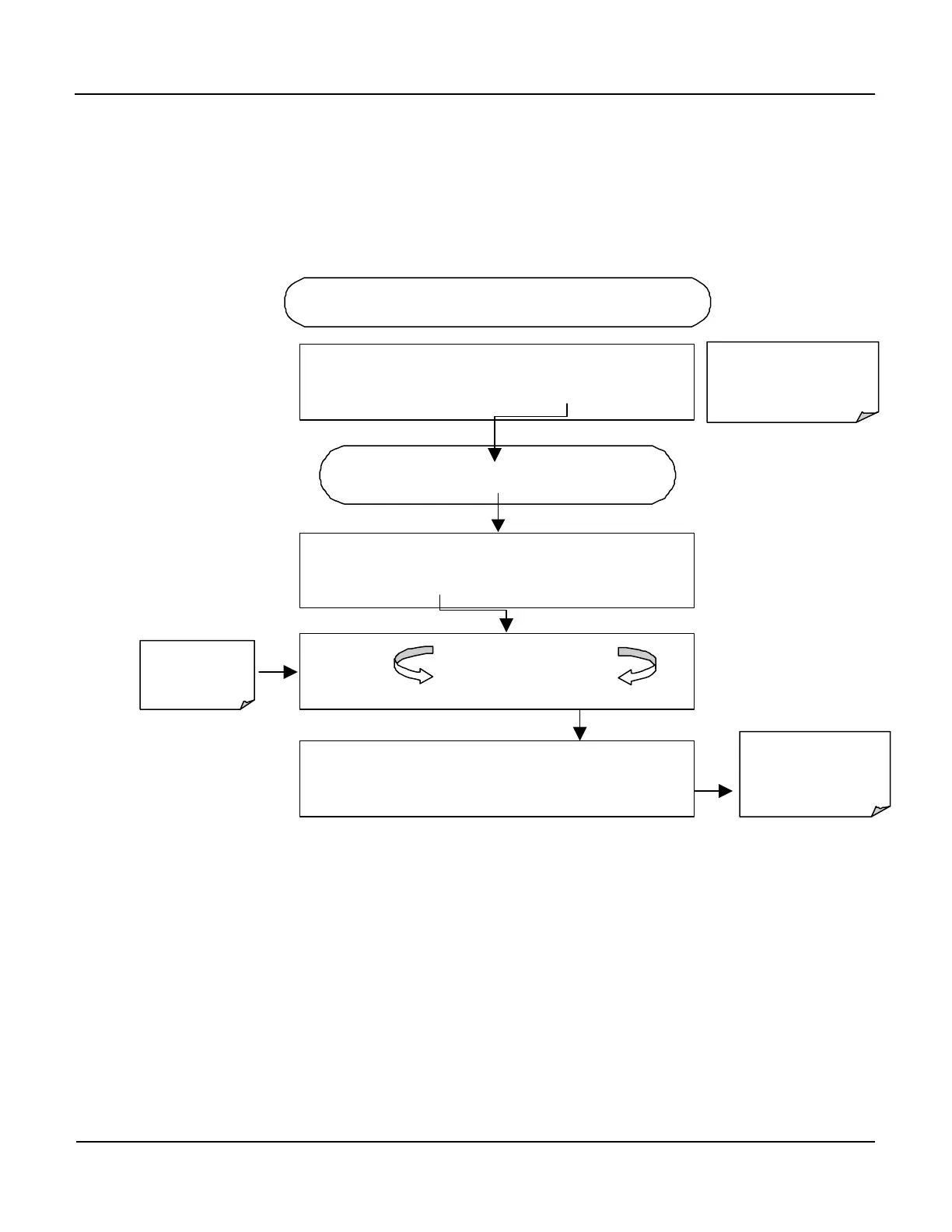
6.7.3.1. AIN Calibration
This is the sub-menu to conduct the analog input calibration. This calibration should
only be necessary after major repair such as a replacement of CPU, motherboard or
power supplies. Activate the ANALOG I/O CONFIGURATION MENU, then press:
Exit at any time to
return to the main
DIAG menu
DIAG ANALOG I / O CONFIGURATION
PREV
NEXT
ENTR
EXIT
Continue pressing SET> until …
DIAG AIO
NO
< SET SET> CAL EXIT
DIAG AIO AIN CALIBRATED: YES
< SET
SET> CAL
EXIT
Instrument
calibrates
ANALOG I/O
STARTING FROM ANALOG I / O CONFIGURATION MENU
DIAG AIO CALIBRATING A/D ZERO
CALIBRATING A/D SPAN



 To Next Page