User Manual for Oscar GNSS Receiver v2.4
71
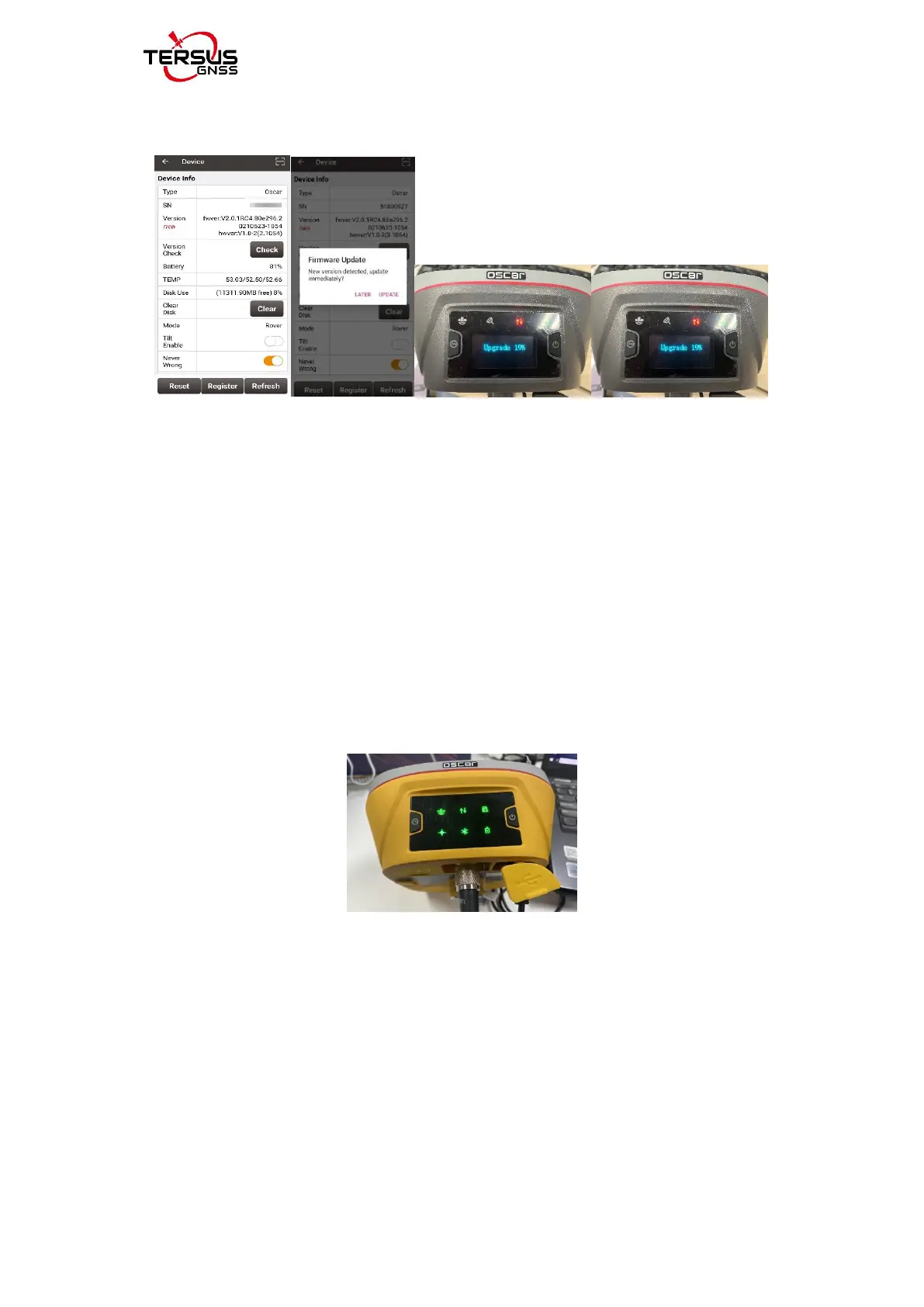
receiver will automatically download the new Oscar firmware, as shown below.
Figure 2.35 Status after Version Check
4) After the LED panel displays the operation interface, you can check whether
the Oscar firmware upgrade is successful. Refer to step 1 to check the Oscar
firmware version. If it is consistent with the latest firmware version, it means
the firmware upgrade is successful.
For Basic version, when the six indicators on the LED panel are all on, the boot
is successful, release the power button. OSCAR enters the upgrade mode
when the six indicators on the LED panel are all on again, please wait for the
upgrade to complete.
Figure 2.36 Upgrading(Basic version)
After the firmware upgrade is completed, the power LED light is on and the
satellite light flashes. At this time, refer to step 1 to check the Oscar firmware
version. If it is consistent with the latest firmware version, the firmware upgrade
is successful.



 To Next Page