User Manual for Oscar GNSS Receiver v2.4
78
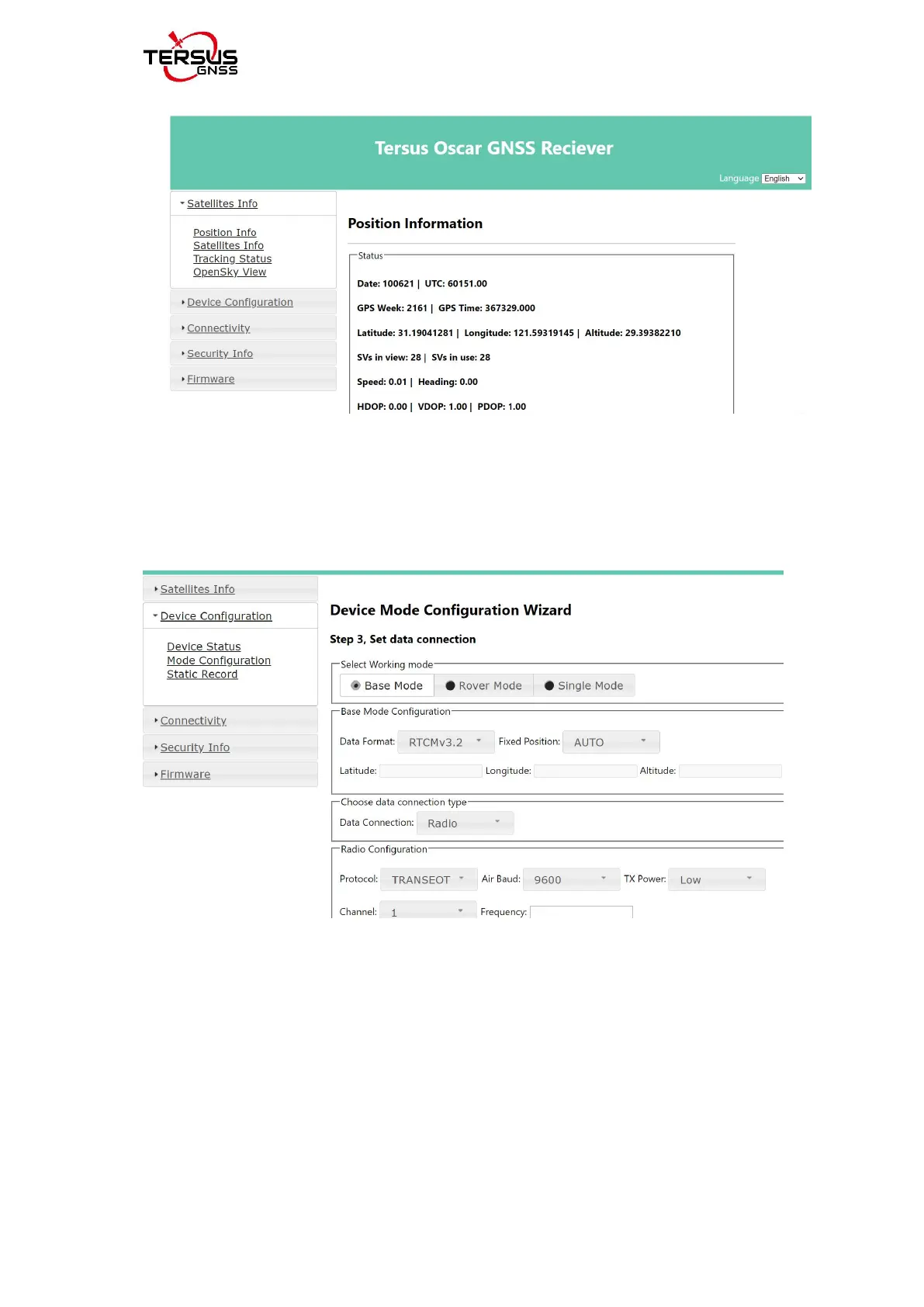
Figure 2.47 Main interface of Oscar’s web UI
e. configure the working mode and related parameters of the equipment .
[Device Configuration] - [Mode Configuration] - select working mode - next -
next - set.
figure 2.48 configure a working mode
f. upgrade device firmware version via web page. [Firmware] - [Firmware Info]
- [Firmware Upgrade] - click
【选择文件】
- click [upgrade].
you can use this function to upgrade after the next official version is released.



 To Next Page