Chapter 12: Additional Graphing Topics 213
12ADDLGR.DOC TI-89/TI-92 Plus: Additional Graphing Tools (English) Susan Gullord Revised: 02/23/01 1:03 PM Printed: 02/23/01 2:15 PM Page 213 of 20
A drawn object is not part of the graph itself. It is drawn “on top of”
the graph and remains on the screen until you clear it.
From the Graph screen:
¦
TI
-
89:
2
ˆ
TI
-
92 Plus:
ˆ
and select
1:ClrDraw
.
— or —
¦
Press
†
to regraph.
You can also do anything that causes the
Smart Graph
feature to
redraw the graph (such as change the Window variables or deselect
a function on the Y= Editor).
From the Graph screen:
1.
TI
-
89:
2
‰
TI
-
92 Plus:
‰
and select
1:Pencil
.
2. Move the cursor to the
applicable location.
To draw a: Do this:
Point (pixel-sized) Press
¸
.
Freehand line
TI
-
89:
Press and hold
¤
, and move the
cursor to draw the line.
TI
-
92 Plus:
Press and hold ‚, and move
the cursor to draw the line.
To quit drawing the line, release
¤
or ‚.
fter drawing the point or line,
you are still in “pencil” mode.
¦ To continue drawing, move
the cursor to another point.
¦
To quit, press
N
.
Drawing a Line, Circle, or Text Label on a Graph
You can draw one or more objects on the Graph screen,
usually for comparisons. For example, draw a horizontal line to
show that two parts of a graph have the same y value. (Some
objects are not available for 3D graphs.)
Clearing All
Drawings
Tip: You can also enter
ClrDraw
on the Home
screen’s entry line.
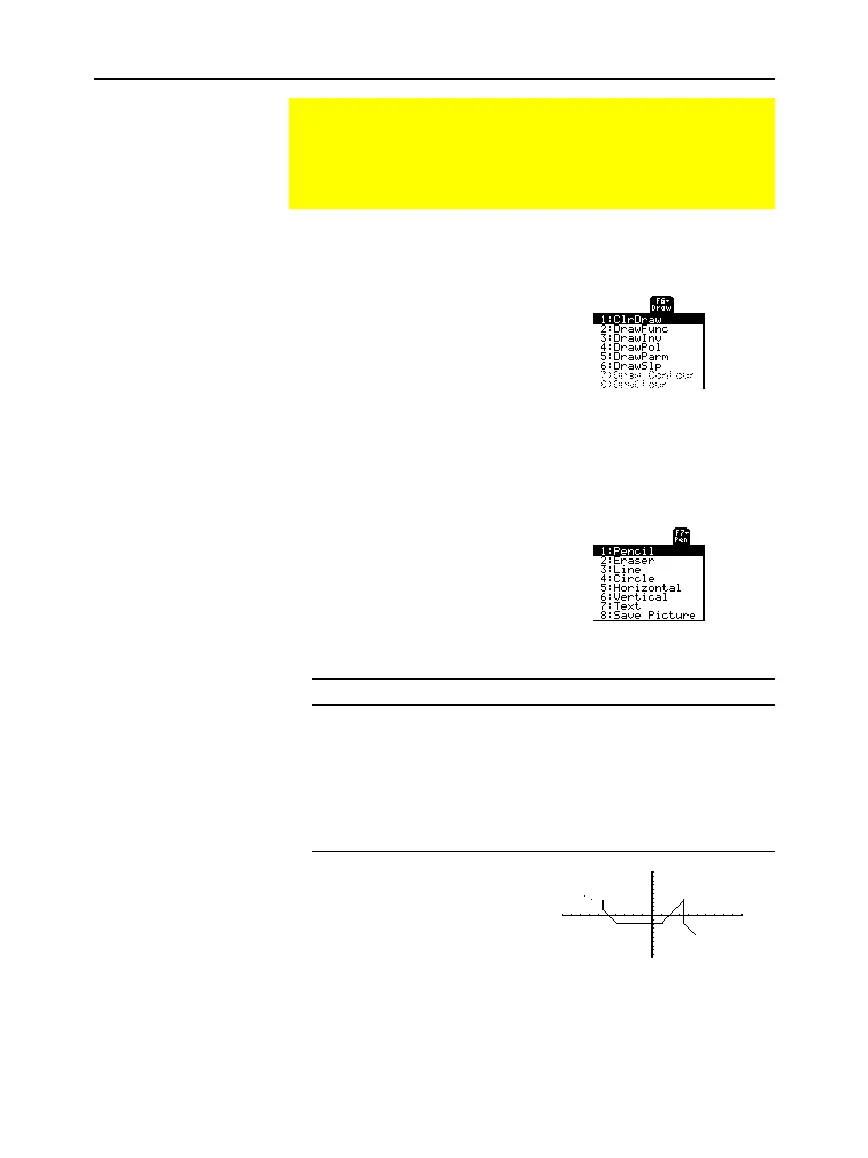
Drawing a Point or a
Freehand Line
Tip: When drawing a
freehand line, you can move
the cursor diagonally.
Note: If you start drawing
on a white pixel, the pencil
draws a black point or line.
If you start on a black pixel,
the pencil draws a white
point or line (which can act
as an eraser).



 To Next Page
 Loading...













