Chapter 17: Programming 301
17PROGRM.DOC TI-89/TI-92 Plus: Programming (English) Susan Gullord Revised: 02/23/01 1:14 PM Printed: 02/23/01 2:18 PM Page 301 of 40
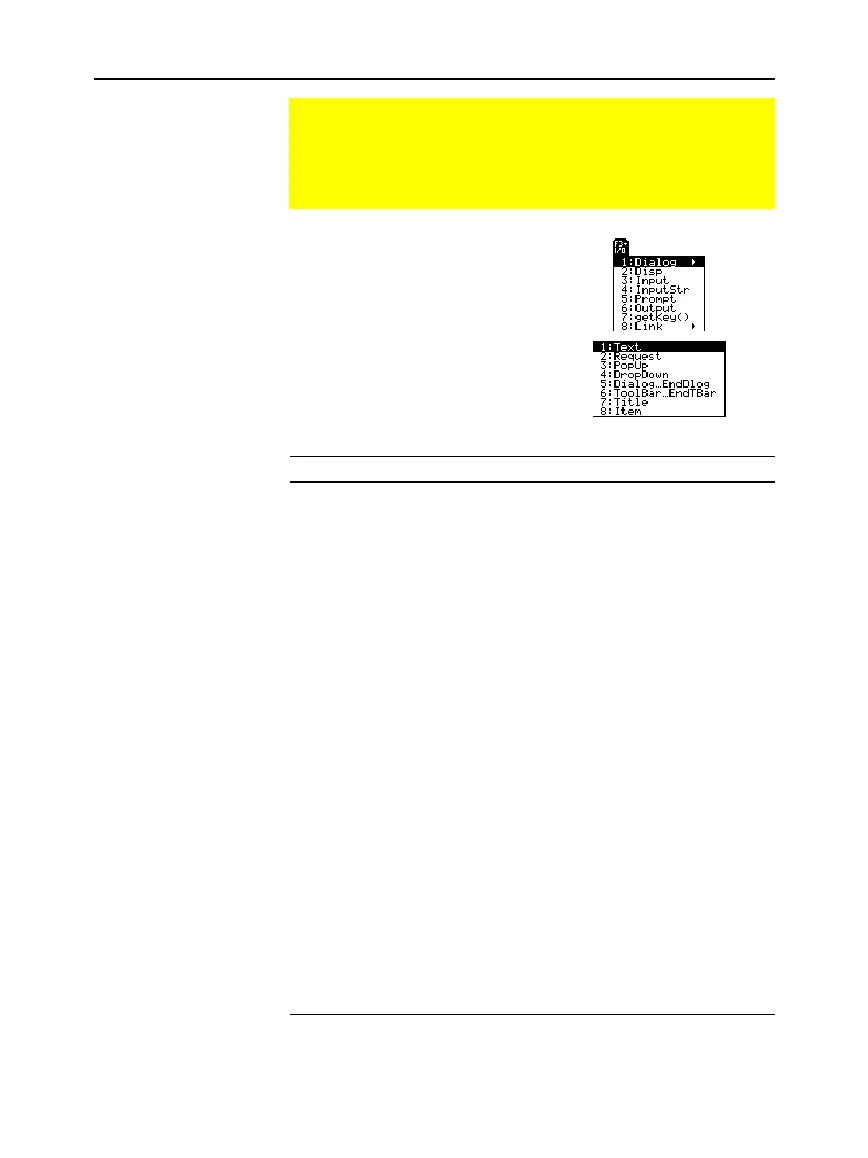
To enter most of the commonly
used input/output commands, use
the Program Editor’s
…
I/O
toolbar
menu.
To see a submenu that lists
additional commands, select
1:Dialog
.
Command Description
getKey
Returns the key code of the next key pressed. See
Appendix B for a listing of key codes.
Input
Prompts the user to enter an expression. The
expression is treated according to how it is entered.
For example:
¦
A numeric expression is treated as an
expression.
¦ An expression enclosed in "quotes" is treated as
a string.
Input
can also display the Graph screen and let the
user update the variables
xc
and
yc
(
rc
and
q
c
in
polar mode) by positioning the graph cursor.
InputStr
Prompts the user to enter an expression. The
expression is always treated as a string; the user
does not need to enclose the expression in "quotes".
PopUp
Displays a pop-up menu box and lets the user select
an item.
Prompt
Prompts the user to enter a series of expressions. As
with
Input
, each expression is treated according to
how it is entered.
Request
Displays a dialog box that prompts the user to enter
an expression.
Request
always treats the entered
expression as a string.
Getting Input from the User and Displaying Output
Although values can be built into a program (or stored to
variables in advance), a program can prompt the user to enter
information while the program is running. Likewise, a program
can display information such as the result of a calculation.
…
I/O Toolbar Menu
Input Commands
Tip: String input cannot be
used in a calculation. To
convert a string to a numeri
expression, use the expr
command.



 To Next Page
 Loading...













