Chapter 17: Programming 311
17PROGRM.DOC TI-89/TI-92 Plus: Programming (English) Susan Gullord Revised: 02/23/01 1:14 PM Printed: 02/23/01 2:18 PM Page 311 of 40
This example is the program given in the preview at the beginning of
the chapter. Refer to the preview for detailed information.
:prog1()
:Prgm
:Request "Enter an integer",n
:expr(n)
!
n
:0
!
temp
:For i,1,n,1
: temp+i
!
temp
:EndFor
:Disp temp
:EndPrgm
This example uses
InputStr
for input, a
While...EndWhile
loop to
calculate the result, and
Text
to display the result.
:prog2()
:Prgm
:InputStr "Enter an integer",n
:expr(n)
!
n
:0
!
temp:1
!
i
:While i
n
: temp+i
!
temp
: i+1
!
i
:EndWhile
:Text "The answer is "&string(temp)
:EndPrgm
This example uses
Prompt
for input,
Lbl
and
Goto
to create a loop,
and
Disp
to display the result.
:prog3()
:Prgm
:Prompt n
:0
!
temp:1
!
i
:Lbl top
: temp+i
!
temp
: i+1
!
i
: If i
n
: Goto top
:Disp temp
:EndPrgm
Example: Using Alternative Approaches
The preview at the beginning of this chapter shows a program
that prompts the user to enter an integer, sums all integers
from 1 to the entered integer, and displays the result. This
section gives several approaches that you can use to achieve
the same goal.
Example 1
Example 2
Tip: For
, type
¥
µ
(zero).
For &, press:
TI
.
89:
¥p
(times
)
TI
.
92 Plus:
2
H
Example 3
Note: Because
Prompt
returns n as a number, you
do not need to use
expr
to
convert n.
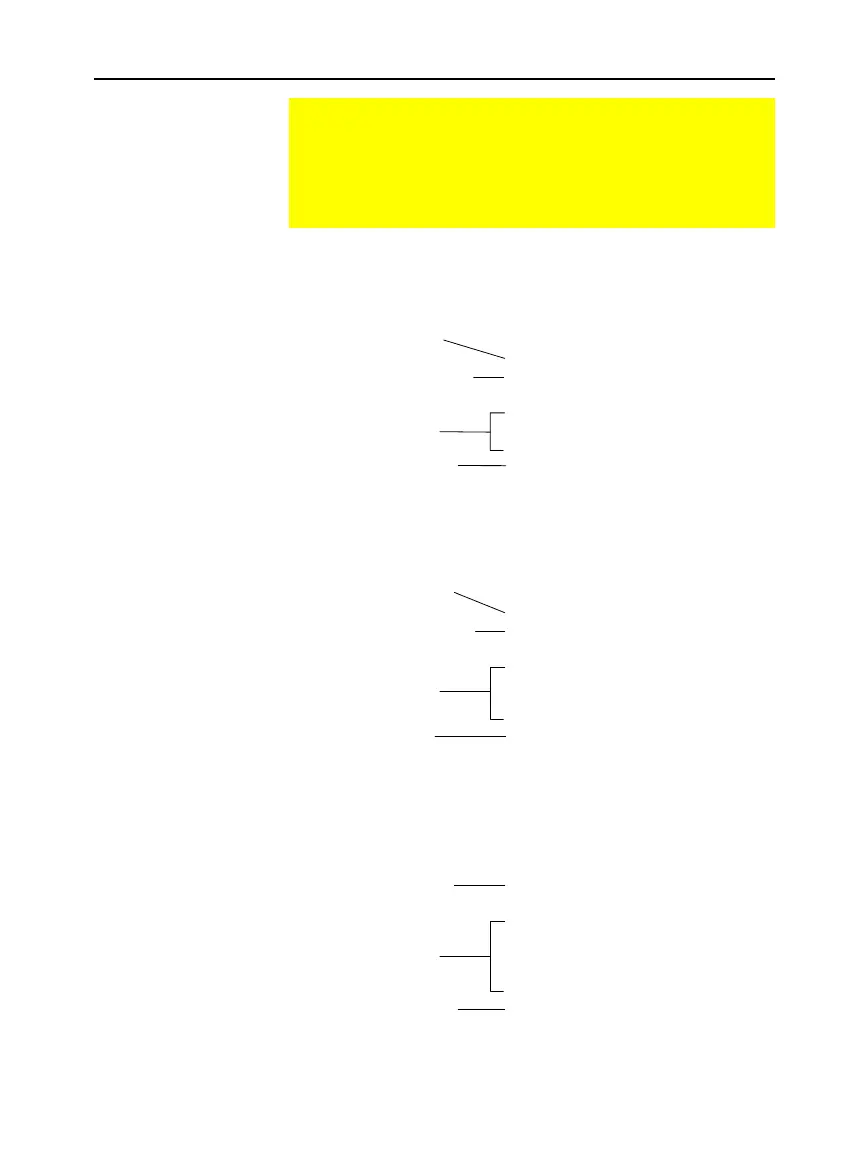
Converts string entered
with
Request
to an
expression.
Converts string entered
with
InputStr
to an
expression.
Prompts for input
in a dialog box.
Loop calculation.
Displays output on
Program I/O screen.
Prompts for input on
Program I/O screen.
Prompts for input on
Program I/O screen.
Loop calculation.
Loop calculation.
Displays output on
Program I/O screen.
Displays output
in a dialog box.


 To Next Page
 Loading...














